Best Cursor Alternatives for AI Coding in 2026
Cursor is the default AI editor for many developers, but not every team wants a new editor, usage-based agent pricing, or a closed workflow. The alternatives split into three camps: open-source editor agents, terminal agents, and competing AI IDEs.
Quick Answer
Choose Cline if you want the closest open-source editor-agent alternative, Windsurf if you still want an AI-native IDE, Claude Code if you prefer terminal-first autonomous work, OpenCode or Aider if you want local CLI control, and GitHub Copilot if you want the broadest mainstream IDE integration.
Shortlist
Tools worth comparing first

Cline
Best open-source Cursor alternative
VS Code users who want an agent workflow without moving into a proprietary editor.
Provider setup, model cost, and extension ergonomics still require operator judgment.

Windsurf
Best direct AI IDE alternative
Teams that like the AI-native editor model but want a different product surface from Cursor.
It is still a proprietary IDE choice, so migration friction remains real.
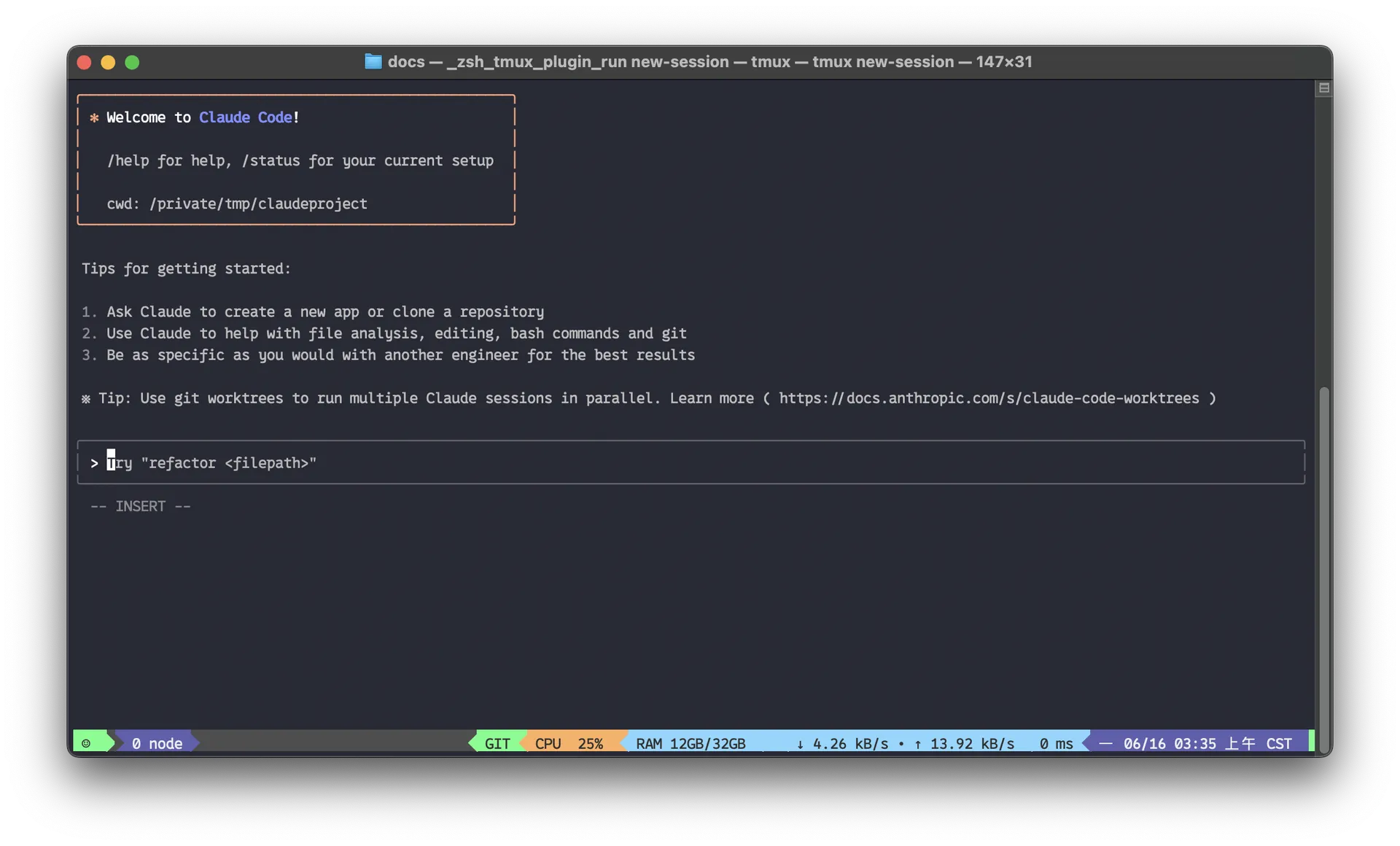
Claude Code
Best terminal-first alternative
Developers who trust terminal workflows and want deeper autonomous repo changes.
It changes the workflow more radically than switching from one AI editor to another.

OpenCode
Best open terminal alternative
Developers who want agentic coding without tying the workflow to a GUI editor.
It demands more comfort with CLI, providers, and explicit review.

GitHub Copilot
Best GitHub-native agent suite
Teams standardized on GitHub and existing IDEs that want editor, CLI, cloud-agent, and review workflows under one account.
Its strongest orchestration features assume a GitHub-centered workflow, and premium agent usage is governed by plan credits.
Decision Table
Pick by the constraint you actually have
The useful way to compare Cursor alternatives
Most weak Cursor alternatives lists mix autocomplete tools, terminal agents, and no-code app builders into one pile. That is lazy. The right comparison starts with the workflow you are replacing.
Replacing Cursor as an editor points you toward Cline, Windsurf, Copilot, or Continue.
Replacing Cursor Agent for autonomous repo work points you toward Claude Code, OpenCode, or Aider.
Replacing Cursor for app generation points you toward v0, Lovable, Bolt.new, or Replit Agent instead.
Replacing Cursor for cost reasons requires checking usage limits, not just monthly plan names.
Pricing and student discounts can change the answer
Budget is often the real reason to reconsider Cursor. Compare the full monthly cost for your usage pattern, then check whether student pricing, team controls, or a different billing model changes the decision.
Use the official plan page as the source of truth for current Cursor pricing.
Compare total monthly usage across alternatives, not just the advertised base plan.
If you are a student, check whether discounted access changes the decision before switching tools.
If you need team governance, compare admin controls and privacy defaults, not only the editor UX.
FAQ
What is the closest open-source Cursor alternative?
Cline is the closest fit when the goal is an open-source editor agent. Continue is also relevant when you want open tooling around checks, autocomplete, and IDE workflows.
Is Claude Code better than Cursor?
It depends on the job. Claude Code is stronger for terminal-first autonomous repo work. Cursor is more natural for daily editor work, inline changes, and IDE continuity.
Should I switch from Cursor to a browser app builder?
Only if your real job is app generation rather than coding inside a local repo. In that case, compare v0, Lovable, Bolt.new, Replit Agent, and GitHub Spark.