
GitHub Copilot
GitHub-native coding assistant spanning completion, agent workflows, code review, CLI, and desktop orchestration.
Do not bounce yet
Read the fit check, compare one alternative, then decide whether the vendor page is still your best next click.
Quick Verdict
Fast fit check before you leave the page
Make the fit call first. Vendor pages are good at selling, but they rarely tell you where the product is a bad match.
- GitHub-centric teams that want agent work to flow through issues, pull requests, and reviews
- Developers comparing GitHub Copilot vs Cursor for editor-based agentic coding
- Terminal users comparing Copilot CLI with Claude Code or OpenAI Codex
- Most differentiated orchestration features assume a GitHub-centered workflow
- Premium-model and agent usage is governed by plan credits and feature-specific limits
- Autonomous changes still require human review for correctness and security
Compare Next
Take one more internal step before the vendor pitch
This is where visitors usually jump out too early. Read one deeper take or open one alternative so the next click is informed instead of impulsive.
Alternative profile
Amazon Q Developer
AWS-native coding assistant with agentic IDE and CLI workflows, modernization tools, and operational help across the AWS stack.
Alternative profile
Claude Code
Anthropic’s agentic coding platform for terminal, IDE, desktop, web, CI, and code-review workflows.
Alternative profile
Cursor
AI code editor with local, cloud, CLI, and mobile coding agents
GitHub Copilot is no longer just an autocomplete extension. Its 2026 product surface spans editor completion, agent mode, GitHub-hosted cloud agents, code review, Copilot CLI, a desktop workspace for coordinating agent-driven work, and organization controls for models and MCP servers. That breadth makes it one of the most complete options for teams already centered on GitHub, while also making plan limits and human review more important than the old 'AI pair programmer' framing suggested.
GitHub Copilot has expanded from editor completion into a multi-surface agent platform. Developers can use completion and next-edit suggestions in supported IDEs, run agent mode locally, delegate work to cloud agents from GitHub, review code, work from Copilot CLI, and coordinate agent-driven tasks in GitHub's desktop app. Model choice, third-party agents, custom agents, and MCP integrations make it broad, but its strongest value still comes from deep GitHub workflow integration.
Why Choose GitHub Copilot?
Choose Copilot when issues, repositories, pull requests, reviews, and organization policy already live in GitHub and you want agents integrated into that workflow.
It supports both interactive editor work and delegated background tasks, so teams do not need separate products for completion, local agent mode, and cloud-agent pull requests.
Model selection, custom agents, supported third-party agents, and MCP connectivity reduce dependence on one fixed model or one narrow interaction surface.
The Free plan offers 2,000 monthly completions and Copilot CLI, while paid individual plans add cloud agents, code review, broader model access, and larger credit allowances.
Key Features
Code completion and next-edit suggestions in supported editors
Editor agent mode that can propose edits and validate files
Cloud agents assignable from GitHub for background implementation work
Copilot code review and GitHub-native pull request workflow support
Copilot CLI for terminal-based assistance
Desktop workspace for launching, tracking, reviewing, and merging agent-driven work
Model selection plus access to GitHub, custom, and supported third-party agents
MCP connectivity with organization controls for approved servers
Pros & Cons
- Covers editor, terminal, GitHub, web, and desktop workflows under one account
- Deep repository, issue, pull request, and organization-policy integration
- Choice of models and agent types instead of a single fixed assistant
- Free plan provides a practical evaluation path
- Most differentiated orchestration features assume a GitHub-centered workflow
- Premium-model and agent usage is governed by plan credits and feature-specific limits
- Autonomous changes still require human review for correctness and security
- IDE_PLUGIN remains the closest primary taxonomy value even though Copilot now spans CLI, web, and desktop surfaces
Detailed Use Cases for GitHub Copilot
Assign suitable implementation work to a Copilot cloud agent, inspect its progress and proposed changes in GitHub, then keep human approval at the pull-request boundary.
Use agent mode in a supported editor when the task needs repository exploration, coordinated file edits, and validation rather than a single completion.
Use Copilot CLI for command-line coding workflows without giving up the GitHub account and policy context used elsewhere.
The Copilot desktop workspace is aimed at launching and tracking several agent-driven tasks, reviewing their changes, and merging completed work from one GitHub-native surface.
Organizations can manage agent usage, audit activity, and control approved MCP integrations, but autonomous output still needs security and correctness review.
Who Should Use GitHub Copilot?
GitHub-centric teams that want agent work to flow through issues, pull requests, and reviews
Developers comparing GitHub Copilot vs Cursor for editor-based agentic coding
Terminal users comparing Copilot CLI with Claude Code or OpenAI Codex
Engineering organizations that need centrally governed access to models, agents, and MCP servers
Developers who want one account spanning IDE, CLI, GitHub web, and desktop agent workflows
Perfect For
Interactive completion and agentic editing inside supported IDEs
Delegating GitHub issues to cloud agents and reviewing the resulting pull requests
Running coding assistance from the terminal with Copilot CLI
Coordinating several agent-driven tasks from the Copilot desktop workspace
Applying organization controls to models, agents, and MCP integrations
Technical Details
Direct Competitors
Cursor (AI-first editor)
Claude Code (terminal-first coding agent)
OpenAI Codex (cloud and CLI coding agent)
Amazon Q Developer (AWS-centered assistant)
Similar Tools You Might Like

Open-source coding agent spanning VS Code, JetBrains, the terminal, and cloud workflows with broad model choice and provider-rate pricing.
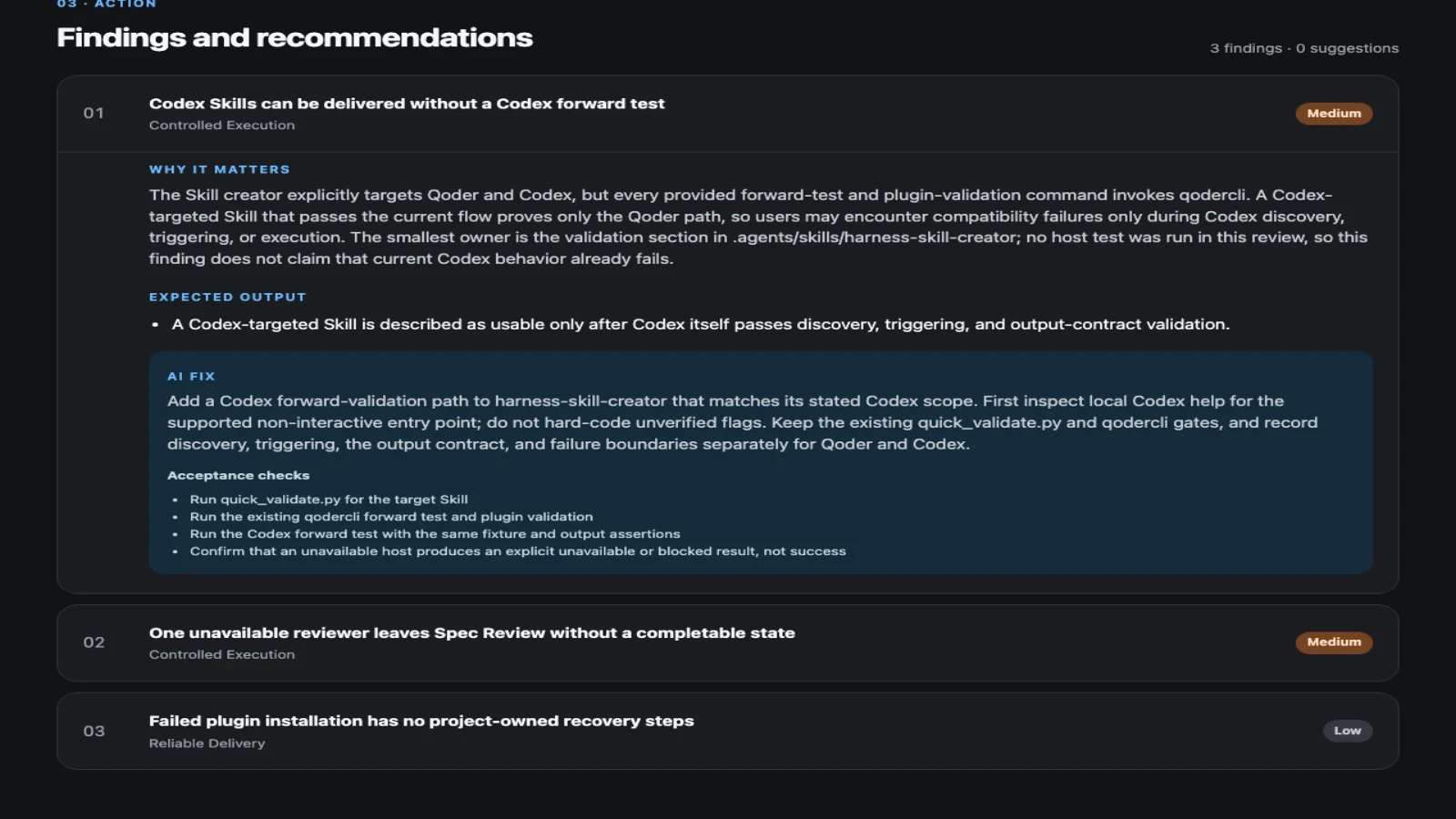
MIT-licensed workflow-inspection plugin that turns coding-agent project and session evidence into prioritized, verifiable improvements.
MIT-licensed workflow plugin that gives Claude Code, Codex, Cursor, OpenCode, and other coding agents a plan-work-review-compound engineering loop.
Alternative Tools to Consider

AWS-native coding assistant with agentic IDE and CLI workflows, modernization tools, and operational help across the AWS stack.
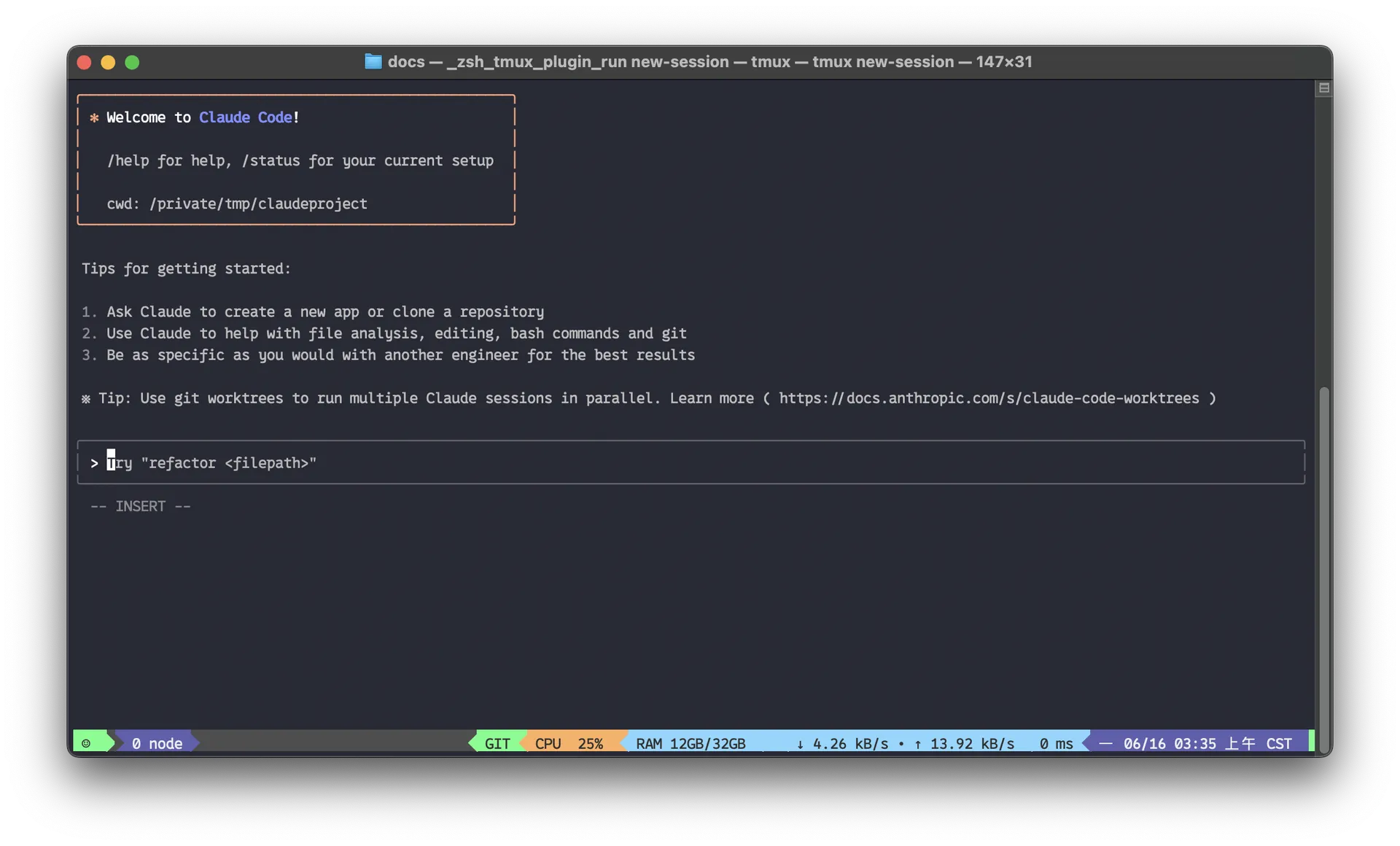
Anthropic’s agentic coding platform for terminal, IDE, desktop, web, CI, and code-review workflows.

AI code editor with local, cloud, CLI, and mobile coding agents

OpenAI's open-source agent harness for terminal coding, SDK automation, app-server integrations, IDE work, and cloud-assisted workflows.
Do one more comparison before you commit to GitHub Copilot
Strong picks usually survive one more internal check. Read deeper, compare a neighbor, then leave for the vendor page if the fit still holds.