
Cline
Open-source coding agent for VS Code and the terminal with browser automation, MCP extensibility, and human-in-the-loop approvals.
Do not bounce yet
Read the fit check, compare one alternative, then decide whether the vendor page is still your best next click.
Quick Verdict
Fast fit check before you leave the page
Make the fit call first. Vendor pages are good at selling, but they rarely tell you where the product is a bad match.
- Developers who want a serious open-source alternative to Claude Code or closed IDE agents
- Teams experimenting with MCP-extended coding workflows
- Founders and engineers who need browser-aware debugging plus repo-level task execution
- Free product access does not mean free usage, because model inference still costs money unless you run local models or use promotions
- The product line now spans open source, teams, and enterprise offerings, so newcomers can misread pricing or capability boundaries
- Like every serious coding agent, it still needs human review because speed and confidence can amplify bad decisions too
Compare Next
Take one more internal step before the vendor pitch
This is where visitors usually jump out too early. Read one deeper take or open one alternative so the next click is informed instead of impulsive.
Related article
Cline Review 2026: Pricing, VS Code, CLI, and Alternatives
A practical Cline review covering pricing, VS Code and CLI workflows, model choice, permissions, tradeoffs, and alternatives.
Alternative profile
Claude Code Router
MIT-licensed local gateway and desktop control plane for routing Claude Code, Codex, Grok CLI, and compatible agents across model providers.
Alternative profile
Claude Code
Anthropic’s agentic coding platform for terminal, IDE, desktop, web, CI, and code-review workflows.
Alternative profile
Claude Code Chat
Source-available VS Code and Cursor interface for Claude Code with checkpoints, inline diffs, history, permissions, and extension marketplaces.
Cline is an open-source coding agent that sits in the overlap between IDE assistant, terminal agent, and browser-capable debugging tool. If you want more than autocomplete but do not want to hand your workflow to a closed black box, Cline deserves a hard look.
Cline is one of the most credible open-source coding agents in the market, spanning a VS Code extension, a terminal CLI, browser-assisted debugging, and MCP-based extensibility. It goes well beyond autocomplete by reading and editing files, executing commands, exploring codebases, and helping with multi-step engineering tasks while keeping the developer in the loop for approvals. For teams that want a real agentic coding tool without being trapped inside one closed IDE vendor or one locked model stack, Cline is an obvious directory inclusion rather than a speculative edge case.
Why Choose Cline?
Combines IDE workflow, terminal execution, and browser-assisted debugging in one agentic tool.
Open-source core and model-provider flexibility reduce lock-in compared with closed coding agents.
Human approvals for edits and commands make it more reviewable than agents that try to disappear into the background.
Key Features
Open-source coding agent available as a VS Code extension and a terminal CLI
Human-in-the-loop workflow for file edits and command execution instead of blind autonomous write access
Browser-assisted debugging and testing for web workflows, not just chat-based code generation
MCP extensibility for custom tools, external systems, and workflow-specific integrations
Model and provider flexibility across Anthropic, OpenAI, Gemini, OpenRouter, Bedrock, Vertex, Groq, Cerebras, and more
Optional JetBrains and team/enterprise layers on top of the open-source core
Pros & Cons
- Cline is a real category leader in open-source agentic coding, not some flimsy wrapper pretending to be a product
- The combination of IDE workflow, terminal execution, browser automation, and MCP support gives it unusually broad task coverage
- Bring-your-own-provider support reduces lock-in and makes the tool usable across different model stacks and budgets
- The approval loop is a meaningful safety advantage over agents that encourage silent local execution
- Free product access does not mean free usage, because model inference still costs money unless you run local models or use promotions
- The product line now spans open source, teams, and enterprise offerings, so newcomers can misread pricing or capability boundaries
- Like every serious coding agent, it still needs human review because speed and confidence can amplify bad decisions too
- Some workflows depend on model quality and provider configuration, so the experience is less predictable than single-stack hosted tools
Detailed Use Cases for Cline
Use Cline for multi-file edits, codebase exploration, refactors, and implementation loops directly inside the editor with explicit approvals.
Use Cline CLI for terminal-first engineering tasks, recurring scripts, and operational coding workflows where shell access matters.
Who Should Use Cline?
Developers who want a serious open-source alternative to Claude Code or closed IDE agents
Teams experimenting with MCP-extended coding workflows
Founders and engineers who need browser-aware debugging plus repo-level task execution
Perfect For
Agentic repo work such as refactors, multi-file edits, and command-driven implementation loops inside VS Code
Terminal-first coding workflows where developers want a CLI agent for scripts, cron jobs, and CI-style automation
Browser-assisted debugging for web apps where the agent needs to inspect runtime behavior instead of guessing from static code
Custom engineering workflows that benefit from MCP servers and model-provider flexibility
Technical Details
Direct Competitors
Claude Code
Roo Code
OpenAI Codex
Gemini CLI
Similar Tools You Might Like
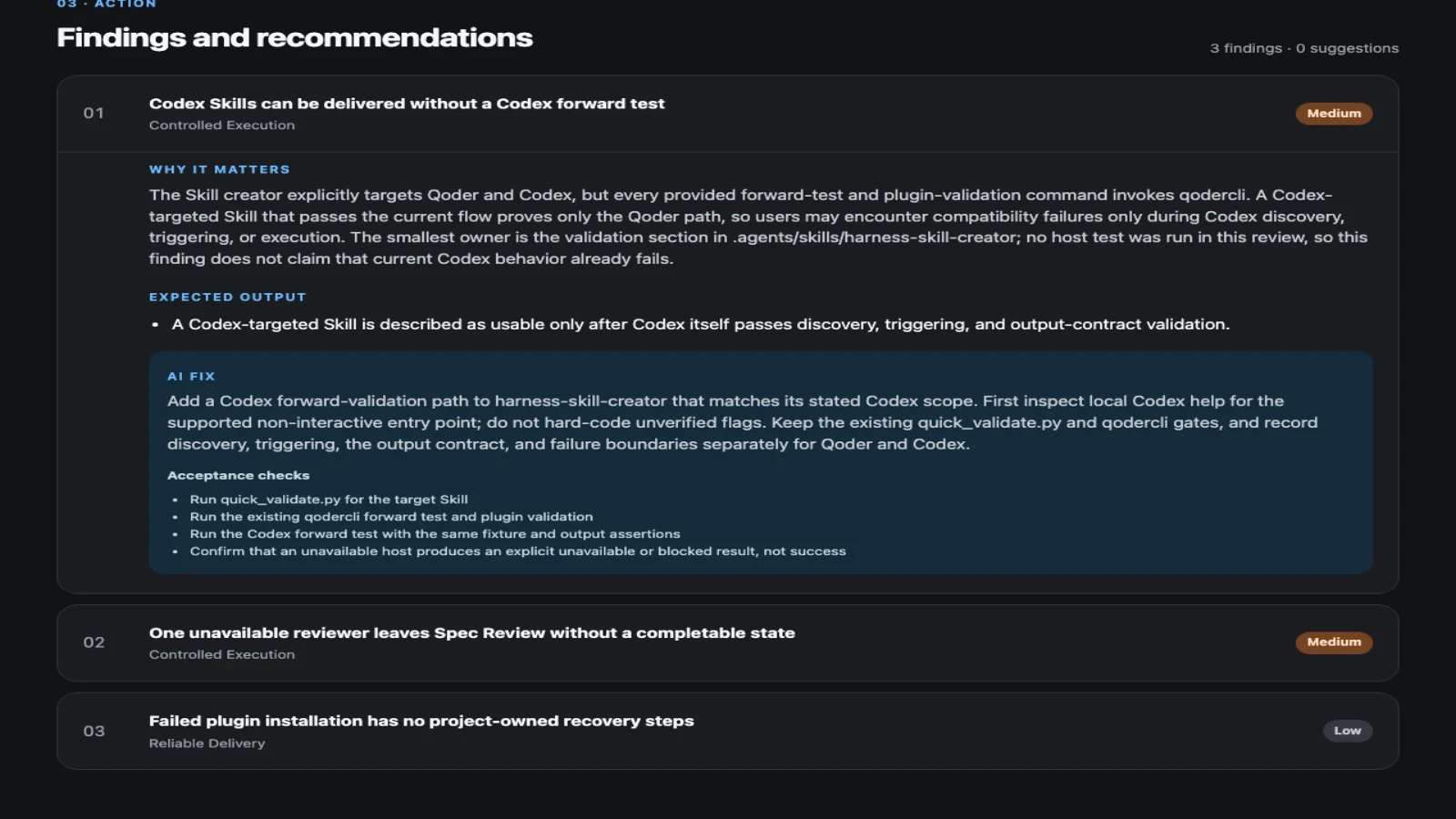
MIT-licensed workflow-inspection plugin that turns coding-agent project and session evidence into prioritized, verifiable improvements.
MIT-licensed workflow plugin that gives Claude Code, Codex, Cursor, OpenCode, and other coding agents a plan-work-review-compound engineering loop.

MIT-licensed skills framework and software-development methodology that makes Claude Code, Codex, Cursor, OpenCode, Pi, and other coding agents follow spec, TDD, review, and branch workflows.
Alternative Tools to Consider

MIT-licensed local gateway and desktop control plane for routing Claude Code, Codex, Grok CLI, and compatible agents across model providers.

Anthropic’s agentic coding platform for terminal, IDE, desktop, web, CI, and code-review workflows.

Source-available VS Code and Cursor interface for Claude Code with checkpoints, inline diffs, history, permissions, and extension marketplaces.

Open-source terminal dashboard for tracking Claude Code token usage, burn rate, and predicted session cutoffs.

Google's open-source terminal coding agent with Gemini 3 models, MCP extensibility, and strong headless automation workflows.

OpenAI's open-source agent harness for terminal coding, SDK automation, app-server integrations, IDE work, and cloud-assisted workflows.
Do one more comparison before you commit to Cline
Strong picks usually survive one more internal check. Read deeper, compare a neighbor, then leave for the vendor page if the fit still holds.