
OpenCode
MIT-licensed coding agent with terminal, desktop, web, and IDE clients, plus reusable Agent Skills and provider-agnostic model support.
Do not bounce yet
Read the fit check, compare one alternative, then decide whether the vendor page is still your best next click.
Quick Verdict
Fast fit check before you leave the page
Make the fit call first. Vendor pages are good at selling, but they rarely tell you where the product is a bad match.
- Developers who prefer terminal-native coding but also want desktop, web, or IDE access
- Teams packaging repeatable coding workflows as Agent Skills
- Builders who want open-source agentic coding with provider choice and inspectable infrastructure
- Rapid release velocity and a development-focused default branch increase upgrade and documentation churn
- The software is free, but model-provider or OpenCode Zen usage can still incur separate costs
- A 2026 security disclosure documented unauthenticated server exposure in older versions; current authentication is optional, so operators must configure it rather than assume server mode is safe by default
Compare Next
Take one more internal step before the vendor pitch
This is where visitors usually jump out too early. Read one deeper take or open one alternative so the next click is informed instead of impulsive.
Alternative profile
Claude Code Router
MIT-licensed local gateway and desktop control plane for routing Claude Code, Codex, Grok CLI, and compatible agents across model providers.
Alternative profile
Aider
Open-source terminal coding agent with git-native edits, repo mapping, and broad model support
Alternative profile
Claude Code
Anthropic’s agentic coding platform for terminal, IDE, desktop, web, CI, and code-review workflows.
OpenCode has grown from a terminal-first Claude Code alternative into a multi-client, provider-agnostic coding-agent platform. The current v1.18.15 release spans a TUI, desktop builds, web and IDE clients, reusable Agent Skills, MCP and ACP extensibility, and an OpenAPI server. The MIT-licensed core is free, while model usage is separate; anyone enabling server or web modes should use the documented Basic Auth settings rather than treating a local listener as a security boundary.
OpenCode is a provider-agnostic AI coding agent whose current product spans a terminal TUI, cross-platform desktop releases, a web client, and IDE integrations. At v1.18.15, it offers a mature multi-client surface around plan/build workflows, reusable SKILL.md-based Agent Skills, LSP/MCP/ACP extensibility, and an OpenAPI server that can be protected with HTTP Basic Auth. It is a strong open-source option for developers who want agentic coding without committing the workflow to one model vendor, but model usage is billed separately and exposed server modes still require deliberate authentication and network configuration.
Why Choose OpenCode?
OpenCode now supports terminal, desktop, web, and IDE workflows without giving one model vendor ownership of the whole coding environment.
Reusable SKILL.md Agent Skills can be discovered from OpenCode-native, Claude-compatible, and .agents paths, which makes team procedures easier to carry between coding agents.
LSP, MCP, ACP, plugins, SDKs, and an OpenAPI 3.1 server make OpenCode useful as infrastructure as well as an interactive coding tool.
The project has unusually strong public traction and independent discussion, but teams should evaluate release churn, provider costs, and server authentication rather than relying on star count alone.
Key Features
Terminal TUI, cross-platform desktop builds, web client, and IDE integrations around the same coding-agent server
Provider-agnostic model configuration, including OpenCode Zen plus external LLM providers
Plan and build workflows with configurable agents, tools, commands, and granular permissions
Reusable SKILL.md Agent Skills discovered from OpenCode, Claude-compatible, and .agents project or global paths
Built-in LSP support plus MCP servers, ACP client compatibility, plugins, SDKs, and an OpenAPI 3.1 server
Optional HTTP Basic Auth for opencode serve and opencode web through OPENCODE_SERVER_PASSWORD and OPENCODE_SERVER_USERNAME
Open-source MIT licensing with fast-moving public releases; v1.18.15 shipped on 2026-08-07
Pros & Cons
- One of the strongest open-source alternatives to proprietary terminal coding agents
- Provider flexibility reduces dependence on one model vendor or subscription
- Agent Skills and Claude-compatible skill discovery make reusable workflows portable across repositories and clients
- The terminal, desktop, web, IDE, SDK, and server surfaces support both interactive and programmatic workflows
- Large repository activity and a high-engagement Hacker News launch provide stronger evidence than launch marketing alone
- Rapid release velocity and a development-focused default branch increase upgrade and documentation churn
- The software is free, but model-provider or OpenCode Zen usage can still incur separate costs
- A 2026 security disclosure documented unauthenticated server exposure in older versions; current authentication is optional, so operators must configure it rather than assume server mode is safe by default
- Windows is supported, but the official getting-started guide recommends WSL for the best terminal experience
- Teams needing contractual enterprise support, compliance guarantees, or a fully managed model stack may still prefer a commercial platform
Detailed Use Cases for OpenCode
Use plan mode to explore a codebase and review an implementation approach before switching into editing and execution.
Store reusable SKILL.md workflows in OpenCode-native, Claude-compatible, or .agents paths and control access with skill permissions.
Move between the terminal TUI, desktop app, web client, and IDE integrations while keeping OpenCode as the underlying agent server.
Integrate through the SDK or OpenAPI 3.1 server, set OPENCODE_SERVER_PASSWORD, and avoid unnecessary non-loopback or mDNS exposure.
Who Should Use OpenCode?
Developers who prefer terminal-native coding but also want desktop, web, or IDE access
Teams packaging repeatable coding workflows as Agent Skills
Builders who want open-source agentic coding with provider choice and inspectable infrastructure
Automation engineers integrating coding sessions through an authenticated SDK or OpenAPI server
Perfect For
Terminal-native implementation and plan-before-build work across large repositories
Reusable team workflows packaged as repository-local Agent Skills
Multi-provider coding workflows that compare hosted or local model backends
Desktop, web, or IDE access to the same OpenCode sessions and agent configuration
Authenticated local automation through the SDK or OpenAPI server
Technical Details
Direct Competitors
Claude Code
Gemini CLI
Aider
Goose
Similar Tools You Might Like

MIT-licensed local memory server and CLI for carrying coding context, summaries, and handoffs across Claude Code, Codex, Cursor, OpenCode, and other agent clients.
MIT-licensed codebase knowledge graph and MCP server for structural search, natural-language exploration, data-flow tracing, and agent-assisted edits across mixed-language repositories.
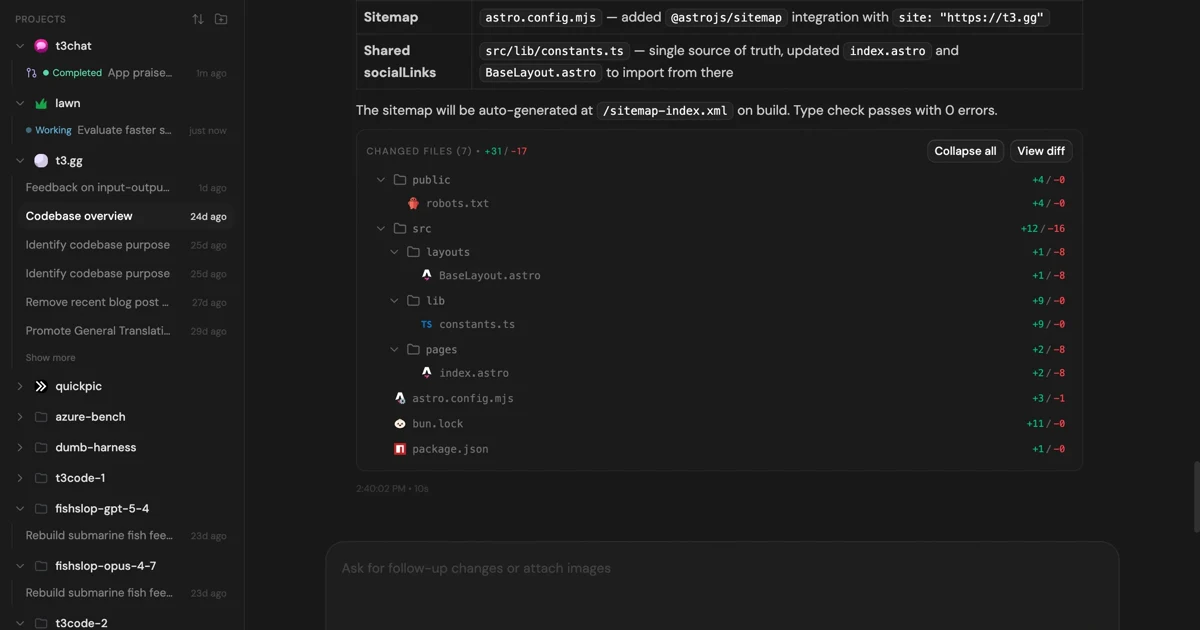
MIT-licensed control plane for running Claude Code, Codex, Cursor, Grok, and OpenCode threads from desktop, web, iOS, and Android clients.
Alternative Tools to Consider

MIT-licensed local gateway and desktop control plane for routing Claude Code, Codex, Grok CLI, and compatible agents across model providers.

Open-source terminal coding agent with git-native edits, repo mapping, and broad model support

Anthropic’s agentic coding platform for terminal, IDE, desktop, web, CI, and code-review workflows.

Source-available VS Code and Cursor interface for Claude Code with checkpoints, inline diffs, history, permissions, and extension marketplaces.

Open-source terminal dashboard for tracking Claude Code token usage, burn rate, and predicted session cutoffs.

Google's open-source terminal coding agent with Gemini 3 models, MCP extensibility, and strong headless automation workflows.
Do one more comparison before you commit to OpenCode
Strong picks usually survive one more internal check. Read deeper, compare a neighbor, then leave for the vendor page if the fit still holds.