
Claude Squad
Open-source terminal app for managing multiple AI coding agents like Claude Code, Codex, OpenCode, and Aider across isolated workspaces.
Do not bounce yet
Read the fit check, compare one alternative, then decide whether the vendor page is still your best next click.
Quick Verdict
Fast fit check before you leave the page
Make the fit call first. Vendor pages are good at selling, but they rarely tell you where the product is a bad match.
- Developers already using Claude Code, Codex, Gemini CLI, Aider, or OpenCode who want a cleaner multi-agent workflow
- Terminal-heavy builders running several repo tasks in parallel
- Teams experimenting with git worktree-based coding-agent orchestration
- You still need to manage the underlying agents, credentials, and subscriptions yourself; Claude Squad is the control layer, not the model vendor.
- tmux and GitHub CLI are prerequisites, so this is not the easiest path for non-terminal users.
- Parallelizing agent work can multiply review debt if you supervise badly.
Compare Next
Take one more internal step before the vendor pitch
This is where visitors usually jump out too early. Read one deeper take or open one alternative so the next click is informed instead of impulsive.
Related article
Claude Squad Review 2026: Multi-Agent Terminal Control for Claude Code, Codex, and Aider
A practical Claude Squad review covering multi-agent terminal workflows, git worktrees, tmux, pricing reality, AGPL licensing, tradeoffs, and alternatives like Agent Deck, Orca, Paseo, and Aider.
Alternative profile
Amp
Multi-model frontier coding agent for the terminal and editors with shareable threads, subagents, and usage-based credit billing.
Alternative profile
Paseo
Self-hosted cross-device control layer for Claude Code, Codex, Copilot, OpenCode, and Pi across web, desktop, mobile, and CLI.
Alternative profile
Superset
Worktree-based macOS editor for running and reviewing multiple CLI coding agents like Claude Code, Codex, Gemini CLI, and OpenCode in parallel.
Claude Squad is what you reach for when one coding agent session turns into five and your terminal starts looking stupid. Instead of pretending developers enjoy manually juggling tmux panes, branches, and prompts, it gives you a dedicated terminal app to launch, supervise, pause, review, and ship multiple AI coding agents across isolated workspaces.
Claude Squad is a terminal-native orchestration layer for developers who already use AI coding agents and have hit the obvious scaling problem: session sprawl. Instead of juggling stray tmux panes, shared branches, and half-remembered tasks, it manages multiple agents in one TUI, gives each task an isolated git workspace, and supports agents such as Claude Code, Codex, Gemini, Aider, OpenCode, and Amp through configurable launch commands. That makes it meaningfully relevant to real vibe-coding workflows, especially when one repo needs several parallel tasks without branch collisions or context chaos.
Why Choose Claude Squad?
Choose Claude Squad if you already believe in terminal-native coding agents and the real bottleneck is coordination, not raw model output.
Its isolated git workspace model is the sane answer to parallel agent work on one repository; shared branches are how you create self-inflicted mess.
Because it supports Claude Code, Codex, Gemini CLI, Aider, OpenCode, and similar tools through configurable commands, it avoids locking you into one upstream vendor.
The open-source AGPL codebase, public releases, and ongoing commits make it more defensible than the flood of thin dashboards built around one weekend of hype.
Key Features
Runs multiple AI coding agents in parallel from one terminal UI instead of scattering them across ad hoc tmux sessions.
Creates isolated git workspaces per task so agents can work on separate branches without stepping on each other.
Supports configurable program profiles for Claude Code, Codex, Gemini CLI, Aider, OpenCode, Amp, and similar terminal-native agents.
Includes review-oriented flows such as diff preview, checkout, resume, and commit-and-push actions from inside the TUI.
Ships as an open-source Go application with published releases for macOS, Linux, and Windows.
Works with existing local tooling instead of forcing one vendor-specific coding surface.
Pros & Cons
- Claude Squad solves a real operational problem once you stop pretending one foreground agent session is enough.
- The worktree-first model is much safer than letting several agents fight inside one shared branch.
- Support for multiple upstream agents makes it more strategically useful than a Claude-only dashboard.
- Open-source AGPL code and a real release cadence make it more credible than most launch-week wrappers.
- You still need to manage the underlying agents, credentials, and subscriptions yourself; Claude Squad is the control layer, not the model vendor.
- tmux and GitHub CLI are prerequisites, so this is not the easiest path for non-terminal users.
- Parallelizing agent work can multiply review debt if you supervise badly.
- The TUI is practical, but teams wanting polished enterprise governance or hosted collaboration may prefer heavier commercial platforms.
Detailed Use Cases for Claude Squad
Use Claude Squad to run several coding tasks on the same repository while keeping each agent on its own isolated git workspace and branch.
Claude Squad is useful when you want one operator console for Claude Code, Codex, Gemini CLI, Aider, or OpenCode instead of a pile of unmanaged terminal sessions.
The built-in diff preview, checkout, and commit-and-push actions make Claude Squad more practical than raw tmux because it acknowledges that review is part of the workflow.
If you want the leverage of multiple coding agents without handing repo control to a hosted browser platform, Claude Squad gives you a more inspectable local path.
Who Should Use Claude Squad?
Developers already using Claude Code, Codex, Gemini CLI, Aider, or OpenCode who want a cleaner multi-agent workflow
Terminal-heavy builders running several repo tasks in parallel
Teams experimenting with git worktree-based coding-agent orchestration
Open-source and infra-minded users who prefer local control over hosted browser wrappers
Perfect For
Running several independent coding tasks in parallel across isolated git workspaces.
Supervising Claude Code, Codex, Gemini CLI, Aider, or OpenCode from one terminal-native control surface.
Reviewing diffs and pausing or resuming agent work without losing task context.
Keeping repo-local agent workflows under user control instead of moving them into a hosted browser-only platform.
Technical Details
Direct Competitors
Superset
Parallel Code
Paseo
Amp
Similar Tools You Might Like

MIT-licensed local memory server and CLI for carrying coding context, summaries, and handoffs across Claude Code, Codex, Cursor, OpenCode, and other agent clients.
MIT-licensed codebase knowledge graph and MCP server for structural search, natural-language exploration, data-flow tracing, and agent-assisted edits across mixed-language repositories.
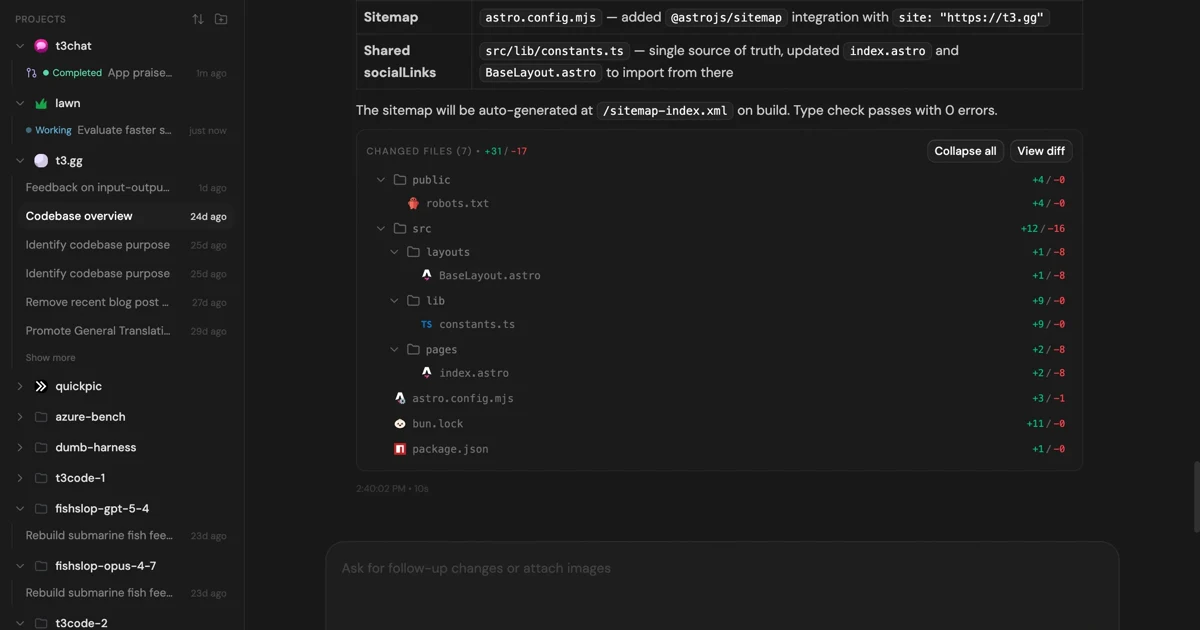
MIT-licensed control plane for running Claude Code, Codex, Cursor, Grok, and OpenCode threads from desktop, web, iOS, and Android clients.
Alternative Tools to Consider

Multi-model frontier coding agent for the terminal and editors with shareable threads, subagents, and usage-based credit billing.

Self-hosted cross-device control layer for Claude Code, Codex, Copilot, OpenCode, and Pi across web, desktop, mobile, and CLI.

Worktree-based macOS editor for running and reviewing multiple CLI coding agents like Claude Code, Codex, Gemini CLI, and OpenCode in parallel.
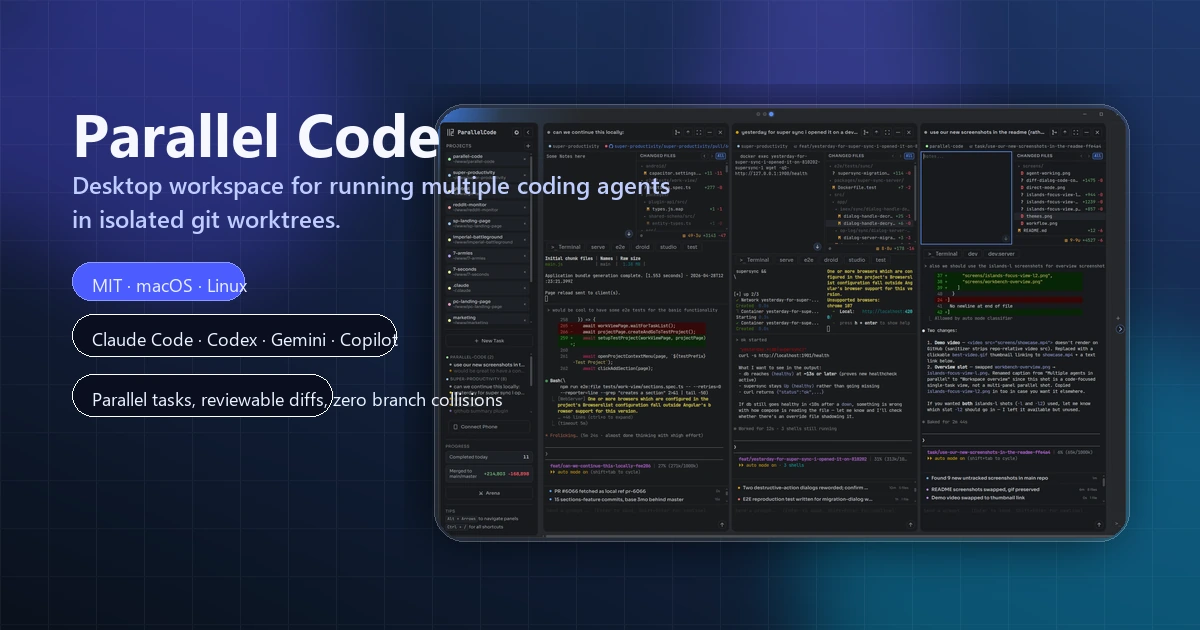
Open-source desktop workspace for running multiple AI coding agents in parallel across isolated git worktrees.
Do one more comparison before you commit to Claude Squad
Strong picks usually survive one more internal check. Read deeper, compare a neighbor, then leave for the vendor page if the fit still holds.