
Domscribe
Open-source DOM-to-source mapping and runtime context tool that gives coding agents live frontend awareness.
Do not bounce yet
Read the fit check, compare one alternative, then decide whether the vendor page is still your best next click.
Quick Verdict
Fast fit check before you leave the page
Make the fit call first. Vendor pages are good at selling, but they rarely tell you where the product is a bad match.
- Frontend-heavy teams using Claude Code, Cursor, Copilot, Gemini CLI, or other MCP-compatible agents
- Developers debugging visual regressions and UI bugs with agent assistance
- Builders who want click-to-code workflows without switching to a fully proprietary app-builder stack
- Traction is still early, so teams should expect the rough edges and churn that come with a young developer tool
- The value is highest for active frontend work; backend-heavy teams will get much less from it
- Setup spans both app-side instrumentation and agent-side MCP wiring, which is more work than using a single hosted browser builder
Compare Next
Take one more internal step before the vendor pitch
This is where visitors usually jump out too early. Read one deeper take or open one alternative so the next click is informed instead of impulsive.
Alternative profile
Devin
Cloud-executed AI software engineer that takes repository tasks from prompt to tested diff and pull request.
Alternative profile
Stagewise
Open-source frontend coding agent and purpose-built browser that lets developers click live UI, inspect runtime context, and apply changes to real local codebases.
Alternative profile
T3 Code
MIT-licensed control plane for running Claude Code, Codex, Cursor, Grok, and OpenCode threads from desktop, web, iOS, and Android clients.
Domscribe matters because frontend work is where coding agents still look stupid most often. They can read your repo, but they usually cannot see the running UI, which means even simple visual fixes turn into a search problem before they become a code change. Domscribe tries to close that gap with deterministic DOM-to-source mapping plus live runtime context exposed through MCP.
Domscribe is one of the more defensible additions in the current agent-coding wave because it solves a real blind spot instead of wrapping the same model in a thinner chat shell. It gives coding agents a deterministic bridge between rendered frontend elements and the source files that produced them, then adds live runtime context such as DOM snapshots, props, and state through an MCP-accessible local relay. That makes it directly relevant to vibe coding teams working on UI-heavy products where agents usually waste time grepping, guessing, and editing the wrong component before they touch the right line.
Why Choose Domscribe?
If you are already using coding agents for frontend work, the bottleneck is often not model quality but context quality, and Domscribe attacks that bottleneck directly.
The product is more credible than screenshot-based or heuristic-only tools because it maps rendered elements back to exact file, line, and column locations.
Its local-first architecture is strategically better than shipping UI context through another opaque hosted service just to help an agent fix a button.
This is one of the few tools in the category that looks built for real agent workflows rather than for demo-day optics.
Key Features
Deterministic DOM-to-source mapping with stable IDs injected at build time
Bidirectional workflows: agents can query source to inspect the live UI, or developers can click the UI to route a change to the exact file and line
Runtime capture for DOM snapshots, props, state, and rendered attributes instead of shallow HTML guessing
Local relay and MCP tool surface for Claude Code, Cursor, GitHub Copilot, Gemini CLI, Kiro, and other MCP-compatible agents
Framework and bundler coverage across React, Vue, Next.js, Nuxt, Vite, Webpack, and Turbopack
PII redaction and production stripping so the instrumentation does not leak into shipped builds
Pros & Cons
- Domscribe attacks a real frontend-agent failure mode: agents usually cannot see what is actually rendering, so they search blindly and burn tokens before they edit anything useful
- The deterministic source mapping is materially stronger than runtime-only heuristics because it gives agents a repeatable path to the right component
- Its MCP surface makes it relevant to existing agent workflows rather than forcing teams into a proprietary end-to-end environment
- MIT licensing and local-first architecture are more credible than another hosted wrapper asking for your repo and telemetry
- Traction is still early, so teams should expect the rough edges and churn that come with a young developer tool
- The value is highest for active frontend work; backend-heavy teams will get much less from it
- Setup spans both app-side instrumentation and agent-side MCP wiring, which is more work than using a single hosted browser builder
- Framework breadth is already solid, but this category still depends on ongoing adapter maintenance as frontend ecosystems keep mutating
Detailed Use Cases for Domscribe
Use Domscribe when a coding agent needs to change a visible frontend element and you want it to land on the correct file and line instead of searching through many similar components.
Agents can query a source location and inspect the live DOM, props, state, and rendered attributes before making a change, which reduces blind edits and token waste.
Developers can click an element in the running app, describe the change in plain English, and push that instruction back into the repo-aware agent workflow with structured context.
Who Should Use Domscribe?
Frontend-heavy teams using Claude Code, Cursor, Copilot, Gemini CLI, or other MCP-compatible agents
Developers debugging visual regressions and UI bugs with agent assistance
Builders who want click-to-code workflows without switching to a fully proprietary app-builder stack
Teams experimenting with tighter browser-to-agent feedback loops in local development
Perfect For
Fix frontend bugs with coding agents that need to resolve a rendered element to the exact source location instead of grepping the repo blindly
Let agents inspect the live DOM, props, and component state before editing UI code so they stop guessing from filenames alone
Capture click-to-change annotations in a running app and hand them to an MCP-connected agent with precise source context
Reduce token waste and wrong-file edits in UI-heavy repos where one visual change can map to many similar components
Technical Details
Direct Competitors
Stagewise
DevInspector MCP
React Grab
Frontman
Similar Tools You Might Like
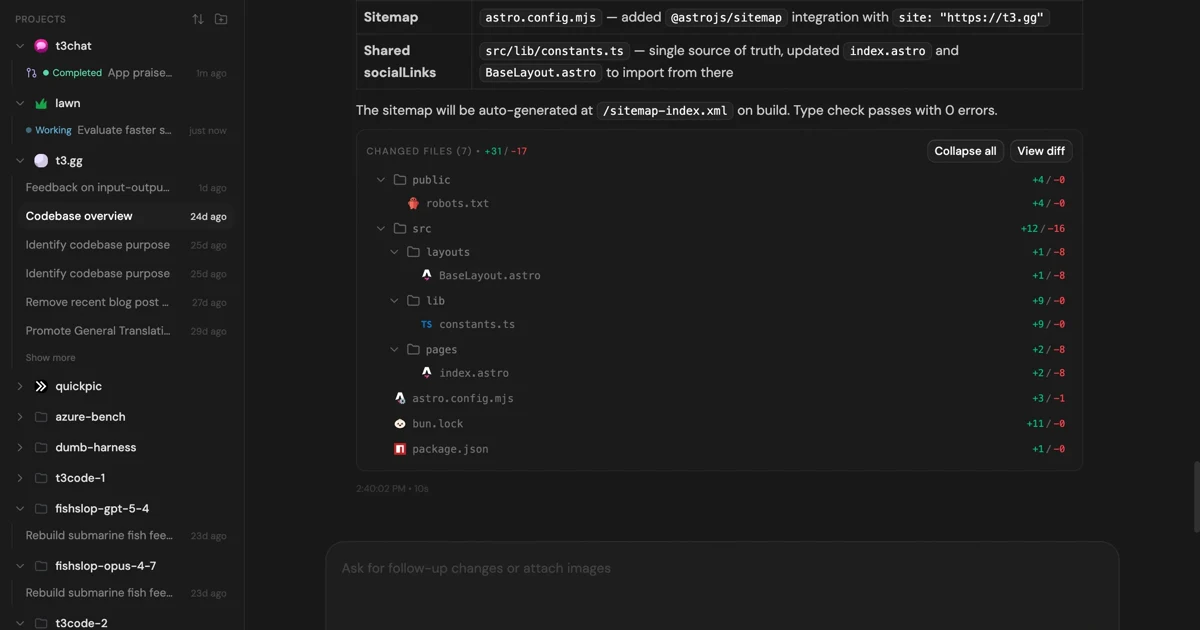
MIT-licensed control plane for running Claude Code, Codex, Cursor, Grok, and OpenCode threads from desktop, web, iOS, and Android clients.

Open-source terminal coding agent with a multi-agent architecture, custom agent workflows, and SDK support for repo-aware code generation.

MIT-licensed local memory server and CLI for carrying coding context, summaries, and handoffs across Claude Code, Codex, Cursor, OpenCode, and other agent clients.
Alternative Tools to Consider

Cloud-executed AI software engineer that takes repository tasks from prompt to tested diff and pull request.

Open-source frontend coding agent and purpose-built browser that lets developers click live UI, inspect runtime context, and apply changes to real local codebases.
Do one more comparison before you commit to Domscribe
Strong picks usually survive one more internal check. Read deeper, compare a neighbor, then leave for the vendor page if the fit still holds.