
ego (lite)
macOS browser and open-source agent skill that let Codex, Claude Code, and other coding agents work in isolated browser Spaces with your existing login state.
Do not bounce yet
Read the fit check, compare one alternative, then decide whether the vendor page is still your best next click.
Quick Verdict
Fast fit check before you leave the page
Make the fit call first. Vendor pages are good at selling, but they rarely tell you where the product is a bad match.
- Developers using coding agents to validate authenticated web-app flows
- Teams automating browser-only SaaS, internal tools, analytics, or admin workflows
- macOS users comparing local agent browsers with Browser Use, agent-browser, Browserbase, or Chrome DevTools MCP
- Current product support is macOS-only; Windows and Linux are still on the roadmap.
- Migrating login state, cookies, extensions, passwords, and profile data creates a large blast radius if an agent, prompt, skill, or visited page is malicious.
- The downloadable browser is separate from the repository's MIT license, so the open-source label applies to the skill and harness—not automatically to the full browser product.
Compare Next
Take one more internal step before the vendor pitch
This is where visitors usually jump out too early. Read one deeper take or open one alternative so the next click is informed instead of impulsive.
Alternative profile
Browser Use
Open-source web agent library and cloud platform that gives coding agents real browser automation instead of file-only guessing.
Alternative profile
Chrome DevTools MCP
Official open-source MCP server and CLI that lets coding agents control, inspect, and debug a live Chrome browser with real DevTools context.
Alternative profile
Claude Code
Anthropic’s agentic coding platform for terminal, IDE, desktop, web, CI, and code-review workflows.
ego (lite) targets the awkward gap between coding agents and the authenticated web. Instead of launching a disposable browser with none of your sessions—or letting automation hijack the tabs you are using—it gives external agents dedicated Spaces inside a Chromium-based macOS browser and connects them through the `ego-browser` skill. The result is compelling for vibe-coding workflows that must operate real products, but it also turns browser-profile access into a privileged capability that deserves much stronger controls than ordinary autocomplete.
ego (lite) is a Chromium-based macOS browser built for sharing authenticated web workflows with external coding agents without handing them the tabs you are actively using. Its MIT-licensed `ego-browser` skill exposes snapshots, navigation, interaction helpers, and raw CDP access to Codex, Claude Code, Cursor, Hermes Agent, OpenClaw, and other code-writing agents, while separate Spaces isolate concurrent tasks inside the same browser profile. That makes it directly relevant to vibe coding teams whose agents need to validate products, operate SaaS tools, or automate login-gated workflows. The trade-off is unusually sensitive access: migrating cookies, extensions, passwords, and profile data gives an agent the same reach as the user, the browser download itself is separate from the repository's MIT license, and Windows/Linux support remains on the roadmap.
Why Choose ego (lite)?
Choose ego (lite) when a Codex, Claude Code, Cursor, Hermes Agent, OpenClaw, or compatible workflow must operate sites that only work with real login state.
Dedicated Spaces make concurrent browser work visible and reduce accidental collisions between the user's tabs and multiple agent tasks.
The MIT-licensed skill and TypeScript harness keep the agent-facing control layer inspectable, even though the downloadable browser is a separate product.
Use a dedicated low-privilege browser profile and keep human confirmation around payments, messages, account changes, uploads, and other consequential actions.
Key Features
Chromium-based macOS browser that can migrate Chrome history, extensions, profile data, cookies, and login state for use in authenticated agent workflows.
Dedicated Spaces isolate each agent task from the user's active tabs and from other concurrent agent tasks inside the same browser.
MIT-licensed `ego-browser` skill exposes snapshots, navigation, clicks, form filling, waits, screenshots, JavaScript helpers, and raw CDP access to coding agents.
Official integrations name Codex, Claude Code, Cursor, Kiro, Hermes Agent, OpenClaw, and other agents capable of using the installed skill.
Semantic snapshots are implemented in the customized Chromium layer and are marketed for difficult iframe, Shadow DOM, portal, and third-party SDK surfaces.
Stable v1.2.3 was published on 2026-08-11, while Windows and Linux downloads remain roadmap items rather than current release support.
Pros & Cons
- It addresses a real failure mode in browser automation: agents can reuse authenticated state without competing for the user's current tabs.
- Spaces provide an understandable human-visible boundary for concurrent tasks instead of hiding every browser action in a remote black box.
- The connection skill and TypeScript harness are inspectable under MIT, making the agent-facing control layer easier to audit and extend.
- Compatibility is not tied to a single built-in model or coding-agent vendor.
- Current product support is macOS-only; Windows and Linux are still on the roadmap.
- Migrating login state, cookies, extensions, passwords, and profile data creates a large blast radius if an agent, prompt, skill, or visited page is malicious.
- The downloadable browser is separate from the repository's MIT license, so the open-source label applies to the skill and harness—not automatically to the full browser product.
- The official homepage and tagged README report different maximum benchmark improvements, and no independent benchmark or production-adoption dataset was verified.
- Official setup guidance recommends full-access agent permissions to launch the local app, which requires stricter account isolation and action review than ordinary code completion.
Detailed Use Cases for ego (lite)
Give a coding agent a dedicated browser Space for staging, QA, or support workflows that require real session state and cannot be reproduced from repository files alone.
Use the agent-facing browser controls for dashboards, CRM, analytics, admin panels, and other systems whose APIs do not expose the full workflow.
Assign separate Spaces to independent agent jobs so they can navigate and interact without fighting over one tab set.
Start with a dedicated low-value profile, least-privilege accounts, and human approval for consequential actions before migrating sensitive everyday browser data.
Who Should Use ego (lite)?
Developers using coding agents to validate authenticated web-app flows
Teams automating browser-only SaaS, internal tools, analytics, or admin workflows
macOS users comparing local agent browsers with Browser Use, agent-browser, Browserbase, or Chrome DevTools MCP
Security-conscious evaluators who can isolate browser profiles and review privileged agent actions
Perfect For
Let a coding agent validate a login-gated product flow in a dedicated Space while the developer continues using separate browser tabs.
Operate internal SaaS dashboards, staging environments, analytics tools, or admin panels that expose incomplete APIs.
Run several independent research or data-entry tasks concurrently without different agents navigating the same tab set.
Evaluate browser-agent workflows locally with a dedicated low-privilege profile before deciding whether to adopt hosted browser infrastructure.
Technical Details
Direct Competitors
Browser Use
agent-browser
Chrome DevTools MCP
Browserbase
Similar Tools You Might Like
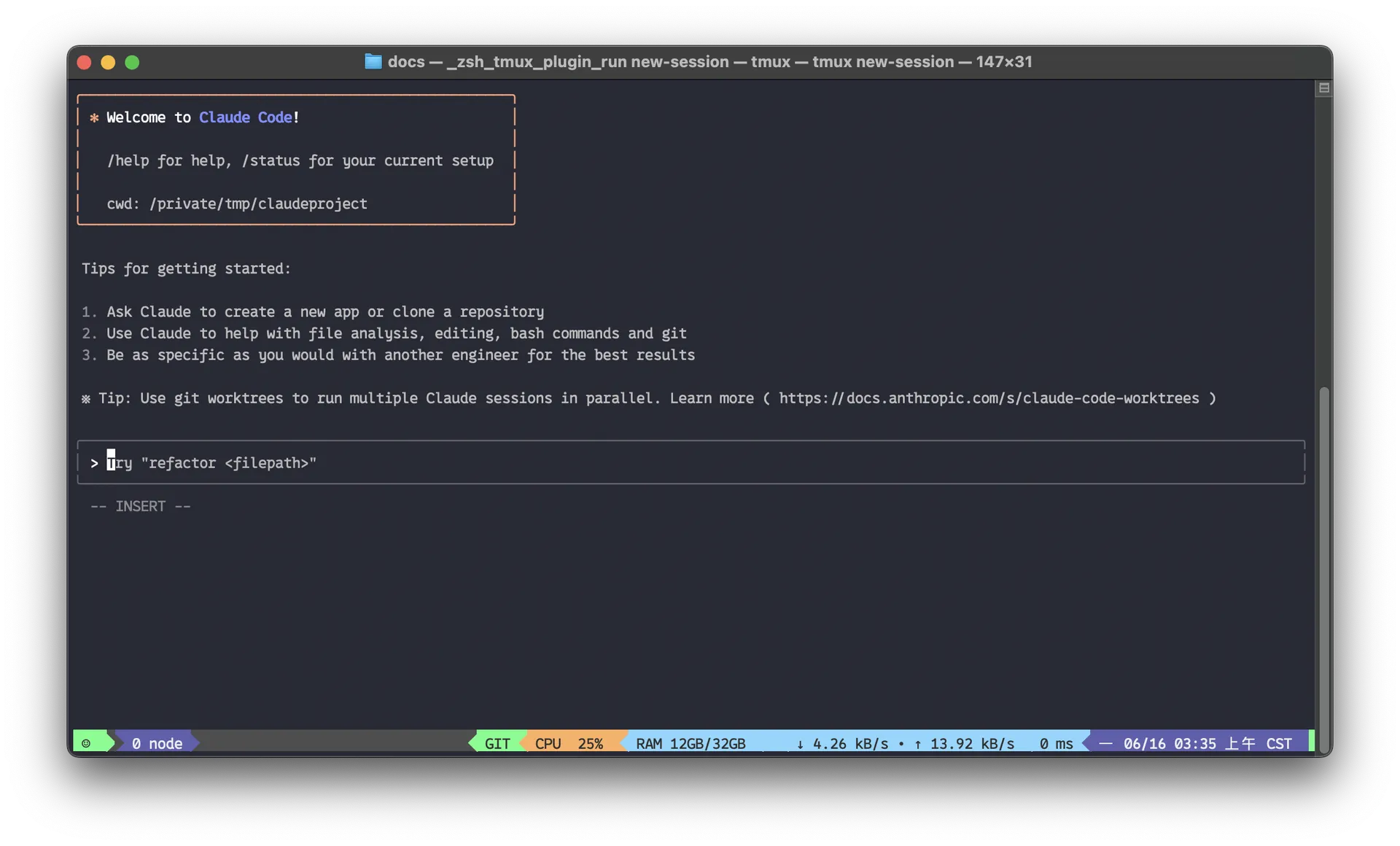
Anthropic’s agentic coding platform for terminal, IDE, desktop, web, CI, and code-review workflows.
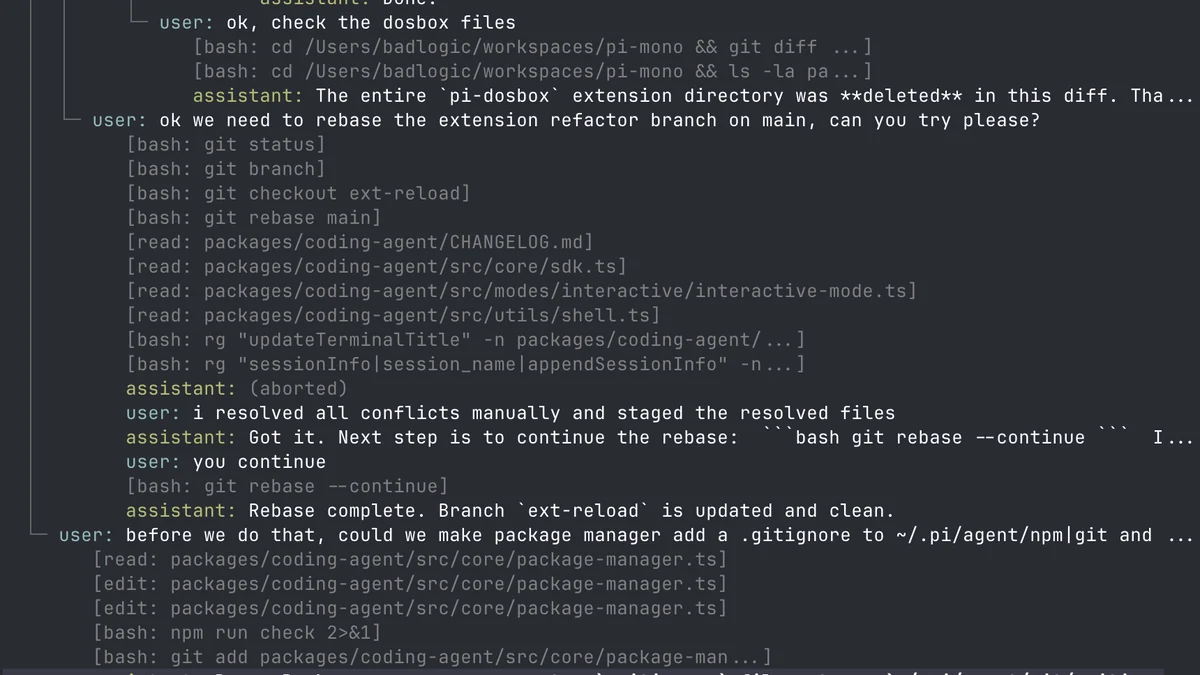
MIT-licensed RLM coding and research agent with a persistent IPython control plane, recursive subagents, durable sessions, schedules, goals, and bounded autonomous runs.
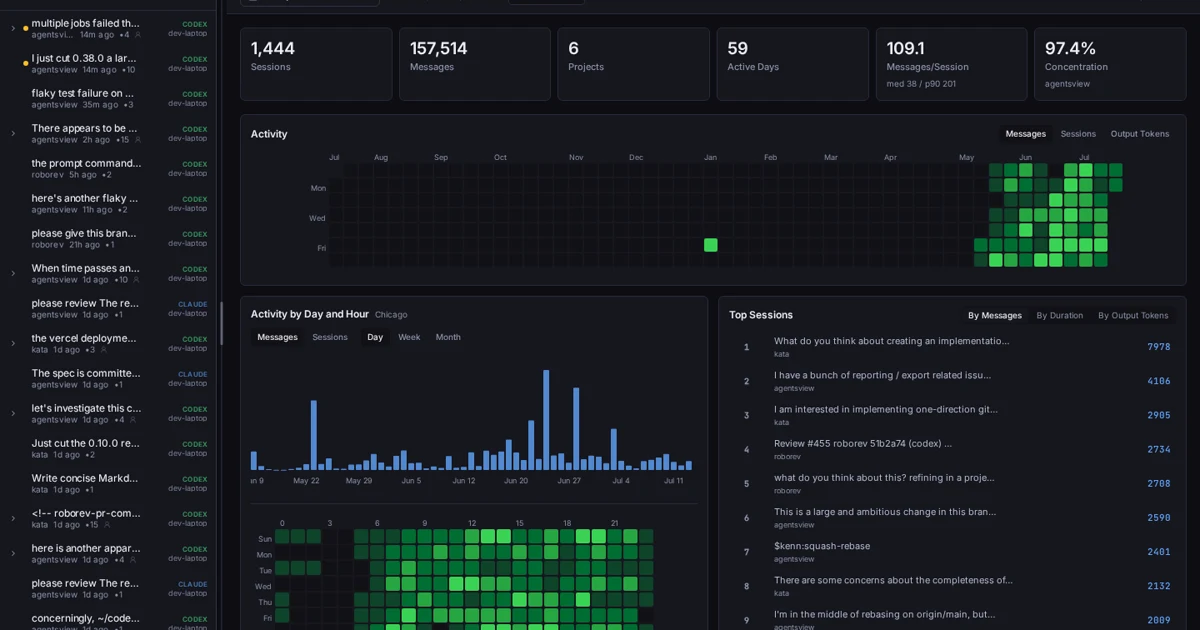
MIT-licensed local-first desktop, web, and CLI workspace for searching coding-agent sessions and analyzing activity, tokens, and costs across tools.
Alternative Tools to Consider

Open-source web agent library and cloud platform that gives coding agents real browser automation instead of file-only guessing.

Official open-source MCP server and CLI that lets coding agents control, inspect, and debug a live Chrome browser with real DevTools context.
Do one more comparison before you commit to ego (lite)
Strong picks usually survive one more internal check. Read deeper, compare a neighbor, then leave for the vendor page if the fit still holds.