
Browser Use
Open-source web agent library and cloud platform that gives coding agents real browser automation instead of file-only guessing.
Do not bounce yet
Read the fit check, compare one alternative, then decide whether the vendor page is still your best next click.
Quick Verdict
Fast fit check before you leave the page
Make the fit call first. Vendor pages are good at selling, but they rarely tell you where the product is a bad match.
- Developers building browser-aware agent workflows for web products
- Teams comparing Browser Use vs Chrome DevTools MCP, Libretto, or Playwright-based automation stacks
- Operators who want coding agents to complete browser-native tasks inside real SaaS tools
- Browser Use is browser automation infrastructure, not a repo-aware coding agent by itself, so output quality still depends heavily on the model and workflow around it.
- Stealth browsers, proxies, and autonomous web actions create real security, compliance, and abuse-review questions inside serious organizations.
- Python plus browser setup is heavier than dropping in a tiny MCP utility, especially for teams that are not already comfortable with automation tooling.
Compare Next
Take one more internal step before the vendor pitch
This is where visitors usually jump out too early. Read one deeper take or open one alternative so the next click is informed instead of impulsive.
Alternative profile
Chrome DevTools MCP
Official open-source MCP server and CLI that lets coding agents control, inspect, and debug a live Chrome browser with real DevTools context.
Alternative profile
Libretto
Open-source CLI and agent skill for turning browser exploration into deterministic Playwright automations you can inspect and maintain.
Alternative profile
Playwright CLI
Official open-source Playwright CLI with agent skills for token-efficient browser automation inside coding-agent workflows.
Browser Use matters because coding agents eventually hit the web, and that is where file-only workflows start breaking down. If the task involves a real product UI, login state, or browser-only workflow, you need an agent with actual browser capability, not just another chat wrapper. Browser Use gives teams both a local open-source path and a hosted cloud path for that browser layer.
Browser Use is one of the clearest missing entries for an agent-coding directory because it gives LLM workflows a real browser operating layer rather than pretending screenshots and HTML snippets are enough. The open-source Python library lets developers run browser-native agents locally, while the cloud product adds hosted browsers, stealth infrastructure, proxies, and skill APIs for scaling messy real-world web tasks. That makes it directly relevant to vibe coding and agentic development whenever the job involves authenticating into products, validating UI flows, scraping structured data, or turning browser-only workflows into something reusable.
Why Choose Browser Use?
Choose Browser Use when your agent workflow needs to operate a live website instead of hallucinating from source files and screenshots.
The open-source core makes it strategically safer than depending entirely on a closed hosted browser-agent vendor from day one.
Its cloud path is useful when the hard part is no longer code generation but browser infrastructure, stealth, concurrency, or proxy coverage.
GitHub, Hacker News, and X all showed enough real signal to justify treating Browser Use as category infrastructure rather than novelty marketing.
Key Features
Open-source MIT-licensed Python library for giving LLMs and coding agents direct browser control instead of relying on screenshots or brittle HTML dumps.
Official quickstart explicitly targets coding-agent workflows such as Cursor, Claude Code, and similar tools via shared agent instructions and local setup docs.
Can run locally with your own browser stack or switch to Browser Use Cloud when you need hosted browsers, stealth mode, or more operational scale.
Cloud product adds managed browsers, proxies, purpose-built models, and skill APIs that turn website workflows into callable interfaces.
Public benchmark and changelog story are part of the official product narrative rather than hidden behind vague demo claims.
The tool bridges experimentation and production better than many browser-agent demos because there is both an open-source core and a hosted path for messy real-world sites.
Pros & Cons
- Browser Use solves a real agent problem: coding agents often need to touch the live web, and file-only reasoning is useless when the task depends on the browser session.
- The open-source local path makes it more defensible than browser-agent startups that only offer a black-box hosted dashboard.
- Cloud escalation path is practical when anti-bot friction, concurrency, or browser infrastructure becomes the real bottleneck.
- Adoption signal is strong enough that teams can evaluate it as infrastructure, not just as launch-week hype.
- Browser Use is browser automation infrastructure, not a repo-aware coding agent by itself, so output quality still depends heavily on the model and workflow around it.
- Stealth browsers, proxies, and autonomous web actions create real security, compliance, and abuse-review questions inside serious organizations.
- Python plus browser setup is heavier than dropping in a tiny MCP utility, especially for teams that are not already comfortable with automation tooling.
- Even with strong benchmarks, hostile sites and flaky auth flows can still turn browser agents into an operational maintenance problem.
Detailed Use Cases for Browser Use
Use Browser Use when a coding agent needs to log into a web product, click through a real flow, extract data, or complete a browser-native task that source-only tools cannot see.
Teams can begin with the open-source library locally and only adopt the hosted cloud path when concurrency, stealth browsers, or proxy coverage become the real operational problem.
The cloud product’s skill API positioning is useful when you want repeated browser workflows to behave more like callable primitives than ad hoc prompts.
Browser Use is relevant when your evaluation set includes tools like Chrome DevTools MCP, Libretto, and Playwright-based stacks rather than only repo-native editors.
Who Should Use Browser Use?
Developers building browser-aware agent workflows for web products
Teams comparing Browser Use vs Chrome DevTools MCP, Libretto, or Playwright-based automation stacks
Operators who want coding agents to complete browser-native tasks inside real SaaS tools
Builders who need a local open-source path first but may later need hosted browser scale
Perfect For
Let a coding agent log into real web products and complete browser-native tasks while building or testing integrations.
Turn browser-only internal workflows into reusable agent skills or API-like actions instead of forcing humans to click through them forever.
Validate UI flows or structured extraction tasks with a real browser when a repo-only agent cannot see what is actually happening.
Start locally with the open-source package, then move to the hosted cloud path when concurrency, stealth, or proxy coverage becomes necessary.
Technical Details
Direct Competitors
Chrome DevTools MCP
Libretto
Playwright CLI
Stagewise
Similar Tools You Might Like
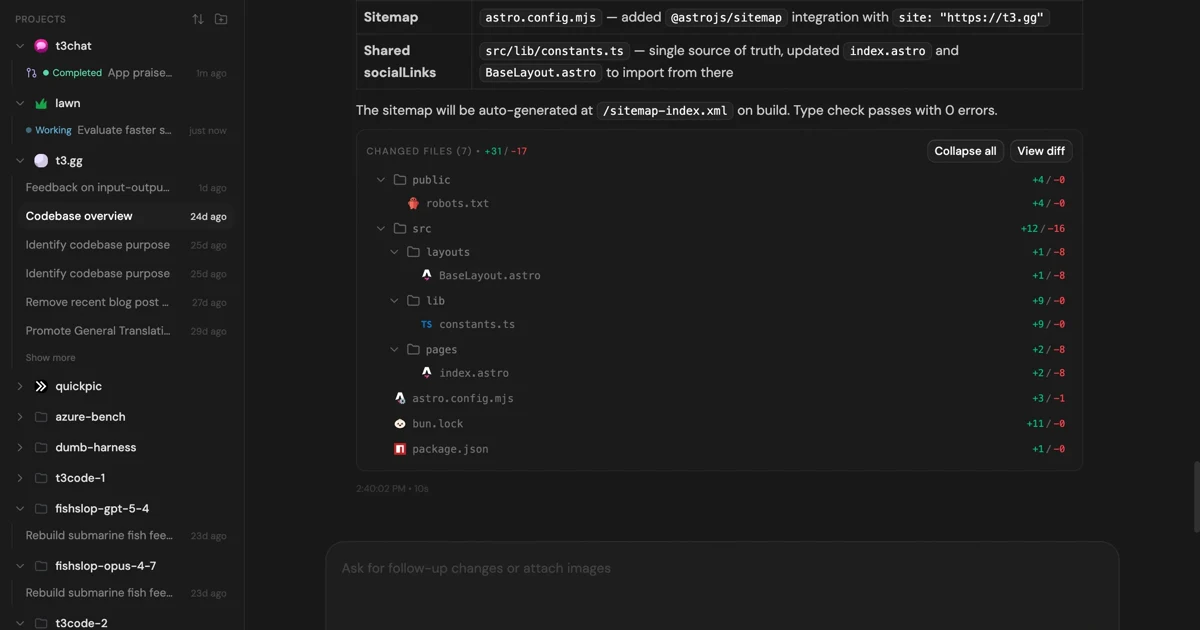
MIT-licensed control plane for running Claude Code, Codex, Cursor, Grok, and OpenCode threads from desktop, web, iOS, and Android clients.
MIT-licensed workflow plugin that gives Claude Code, Codex, Cursor, OpenCode, and other coding agents a plan-work-review-compound engineering loop.
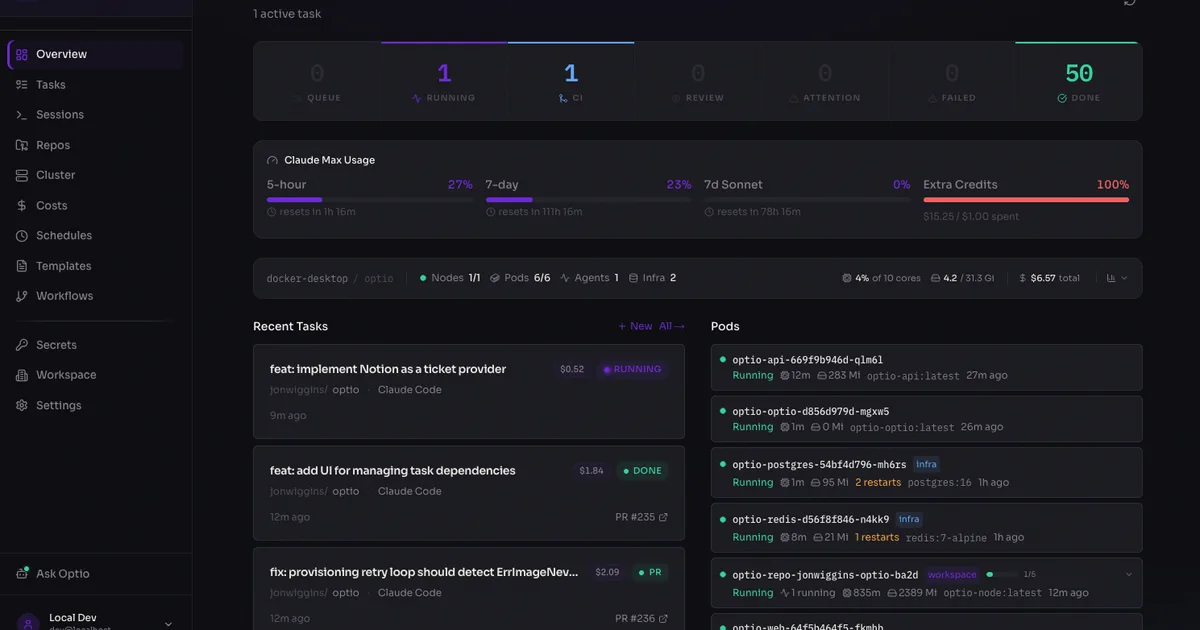
MIT-licensed self-hosted AI engineering platform that runs Claude Code, Codex, Copilot, Gemini, and OpenCode agents in Kubernetes from tickets to PRs.
Alternative Tools to Consider

Official open-source MCP server and CLI that lets coding agents control, inspect, and debug a live Chrome browser with real DevTools context.

Open-source CLI and agent skill for turning browser exploration into deterministic Playwright automations you can inspect and maintain.

Official open-source Playwright CLI with agent skills for token-efficient browser automation inside coding-agent workflows.

Open-source frontend coding agent and purpose-built browser that lets developers click live UI, inspect runtime context, and apply changes to real local codebases.
Do one more comparison before you commit to Browser Use
Strong picks usually survive one more internal check. Read deeper, compare a neighbor, then leave for the vendor page if the fit still holds.