
Junie
JetBrains AI coding agent for planning, writing, refining, and testing code inside JetBrains IDEs and from the CLI.
Do not bounce yet
Read the fit check, compare one alternative, then decide whether the vendor page is still your best next click.
Quick Verdict
Fast fit check before you leave the page
Make the fit call first. Vendor pages are good at selling, but they rarely tell you where the product is a bad match.
- JetBrains-heavy engineering teams that want a first-party coding agent instead of adopting a separate AI-native editor
- Developers who prefer deep IDE integration over terminal-first agent workflows
- Technical leads evaluating whether JetBrains AI can cover pair-programming and implementation delegation use cases
- Best experience is tied to the JetBrains ecosystem, so it is less attractive if your team standardizes on VS Code or terminal-first workflows
- Public product messaging is clearer than public usage transparency, so adoption is harder to benchmark than tools like Copilot or Cursor
- Junie usage is constrained by JetBrains AI credits, which may matter for heavy daily agent workflows
Compare Next
Take one more internal step before the vendor pitch
This is where visitors usually jump out too early. Read one deeper take or open one alternative so the next click is informed instead of impulsive.
Alternative profile
Claude Code Router
MIT-licensed local gateway and desktop control plane for routing Claude Code, Codex, Grok CLI, and compatible agents across model providers.
Alternative profile
Claude Code
Anthropic’s agentic coding platform for terminal, IDE, desktop, web, CI, and code-review workflows.
Alternative profile
Claude Code Chat
Source-available VS Code and Cursor interface for Claude Code with checkpoints, inline diffs, history, permissions, and extension marketplaces.
Junie is JetBrains' answer to the rise of agentic coding tools: a first-party AI coding agent designed to live inside JetBrains IDE workflows instead of forcing developers into a separate editor. For teams already standardized on IntelliJ-based tools, that alone makes Junie strategically important. It is not just another autocomplete feature. JetBrains positions Junie as an agent that can plan, write, refine, and test code, which puts it directly into the same conversation as other serious vibe coding tools rather than lightweight assistant sidebars.
Junie is JetBrains' dedicated AI coding agent for developers who want agentic help without leaving the JetBrains ecosystem. It can plan tasks, write code, refine implementations, run through testing-oriented workflows, and now extends beyond the IDE with a CLI path as well. That makes it a credible addition for vibe coding and agent-assisted development, especially for teams already standardized on IntelliJ-based tools and looking for a first-party alternative to Cursor-style editors or terminal-only agents.
Why Choose Junie?
Junie is one of the most credible options for developers who want agentic coding inside JetBrains IDEs rather than switching to a VS Code fork or a terminal-only workflow.
JetBrains explicitly frames Junie around planning, writing, refining, and testing code, which is much closer to true agentic development than basic code completion.
The pricing structure gives teams a practical ramp: AI Free for light experimentation, AI Pro to try Junie, and AI Ultimate for more regular usage.
If your organization already trusts JetBrains tools, Junie reduces tool sprawl by keeping coding-agent workflows under the same vendor umbrella.
Key Features
Agentic coding workflow that can plan, write, refine, and test code inside JetBrains IDEs
First-party integration with IntelliJ-based JetBrains IDEs instead of relying on a generic editor wrapper
CLI support for developers who want Junie outside the IDE as well
Included within the broader JetBrains AI system with tiered AI credit quotas and top-ups
JetBrains positions it as a pair-programming style agent rather than a simple autocomplete sidebar
Pros & Cons
- Strong fit for teams already living inside JetBrains IDEs
- Clear official positioning as a real coding agent, not just a chat assistant
- Freemium entry point lowers the barrier to trying it inside existing JetBrains workflows
- Backed by JetBrains distribution, product surface, and commercial support rather than a hobby wrapper
- Best experience is tied to the JetBrains ecosystem, so it is less attractive if your team standardizes on VS Code or terminal-first workflows
- Public product messaging is clearer than public usage transparency, so adoption is harder to benchmark than tools like Copilot or Cursor
- Junie usage is constrained by JetBrains AI credits, which may matter for heavy daily agent workflows
- It is proprietary, so teams wanting open-source extensibility or self-hosting should look elsewhere
Detailed Use Cases for Junie
Junie is compelling when a team wants planning, implementation, refinement, and testing help without abandoning IntelliJ-based workflows. That matters for organizations where IDE standardization is real and switching editors is politically or operationally expensive.
Teams already using JetBrains IDEs can use Junie as the natural benchmark for deciding whether to expand into JetBrains AI Pro or AI Ultimate instead of buying a separate AI editor stack.
JetBrains markets Junie as an AI for pair programming that can take care of planning, writing, refining, and testing. That makes it more suitable for iterative feature work than plain single-shot completion tools.
Junie is strongest when your stack already lives in JetBrains. If not, it becomes a useful comparison point against more editor-agnostic tools like GitHub Copilot or terminal-heavy options like Claude Code.
Who Should Use Junie?
JetBrains-heavy engineering teams that want a first-party coding agent instead of adopting a separate AI-native editor
Developers who prefer deep IDE integration over terminal-first agent workflows
Technical leads evaluating whether JetBrains AI can cover pair-programming and implementation delegation use cases
Product engineers comparing Junie with Cursor, GitHub Copilot, Windsurf, and Claude Code for daily coding assistance
Perfect For
JetBrains-centric teams that want agentic coding without switching editor stacks
Developers delegating scoped implementation work, refinement passes, and test-oriented iterations to an in-IDE agent
Engineers comparing first-party IDE-integrated agents against Cursor, GitHub Copilot, and terminal agents like Claude Code
Organizations evaluating JetBrains AI tiers to decide whether regular Junie usage justifies AI Ultimate
Technical Details
Direct Competitors
Cursor
GitHub Copilot
Claude Code
Windsurf
Roo Code
Similar Tools You Might Like

AWS-native coding assistant with agentic IDE and CLI workflows, modernization tools, and operational help across the AWS stack.
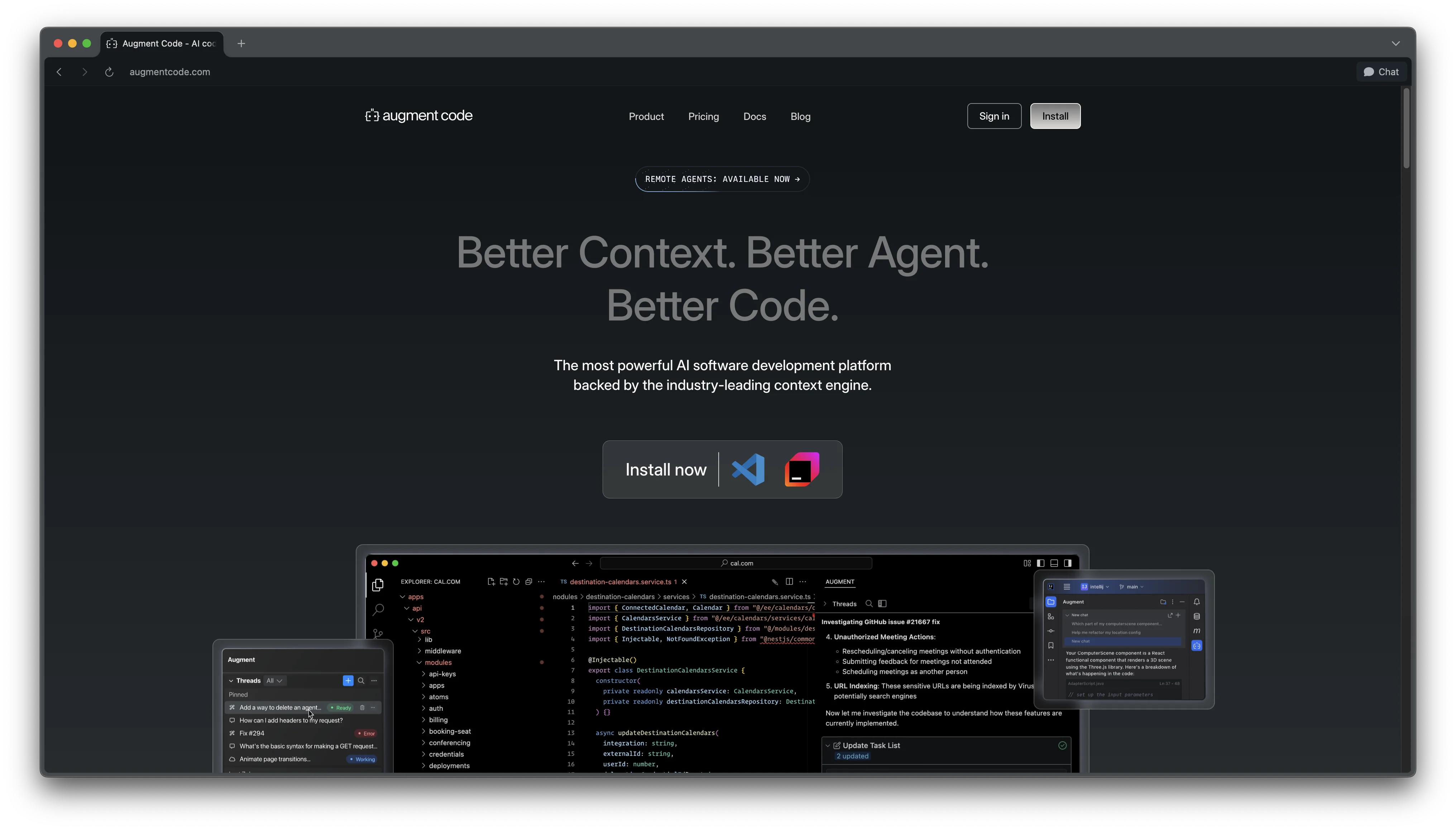
Augment Code is an advanced AI coding platform designed for professional software engineers.

CodeBuddy is a Tencent Cloud AI coding assistant supporting MCP protocol, offering code generation, intelligent reviews, and design-to-code conversion across 200+ languages and 15+ IDEs.
Alternative Tools to Consider

MIT-licensed local gateway and desktop control plane for routing Claude Code, Codex, Grok CLI, and compatible agents across model providers.

Anthropic’s agentic coding platform for terminal, IDE, desktop, web, CI, and code-review workflows.

Source-available VS Code and Cursor interface for Claude Code with checkpoints, inline diffs, history, permissions, and extension marketplaces.

Open-source terminal dashboard for tracking Claude Code token usage, burn rate, and predicted session cutoffs.

AI code editor with local, cloud, CLI, and mobile coding agents

GitHub-native coding assistant spanning completion, agent workflows, code review, CLI, and desktop orchestration.
Do one more comparison before you commit to Junie
Strong picks usually survive one more internal check. Read deeper, compare a neighbor, then leave for the vendor page if the fit still holds.