
Pi
Minimal terminal coding harness with extensions, skills, tree-structured sessions, and serious multi-provider model support.
Do not bounce yet
Read the fit check, compare one alternative, then decide whether the vendor page is still your best next click.
Quick Verdict
Fast fit check before you leave the page
Make the fit call first. Vendor pages are good at selling, but they rarely tell you where the product is a bad match.
- Terminal-first developers who want a customizable coding agent instead of a locked-down IDE workflow
- Builders who care about AGENTS.md, reusable skills, prompt templates, and explicit context control
- Teams comparing open-source alternatives to Claude Code, OpenCode, Goose, or Aider
- Pi’s minimal-core philosophy means some workflows that competitors ship as defaults may require setup, packages, or custom extension work before they feel turnkey.
- Terminal-first, extension-heavy tooling is a strength for power users but a tax for people who just want polished defaults and minimal configuration.
- Provider flexibility is real, but it also means auth, rate limits, subscriptions, and API billing are still your problem instead of being abstracted away.
Compare Next
Take one more internal step before the vendor pitch
This is where visitors usually jump out too early. Read one deeper take or open one alternative so the next click is informed instead of impulsive.
Related article
Pi Harness Review 2026: Pricing, Extensions, and Alternatives
Is Pi the right coding harness for you? Compare its terminal workflow, extensions, pricing, security tradeoffs, and alternatives before installing.
Alternative profile
Claude Code Router
MIT-licensed local gateway and desktop control plane for routing Claude Code, Codex, Grok CLI, and compatible agents across model providers.
Alternative profile
Aider
Open-source terminal coding agent with git-native edits, repo mapping, and broad model support
Alternative profile
Claude Code
Anthropic’s agentic coding platform for terminal, IDE, desktop, web, CI, and code-review workflows.
Pi is one of the more interesting terminal coding agents because it does not try to win by cramming every possible workflow into a sealed product. Its pitch is simpler and, frankly, sharper: keep the core harness minimal, then let developers extend the system with skills, prompt templates, TypeScript extensions, themes, packages, and context controls. That makes Pi relevant both as a practical coding CLI and as a framework for developers who want to shape the agent instead of being shaped by it.
Pi is a terminal-first coding agent that takes the opposite approach from feature-bloated harnesses: keep the core minimal, then let developers shape the workflow with extensions, skills, prompt templates, themes, and packages. That matters because Pi still covers serious repo work—multi-provider model support, AGENTS.md loading, context compaction, tree-structured shareable history, and multiple operating modes—without pretending one baked-in workflow fits everyone. If you want a real coding agent you can bend to your own habits instead of another sealed product dictating them, Pi deserves a place in the conversation.
Why Choose Pi?
Choose Pi if you want a coding agent that treats extensibility as the product, not as a grudging afterthought.
Its AGENTS.md, SYSTEM.md, compaction, skills, and dynamic-context surface make it stronger than most tools for deliberate context engineering.
Tree-structured session history is strategically useful because coding work rarely happens in one perfectly linear thread.
Public signal is already strong: official documentation, an active MIT-licensed repository with more than 81,000 stars, current releases, and substantial Hacker News discussion all indicate a durable open-source project.
Key Features
Minimal terminal coding harness that stays small at the core while letting you extend it with TypeScript extensions, skills, prompt templates, themes, and installable Pi packages.
15+ model providers and hundreds of models across Anthropic, OpenAI, Google, Azure, Bedrock, Groq, Mistral, xAI, OpenRouter, Ollama, and more, with API-key or OAuth authentication paths.
Tree-structured session history with branching, bookmarks, HTML export, and GitHub gist sharing instead of trapping everything in one linear chat log.
Real context-engineering surface including AGENTS.md, SYSTEM.md, compaction, dynamic context injection, and on-demand skills rather than a hardcoded one-size-fits-all prompt.
Four operating modes: interactive TUI, print/JSON streams for scripts, RPC over stdin/stdout, and an SDK for embedding Pi into other applications.
Built around primitives instead of product lock-in, so workflows like permission gates, MCP integrations, or plan-style behavior can be added your way instead of only the vendor’s way.
Pros & Cons
- Pi has a real point of view: the harness should adapt to your workflow, not the other way around, which is more honest than pretending one baked-in UX fits every serious developer.
- The context-engineering surface is unusually strong for this category, especially if you care about AGENTS.md-style project instructions, compaction, and reusable skills.
- Tree-structured history and shareable sessions make Pi more inspectable and reusable than many coding agents that flatten everything into one disposable transcript.
- GitHub activity, current releases, official documentation, and substantial Hacker News discussion all indicate a durable open-source project rather than another noisy wrapper with no ecosystem behind it.
- Pi’s minimal-core philosophy means some workflows that competitors ship as defaults may require setup, packages, or custom extension work before they feel turnkey.
- Terminal-first, extension-heavy tooling is a strength for power users but a tax for people who just want polished defaults and minimal configuration.
- Provider flexibility is real, but it also means auth, rate limits, subscriptions, and API billing are still your problem instead of being abstracted away.
- The project explicitly avoids baking in some higher-level features, so teams that want opinionated sub-agents or plan mode out of the box need to decide whether they prefer freedom or batteries included.
Detailed Use Cases for Pi
Pi is a strong fit when you dislike sealed coding agents and want the harness itself to be customizable through extensions, packages, and prompt-level control.
Its AGENTS.md loading, context compaction, and skill system make Pi more useful when a repo or task is large enough that a raw linear chat becomes sloppy.
Tree-structured history matters when you want to fork an investigation, bookmark a useful point, export the session, or share a concrete trace for review and learning.
Pi is worth evaluating if you want SDK or RPC surfaces for scripts, tools, or products that need a coding agent under the hood rather than only a human-facing terminal app.
Who Should Use Pi?
Terminal-first developers who want a customizable coding agent instead of a locked-down IDE workflow
Builders who care about AGENTS.md, reusable skills, prompt templates, and explicit context control
Teams comparing open-source alternatives to Claude Code, OpenCode, Goose, or Aider
Engineers who need both interactive CLI use and programmatic embedding through JSON, RPC, or SDK surfaces
Perfect For
Terminal-first developers who want a serious coding agent without giving up control over prompts, context, or workflow shape.
Teams using AGENTS.md, custom skills, and context compaction to make repo-specific coding workflows more reliable across long sessions.
Builders who want to embed a coding agent into internal tools, scripts, or other products through Pi’s JSON, RPC, or SDK surfaces.
Developers who value shareable, branched session history for review, learning, or publishing open coding traces instead of opaque one-shot chats.
Technical Details
Direct Competitors
Claude Code
OpenCode
Goose
Aider
Similar Tools You Might Like
MIT-licensed local memory server and CLI for carrying coding context, summaries, and handoffs across Claude Code, Codex, Cursor, OpenCode, and other agent clients.
MIT-licensed codebase knowledge graph and MCP server for structural search, natural-language exploration, data-flow tracing, and agent-assisted edits across mixed-language repositories.
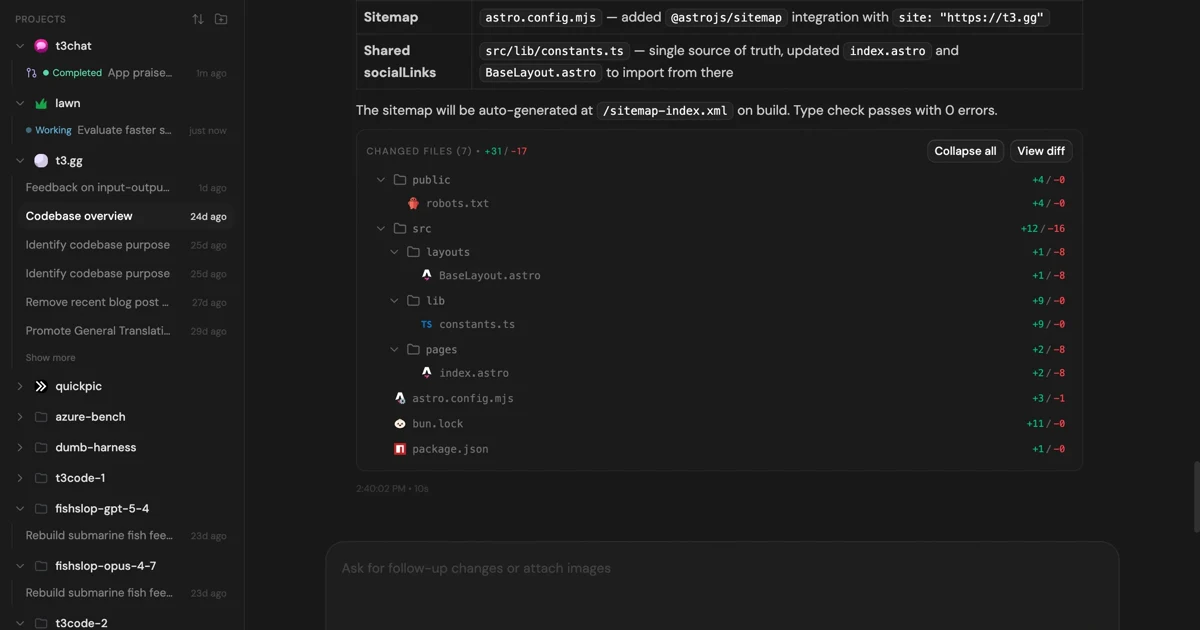
MIT-licensed control plane for running Claude Code, Codex, Cursor, Grok, and OpenCode threads from desktop, web, iOS, and Android clients.
Alternative Tools to Consider

MIT-licensed local gateway and desktop control plane for routing Claude Code, Codex, Grok CLI, and compatible agents across model providers.

Open-source terminal coding agent with git-native edits, repo mapping, and broad model support

Anthropic’s agentic coding platform for terminal, IDE, desktop, web, CI, and code-review workflows.

Source-available VS Code and Cursor interface for Claude Code with checkpoints, inline diffs, history, permissions, and extension marketplaces.

Open-source terminal dashboard for tracking Claude Code token usage, burn rate, and predicted session cutoffs.

Open-source local AI agent from the Agentic AI Foundation with CLI, desktop, and API workflows plus MCP extensibility.
Do one more comparison before you commit to Pi
Strong picks usually survive one more internal check. Read deeper, compare a neighbor, then leave for the vendor page if the fit still holds.