
Claude Code Usage Monitor
Open-source terminal dashboard for tracking Claude Code token usage, burn rate, and predicted session cutoffs.
Do not bounce yet
Read the fit check, compare one alternative, then decide whether the vendor page is still your best next click.
Quick Verdict
Fast fit check before you leave the page
Make the fit call first. Vendor pages are good at selling, but they rarely tell you where the product is a bad match.
- Heavy Claude Code users who regularly run into usage limits or want early warning before they do
- Terminal-first developers who prefer local utilities over hosted dashboards
- Power users comparing whether Pro, Max5, or Max20 plans actually fit their workflow
- Value is narrow if you do not already use Claude Code heavily enough to hit usage limits
- Monitoring is the product, so it will not help with code generation, review, or orchestration directly
- Prediction quality depends on local historical data and on Anthropic not changing usage behavior underneath it
Compare Next
Take one more internal step before the vendor pitch
This is where visitors usually jump out too early. Read one deeper take or open one alternative so the next click is informed instead of impulsive.
Alternative profile
Claude Code Router
MIT-licensed local gateway and desktop control plane for routing Claude Code, Codex, Grok CLI, and compatible agents across model providers.
Alternative profile
Agentlytics
Local analytics dashboard for AI coding agents that unifies sessions, costs, models, and tool usage across multiple editors.
Alternative profile
Claude Code
Anthropic’s agentic coding platform for terminal, IDE, desktop, web, CI, and code-review workflows.
Claude Code Usage Monitor exists because Claude Code power users eventually hit the same annoying question: how close am I to the wall, and when exactly am I going to get cut off? Instead of guessing from vibes or discovering the answer mid-task, this open-source terminal utility turns local Claude usage data into a live dashboard with token, cost, timing, and prediction signals. It is not another coding agent. It is the operational visibility layer Claude Code users end up wanting once the tool becomes part of real daily work.
Claude Code Usage Monitor is a terminal-native companion utility for developers who rely on Claude Code enough to care about session ceilings, burn rate, and the unpleasant surprise of getting cut off mid-task. It reads local Claude usage data and turns it into a live dashboard with token, message, and cost tracking, model distribution, reset timers, and P90-based predictions about when your session will run out. That makes it directly relevant to vibe coding for heavy Claude Code users who want better operational visibility rather than another coding agent pretending observability does not matter.
Why Choose Claude Code Usage Monitor?
The core reason to use it is simple: opaque usage ceilings are a bad failure mode when an AI coding tool becomes part of your normal workflow.
Unlike many Claude Code accessories, this is a local open-source utility with a clear purpose rather than a thin wrapper trying to look like a product category.
The combination of live burn-rate tracking, model distribution, reset timing, and P90-style predictions makes it more actionable than a raw token counter.
If you already pay for Claude Code plans and routinely run long sessions, visibility into usage is operationally more valuable than yet another prompt gimmick.
Key Features
Real-time terminal dashboard for Claude Code token, message, and cost usage
P90-based session limit predictions built from recent historical usage patterns
Burn-rate, reset-time, and model-distribution panels that make cutoffs easier to anticipate
Plan-aware monitoring for Pro, Max5, Max20, and adaptive custom limits
Installable from PyPI through uv, pip, or pipx with short command aliases like cmonitor and ccm
Rich TUI with theming, timezone handling, logging, and configurable refresh behavior
Pros & Cons
- Solves a concrete Claude Code pain point instead of pretending to be another magical coding agent
- Open-source local CLI utility fits the workflow of terminal-first developers who already live in Claude Code
- Prediction and burn-rate visibility are more useful than a dumb token counter when long sessions matter
- Strong GitHub and Hacker News traction suggest the tool is already useful to a real user base
- Value is narrow if you do not already use Claude Code heavily enough to hit usage limits
- Monitoring is the product, so it will not help with code generation, review, or orchestration directly
- Prediction quality depends on local historical data and on Anthropic not changing usage behavior underneath it
- Single-tool scope means teams with broader multi-agent observability needs may still want something like Agentlytics
Detailed Use Cases for Claude Code Usage Monitor
Use Claude Code Usage Monitor when you need a clear view of remaining budget, burn rate, and reset timing before a long session unexpectedly dies.
Compare how your actual behavior maps to Pro, Max5, Max20, or custom limits instead of paying for a bigger plan on guesswork.
Watch real-time token and cost trends during refactors, debugging marathons, or agent-heavy implementation sessions so you can pace usage intelligently.
Add a lightweight operational layer to Claude Code when you care about predictions and session health more than another UI shell around the agent.
Who Should Use Claude Code Usage Monitor?
Heavy Claude Code users who regularly run into usage limits or want early warning before they do
Terminal-first developers who prefer local utilities over hosted dashboards
Power users comparing whether Pro, Max5, or Max20 plans actually fit their workflow
Builders who want observability around AI coding sessions without adopting a broader multi-agent analytics stack
Perfect For
Avoiding surprise Claude Code cutoffs during long debugging or refactor sessions
Estimating whether Pro or Max plan limits actually match your working style
Watching burn rate during intense coding stretches so you can hand off or pause intelligently
Understanding when reset windows and model mix make a session likely to run out early
Technical Details
Direct Competitors
Agentlytics
Claude Code
OpenClawdex
CodeZeno Claude Code Usage Monitor
Similar Tools You Might Like

MIT-licensed local memory server and CLI for carrying coding context, summaries, and handoffs across Claude Code, Codex, Cursor, OpenCode, and other agent clients.
MIT-licensed codebase knowledge graph and MCP server for structural search, natural-language exploration, data-flow tracing, and agent-assisted edits across mixed-language repositories.
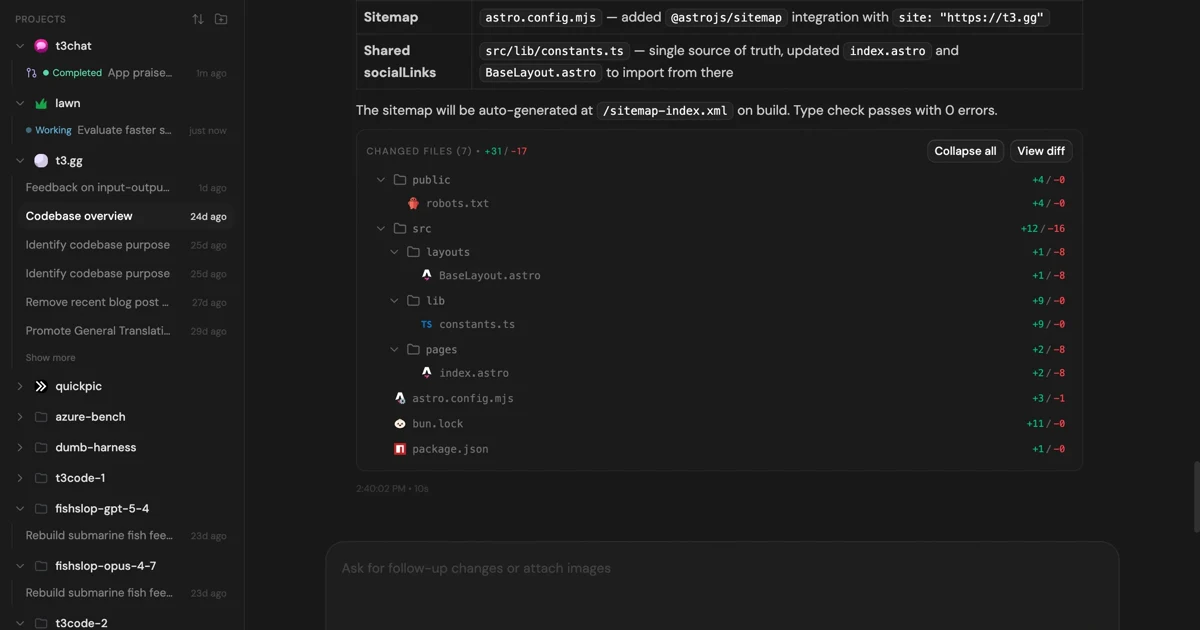
MIT-licensed control plane for running Claude Code, Codex, Cursor, Grok, and OpenCode threads from desktop, web, iOS, and Android clients.
Alternative Tools to Consider

MIT-licensed local gateway and desktop control plane for routing Claude Code, Codex, Grok CLI, and compatible agents across model providers.

Local analytics dashboard for AI coding agents that unifies sessions, costs, models, and tool usage across multiple editors.

Anthropic’s agentic coding platform for terminal, IDE, desktop, web, CI, and code-review workflows.

Source-available VS Code and Cursor interface for Claude Code with checkpoints, inline diffs, history, permissions, and extension marketplaces.

Open-source macOS desktop UI for orchestrating Claude Code and OpenAI Codex with local CLI auth and parallel threads.
Do one more comparison before you commit to Claude Code Usage Monitor
Strong picks usually survive one more internal check. Read deeper, compare a neighbor, then leave for the vendor page if the fit still holds.