
49Agents IDE
Source-available 2D IDE that arranges coding-agent terminals, files, Git, issues, notes, and multiple machines on one zoomable canvas.
Do not bounce yet
Read the fit check, compare one alternative, then decide whether the vendor page is still your best next click.
Quick Verdict
Fast fit check before you leave the page
Make the fit call first. Vendor pages are good at selling, but they rarely tell you where the product is a bad match.
- Developers running several Claude Code, Codex, or other terminal-based coding agents in parallel
- Small teams coordinating agent work across multiple repositories, local machines, and cloud development boxes
- Technical leads who want a visual operations surface combining terminals, files, Git, issues, and working notes
- Business Source License 1.1 is source-available rather than OSI open source, and larger funded or revenue-generating organizations need a commercial license for production use.
- Stable release 0.4.0 has no downloadable assets or release notes; v0.3.4 is still the newest release with packaged macOS binaries.
- The macOS desktop app is not notarized, and the README asks users to remove quarantine attributes before launching it.
Compare Next
Take one more internal step before the vendor pitch
This is where visitors usually jump out too early. Read one deeper take or open one alternative so the next click is informed instead of impulsive.
Alternative profile
Mux
Open-source desktop and browser coding-agent multiplexer for running parallel AI agents across isolated local, worktree, and SSH workspaces.
Alternative profile
Agent Deck
Open-source terminal session manager for running and supervising multiple AI coding agents across isolated git worktrees.
Alternative profile
Claude Squad
Open-source terminal app for managing multiple AI coding agents like Claude Code, Codex, OpenCode, and Aider across isolated workspaces.
49Agents IDE tackles a coordination problem created by vibe coding itself: once several coding agents run across multiple repositories and machines, ordinary terminal tabs stop being an adequate control surface. The project replaces that sprawl with a zoomable 2D canvas containing live terminals, files, Git history, issues, notes, machine status, and multiple project zones. Its self-hosted architecture is inspectable and distinctive, but the Business Source License, remote-control surface, unnotarized macOS package, and incomplete v0.4.0 release metadata deserve explicit scrutiny.
49Agents IDE is a spatial operations workspace for developers running several coding agents, repositories, terminals, and machines at once. Its self-hosted web canvas combines real tmux sessions, Monaco file editing, Git history, Beads issues, notes, machine telemetry, broadcast input, and multi-machine connections instead of forcing every task into another terminal tab. A macOS desktop wrapper and hosted trial are also available. The product is free for individuals and organizations below both Business Source License thresholds, but production use by organizations with at least $1 million in trailing revenue or funding requires a commercial license. The current v0.4.0 release page has no downloadable assets, so macOS users wanting a packaged build must verify the older v0.3.4 artifacts or build from reviewed source.
Why Choose 49Agents IDE?
Choose 49Agents IDE when the bottleneck is coordinating many CLI-agent sessions, repositories, and machines rather than finding another model or chat interface.
The differentiator is one persistent spatial workspace for tmux terminals, Monaco files, Git, Beads issues, notes, machine telemetry, broadcast input, and remote connections.
Self-hosting supports local or private-network operation, while the hosted trial offers a lower-friction way to inspect the interaction model before deployment.
Treat it as a sensitive control plane: review the pinned BSL terms, isolate network access, use least-privilege credentials, and test source deployment before trusting hosted relay or unsigned desktop binaries.
Key Features
Infinite 2D canvas arranges terminal, file, Git graph, Beads issue, note, web, and directory panes across projects.
Real tmux sessions run through ttyd with ANSI color, scrollback, shell configuration, persistent layouts, and broadcast input.
Multiple machines connect to one workspace over WebSockets, with CPU, RAM, and coding-agent usage visible in a shared HUD.
Monaco file editing, Git history, issue tables, notes, permission notifications, shortcuts, and a minimap reduce terminal-tab switching.
Self-hosted deployment runs on local hardware; a hosted browser trial and a macOS Electron tray application provide alternate entry points.
Tailscale, LAN, or hosted relay topologies support access from laptops, desktops, cloud machines, tablets, and phones.
Pros & Cons
- The spatial canvas is materially different from another chat wrapper and directly targets multi-agent, multi-repository operational overload.
- Self-hosting keeps the control plane inspectable and can avoid sending terminal and file state to a vendor-managed workspace.
- Source, deployment scripts, desktop wrapper, tagged releases, and an active issue and pull-request history are publicly reviewable.
- Terminal, files, Git, issues, notes, and machine status share one surface instead of requiring a separate dashboard for each agent.
- Business Source License 1.1 is source-available rather than OSI open source, and larger funded or revenue-generating organizations need a commercial license for production use.
- Stable release 0.4.0 has no downloadable assets or release notes; v0.3.4 is still the newest release with packaged macOS binaries.
- The macOS desktop app is not notarized, and the README asks users to remove quarantine attributes before launching it.
- Remote terminals, files, WebSockets, and multi-machine access create a sensitive control plane that should be isolated and tested with least privilege.
- Public attention is recent, independent adoption evidence is limited, and hosted-relay privacy claims were not independently verified in this audit.
Detailed Use Cases for 49Agents IDE
Arrange live agent terminals by project, watch status at a glance, and use spatial zones instead of switching through a stack of terminal tabs.
Connect local and cloud development machines to one WebSocket workspace and access the same canvas from desktop or mobile browsers.
Place files, Git history, issue tables, notes, web references, and terminals together while reviewing or steering a complex change.
Deploy the stack on an isolated machine or private network, verify release and license constraints, and test permissions before broader team use.
Who Should Use 49Agents IDE?
Developers running several Claude Code, Codex, or other terminal-based coding agents in parallel
Small teams coordinating agent work across multiple repositories, local machines, and cloud development boxes
Technical leads who want a visual operations surface combining terminals, files, Git, issues, and working notes
Self-hosters willing to secure a source-available remote development control plane and verify its release artifacts
Perfect For
Monitor and steer several Claude Code, Codex, or other CLI-agent sessions without juggling many terminal windows.
Operate coding agents across a laptop, desktop, and cloud machine from one visual workspace.
Keep repository files, Git history, issue queues, working notes, and agent terminals visible during a coordinated implementation.
Self-host a browser-accessible agent control surface for a small team that fits the BSL production-use thresholds.
Technical Details
Direct Competitors
Superset
Claude Squad
Agent Deck
cmux
Vibe Kanban
Similar Tools You Might Like

Worktree-based macOS editor for running and reviewing multiple CLI coding agents like Claude Code, Codex, Gemini CLI, and OpenCode in parallel.

Open-source macOS workspace that links coding-agent sessions to commits and shares local project memory across Claude Code, Codex, and ACP agents.
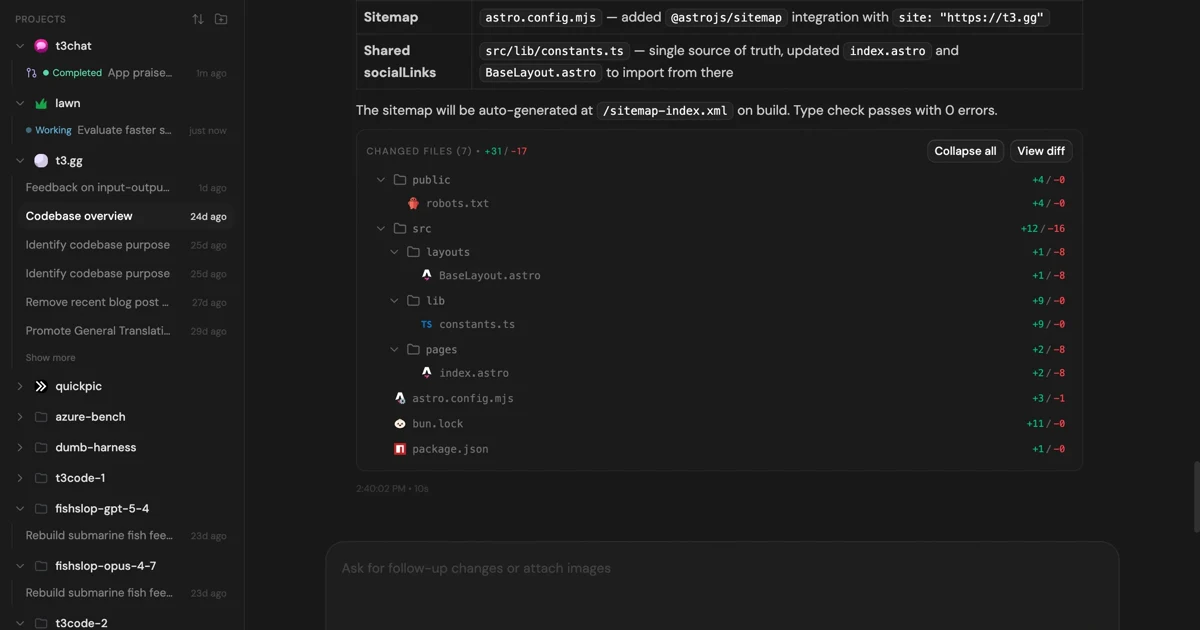
MIT-licensed control plane for running Claude Code, Codex, Cursor, Grok, and OpenCode threads from desktop, web, iOS, and Android clients.
Alternative Tools to Consider
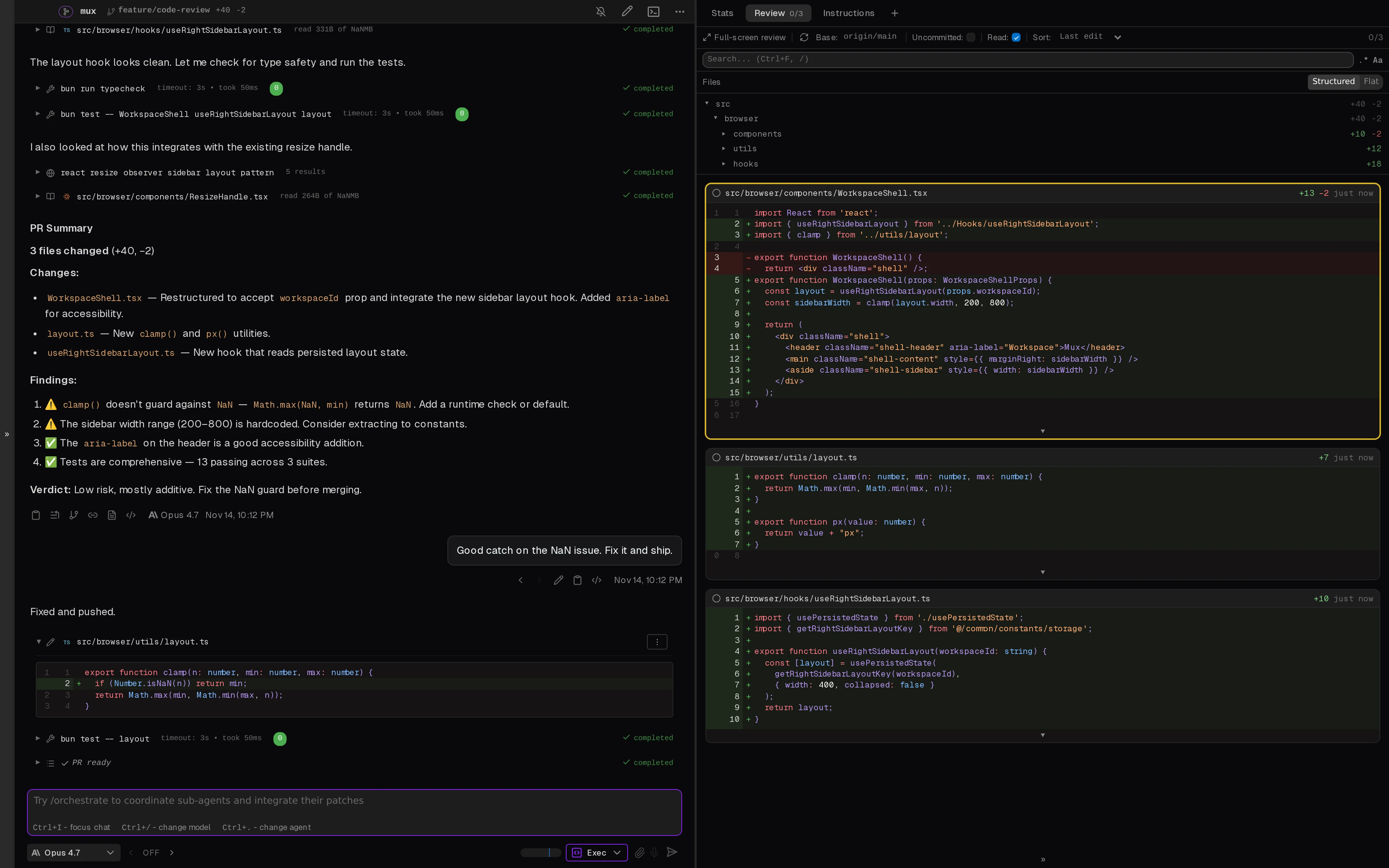
Open-source desktop and browser coding-agent multiplexer for running parallel AI agents across isolated local, worktree, and SSH workspaces.

Open-source terminal session manager for running and supervising multiple AI coding agents across isolated git worktrees.

Open-source terminal app for managing multiple AI coding agents like Claude Code, Codex, OpenCode, and Aider across isolated workspaces.

Native macOS terminal for running parallel AI coding agents with vertical tabs, browser splits, SSH workspaces, and attention-aware notifications.
Worktree-based macOS editor for running and reviewing multiple CLI coding agents like Claude Code, Codex, Gemini CLI, and OpenCode in parallel.
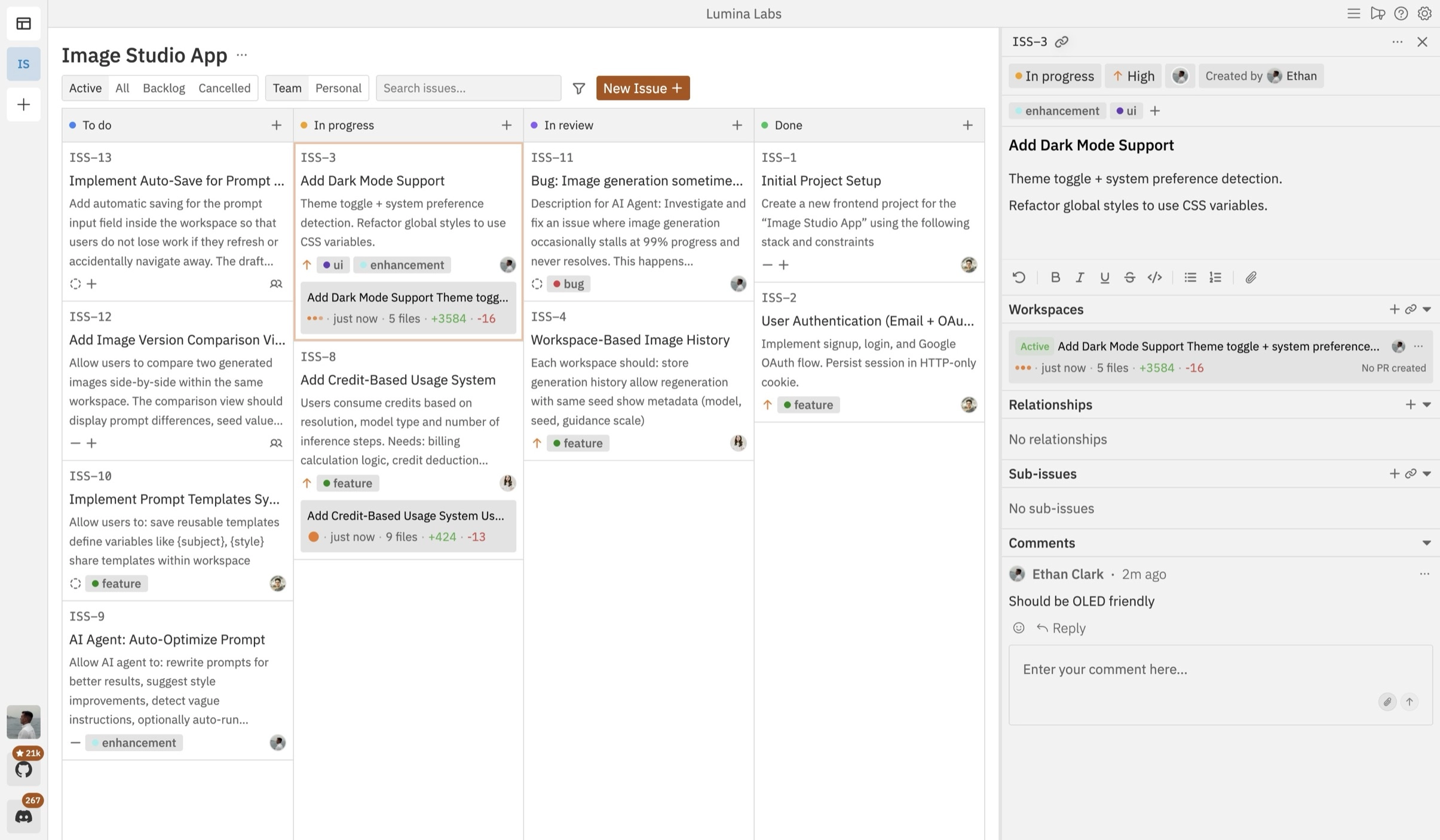
Open-source Kanban control plane for planning, running, and reviewing multiple coding agents across isolated workspaces.
Do one more comparison before you commit to 49Agents IDE
Strong picks usually survive one more internal check. Read deeper, compare a neighbor, then leave for the vendor page if the fit still holds.