
cmux
Native macOS terminal for running parallel AI coding agents with vertical tabs, browser splits, SSH workspaces, and attention-aware notifications.
Do not bounce yet
Read the fit check, compare one alternative, then decide whether the vendor page is still your best next click.
Quick Verdict
Fast fit check before you leave the page
Make the fit call first. Vendor pages are good at selling, but they rarely tell you where the product is a bad match.
- macOS developers running parallel Claude Code, Codex, OpenCode, Gemini CLI, or similar agent sessions
- Terminal-first engineers who want browser panes and notifications without moving into a browser-only builder or full AI IDE
- Power users building their own composable agent workflow on top of CLI tools
- macOS-only is a brutal limitation, so anyone on Windows or Linux can stop reading right there.
- cmux is not itself a coding agent; it is workflow infrastructure for people already using agent CLIs, which means its value depends on the rest of your toolchain.
- The richer workflows need hooks, configuration, and behavior changes, so this is a better fit for power users than for people who want a zero-concept beginner experience.
Compare Next
Take one more internal step before the vendor pitch
This is where visitors usually jump out too early. Read one deeper take or open one alternative so the next click is informed instead of impulsive.
Related article
cmux vs tmux vs Warp: 2026 Review, Pricing, and Tradeoffs
A practical cmux vs tmux and Warp comparison covering macOS support, parallel-agent workflows, pricing, installation, GPL licensing, and the tradeoffs between a native terminal and cross-platform alternatives.
Alternative profile
Claude Code Router
MIT-licensed local gateway and desktop control plane for routing Claude Code, Codex, Grok CLI, and compatible agents across model providers.
Alternative profile
Mux
Open-source desktop and browser coding-agent multiplexer for running parallel AI agents across isolated local, worktree, and SSH workspaces.
Alternative profile
Claude Code
Anthropic’s agentic coding platform for terminal, IDE, desktop, web, CI, and code-review workflows.
cmux is not trying to be another general AI coding agent. Its pitch is narrower and more useful: if you already run Claude Code, Codex, OpenCode, Gemini CLI, or similar tools in parallel, your terminal setup probably becomes a mess. cmux turns that chaos into a native macOS workspace with better tabs, notifications, browser panes, and session control.
cmux is a Ghostty-based native macOS terminal built for developers who run multiple coding agents in parallel and are tired of pretending tmux plus generic notifications is good enough. It adds vertical tabs, split workspaces, browser panes, session restore, agent hooks, SSH workspaces, and richer notification context for tools like Claude Code, Codex, OpenCode, Gemini CLI, and other terminal-first coding workflows. The point is not to replace every agent with one more opinionated platform, but to make parallel agent work inside the terminal less chaotic and more usable.
Why Choose cmux?
Choose cmux if your real bottleneck is managing multiple terminal-based coding agents rather than finding one more model wrapper.
It is appealing for macOS developers who want a native terminal-and-browser workspace instead of an Electron-heavy orchestration shell.
cmux is also stronger than many agent dashboards because it works with existing CLI tools instead of forcing a single vendor workflow.
Key Features
Ghostty-based native macOS terminal with vertical tabs, split panes, and workspace metadata tuned for juggling many agent sessions at once.
Attention-aware notification rings and a notification panel so developers can see which coding agent actually needs input instead of receiving useless generic desktop alerts.
Built-in browser pane with a scriptable API ported from agent-browser, letting terminal-based agents interact with local dev servers and web UIs beside the shell.
SSH workspaces that route browser panes through the remote network, which matters when agents are operating against remote machines and localhost assumptions break.
Agent hooks, session restore, and resume support for tools such as Claude Code, Codex, OpenCode, Pi, Amp, Cursor CLI, Gemini, Factory, Qoder, CodeBuddy, and Copilot.
CLI and socket API for creating workspaces, splitting panes, sending keystrokes, and automating the environment without being locked into one hosted agent vendor.
Pros & Cons
- cmux solves a real workflow problem: parallel agent sessions in plain terminals become unreadable fast, and its sidebar plus notification model is more useful than generic tmux sprawl.
- The native Swift/AppKit plus libghostty approach is strategically different from heavy Electron orchestration shells and should appeal to developers who care about responsiveness.
- It works with multiple agent CLIs instead of demanding that developers abandon their preferred tools for one vertically integrated platform.
- Public signal is already serious rather than imaginary: the repository is above 17k GitHub stars, the launch drew Hacker News attention, and there is ongoing discussion on X about its fit for Claude Code and Codex workflows.
- macOS-only is a brutal limitation, so anyone on Windows or Linux can stop reading right there.
- cmux is not itself a coding agent; it is workflow infrastructure for people already using agent CLIs, which means its value depends on the rest of your toolchain.
- The richer workflows need hooks, configuration, and behavior changes, so this is a better fit for power users than for people who want a zero-concept beginner experience.
- GPL licensing plus an optional commercial license may make some companies cautious even though the public repo is open source.
Detailed Use Cases for cmux
cmux is strongest when multiple agent sessions are active at the same time and you need better visibility, notifications, and pane navigation than a plain terminal gives you.
Developers who want their agent terminal and a live web UI in one workspace can use cmux's built-in browser pane instead of bouncing between separate apps.
cmux adds real value when agents operate on remote machines and workspace, browser routing, and session restoration matter more than bare terminal minimalism.
Rather than replacing every agent with one more closed platform, cmux helps macOS power users build a terminal-native operating layer around the agent CLIs they already trust.
Who Should Use cmux?
macOS developers running parallel Claude Code, Codex, OpenCode, Gemini CLI, or similar agent sessions
Terminal-first engineers who want browser panes and notifications without moving into a browser-only builder or full AI IDE
Power users building their own composable agent workflow on top of CLI tools
Developers comparing cmux vs Warp, tmux, Ghostty, or Claude Code agent-view style workflows
Perfect For
Running many Claude Code, Codex, OpenCode, Gemini CLI, or similar sessions in parallel without losing track of which pane needs human attention.
Terminal-first development loops where a side-by-side browser pane and agent notifications are more useful than living in a monolithic AI IDE.
Remote agent workflows over SSH where workspace state, browser routing, and session restore matter more than raw terminal minimalism.
Developers building their own composable agent workflow instead of surrendering to a locked-down all-in-one product.
Technical Details
Direct Competitors
Warp
tmux
Ghostty
Claude Code
Similar Tools You Might Like
MIT-licensed local memory server and CLI for carrying coding context, summaries, and handoffs across Claude Code, Codex, Cursor, OpenCode, and other agent clients.
MIT-licensed codebase knowledge graph and MCP server for structural search, natural-language exploration, data-flow tracing, and agent-assisted edits across mixed-language repositories.
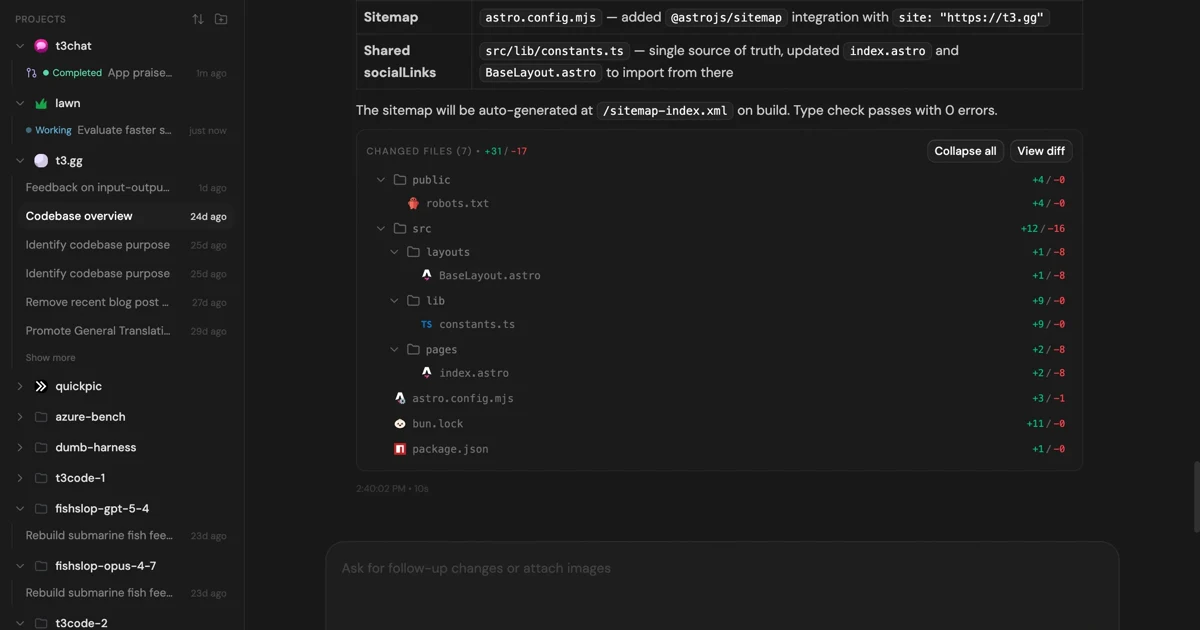
MIT-licensed control plane for running Claude Code, Codex, Cursor, Grok, and OpenCode threads from desktop, web, iOS, and Android clients.
Alternative Tools to Consider

MIT-licensed local gateway and desktop control plane for routing Claude Code, Codex, Grok CLI, and compatible agents across model providers.
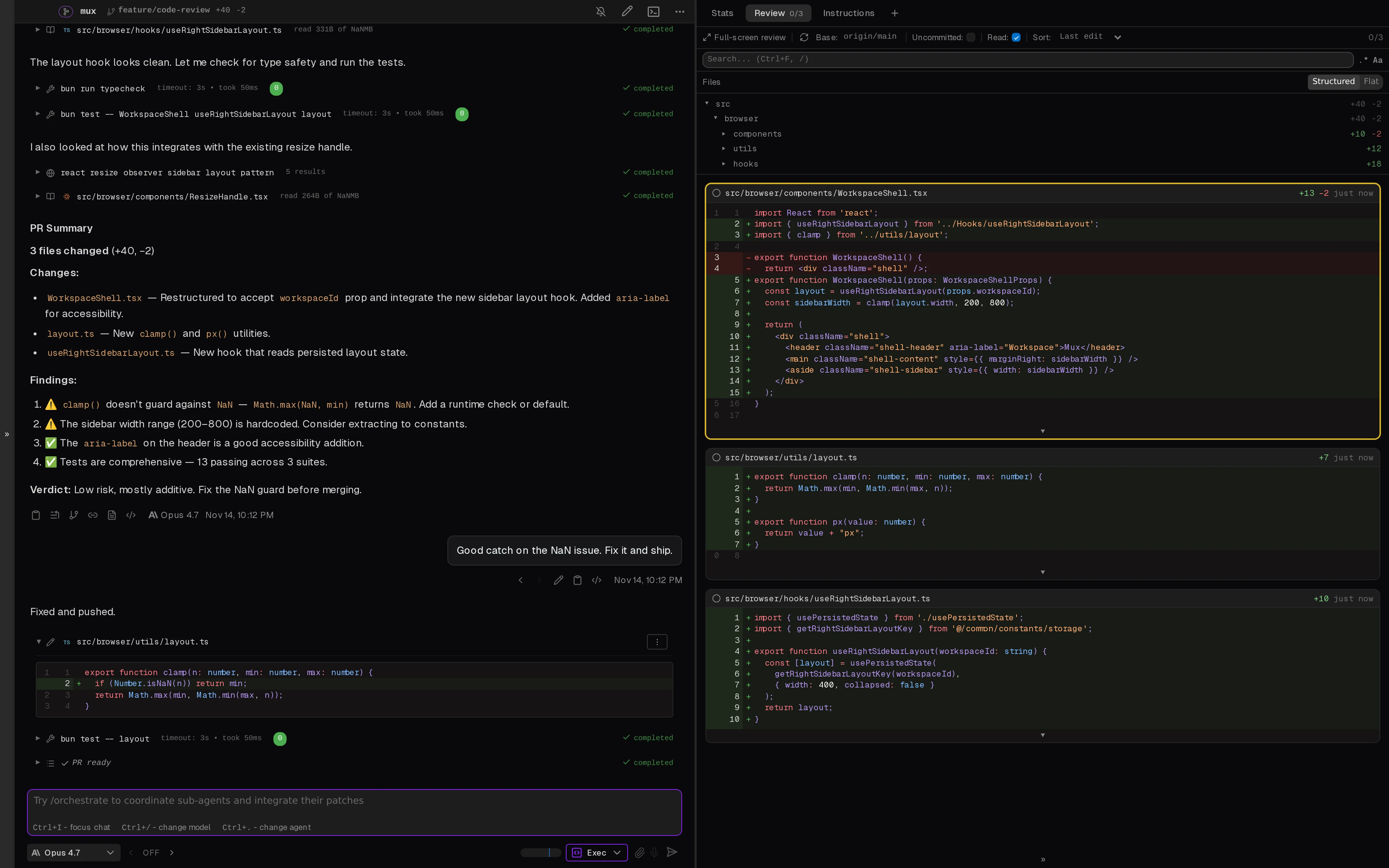
Open-source desktop and browser coding-agent multiplexer for running parallel AI agents across isolated local, worktree, and SSH workspaces.

Anthropic’s agentic coding platform for terminal, IDE, desktop, web, CI, and code-review workflows.

Source-available VS Code and Cursor interface for Claude Code with checkpoints, inline diffs, history, permissions, and extension marketplaces.

Open-source terminal dashboard for tracking Claude Code token usage, burn rate, and predicted session cutoffs.

Warp is an agentic development environment that combines a modern terminal, built-in and cloud coding agents, and support for external CLI agents like Claude Code, Codex, and Gemini CLI.
Do one more comparison before you commit to cmux
Strong picks usually survive one more internal check. Read deeper, compare a neighbor, then leave for the vendor page if the fit still holds.