
Bullet
Free desktop and terminal coding agent focused on faster repository work through targeted context, parallel tool execution, and automatic model routing.
Do not bounce yet
Read the fit check, compare one alternative, then decide whether the vendor page is still your best next click.
Quick Verdict
Fast fit check before you leave the page
Make the fit call first. Vendor pages are good at selling, but they rarely tell you where the product is a bad match.
- Developers comparing fast coding agents for real repository work
- Terminal-first users who want a CLI as well as a desktop surface
- Teams evaluating whether parallel context and tool execution reduce agent turnaround time
- The official benchmark uses Bullet’s production harness while comparison rows use mini-SWE-agent, so scores are not directly apples-to-apples
- Public source and licensing evidence is limited; the GitHub presence is a release-download repository
- Model-provider, subscription, and API costs can still apply even when the Bullet software is free
Compare Next
Take one more internal step before the vendor pitch
This is where visitors usually jump out too early. Read one deeper take or open one alternative so the next click is informed instead of impulsive.
Alternative profile
Claude Code Router
MIT-licensed local gateway and desktop control plane for routing Claude Code, Codex, Grok CLI, and compatible agents across model providers.
Alternative profile
Claude Code
Anthropic’s agentic coding platform for terminal, IDE, desktop, web, CI, and code-review workflows.
Alternative profile
Claude Code Chat
Source-available VS Code and Cursor interface for Claude Code with checkpoints, inline diffs, history, permissions, and extension marketplaces.
Bullet is a coding agent built around a simple frustration: capable models can still feel slow when the surrounding search, read, and command loop does unnecessary work. Its desktop app and CLI share a router and agent loop that target relevant code, run independent tools together, and select model depth per prompt. That is a meaningful angle for vibe coding, but its benchmark claims need careful reading and its proprietary implementation is less inspectable than open-source alternatives.
Bullet is a coding agent for developers who want less waiting between a task and a verified patch. Its desktop app and CLI share a router, tools, and agent loop; Bullet says it routes simple work quickly, searches only the code that matters, runs independent tools in parallel, and chooses model and reasoning depth per prompt. The product is free to start, supports macOS, Linux, and Windows at the desktop level, and also offers a macOS/Linux npm CLI. Treat its published benchmark as vendor-run evidence rather than a universal speed guarantee.
Why Choose Bullet?
Choose Bullet when agent latency and serial tool orchestration are the main bottlenecks in your coding workflow.
Its desktop and CLI surfaces share one product model, so teams can compare visual and terminal workflows without adopting two unrelated tools.
Targeted search and parallel execution are concrete workflow choices rather than vague claims about smarter AI.
Do not treat the published SWE-bench score as a universal ranking: Bullet and comparison systems use different harnesses, and production safety still depends on review and permissions.
Key Features
Desktop app and terminal CLI share the same router, tools, and agent loop
Targeted code search and bounded context instead of sending an entire repository by default
Parallel execution for independent searches, reads, and commands
Automatic model and reasoning-tier selection per prompt
Free access with desktop builds for macOS, Linux, and Windows; CLI install documented for macOS and Linux
Pros & Cons
- Targets latency and unnecessary agent-loop round trips as first-class product problems
- Offers both a visual desktop surface and a shell-native workflow
- The HN launch discussion provides meaningful practitioner scrutiny beyond the product site
- Free entry makes it practical to evaluate against a real repository before committing budget
- The official benchmark uses Bullet’s production harness while comparison rows use mini-SWE-agent, so scores are not directly apples-to-apples
- Public source and licensing evidence is limited; the GitHub presence is a release-download repository
- Model-provider, subscription, and API costs can still apply even when the Bullet software is free
- A fast agent can still make destructive or incorrect edits; permissions, secrets, and patch review remain the operator’s responsibility
Detailed Use Cases for Bullet
Use Bullet to explore, edit, and verify a repository while its agent loop searches targeted code and runs independent tools in parallel.
Use the desktop app for a visual workflow or install the CLI on macOS/Linux when shell-native control is more useful.
Compare Bullet against an existing coding agent on representative tasks, measuring full task completion rather than a headline benchmark alone.
Start with non-sensitive repositories, narrow provider permissions, and review every diff because speed does not remove agentic coding risk.
Who Should Use Bullet?
Developers comparing fast coding agents for real repository work
Terminal-first users who want a CLI as well as a desktop surface
Teams evaluating whether parallel context and tool execution reduce agent turnaround time
Operators willing to test a proprietary agent on non-sensitive repositories before wider adoption
Perfect For
Run repository tasks from a desktop app when terminal latency and repetitive tool calls are slowing work
Use the CLI for macOS/Linux agent workflows and scripted evaluation
Compare targeted search and parallel tool execution against an existing coding-agent setup
Prototype agent-assisted work on non-sensitive repositories before adopting it for production
Technical Details
Direct Competitors
Claude Code
OpenAI Codex
Qwen Code
Gemini CLI
Cursor
Similar Tools You Might Like

Multi-model frontier coding agent for the terminal and editors with shareable threads, subagents, and usage-based credit billing.
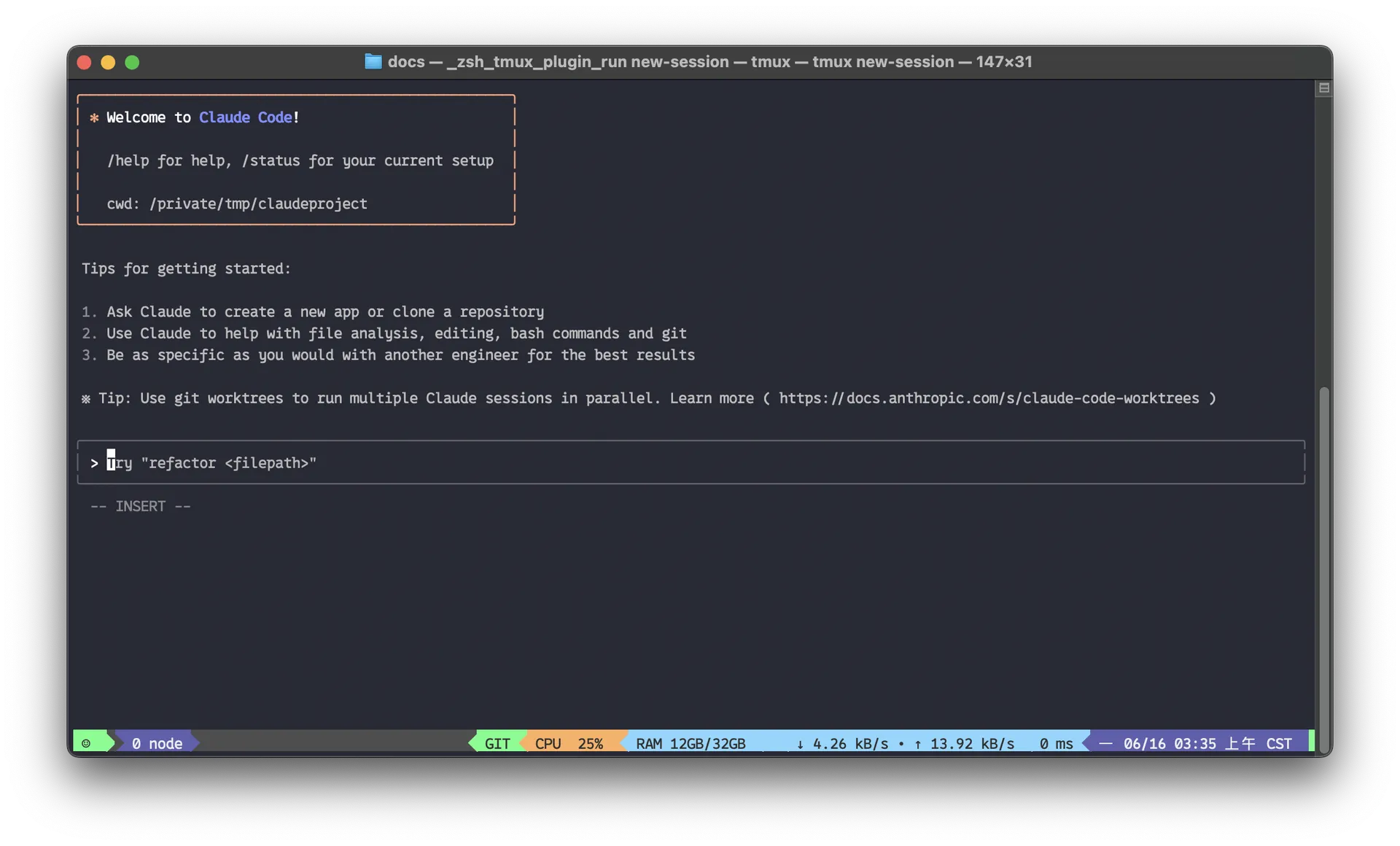
Anthropic’s agentic coding platform for terminal, IDE, desktop, web, CI, and code-review workflows.

MIT-licensed local memory server and CLI for carrying coding context, summaries, and handoffs across Claude Code, Codex, Cursor, OpenCode, and other agent clients.
Alternative Tools to Consider
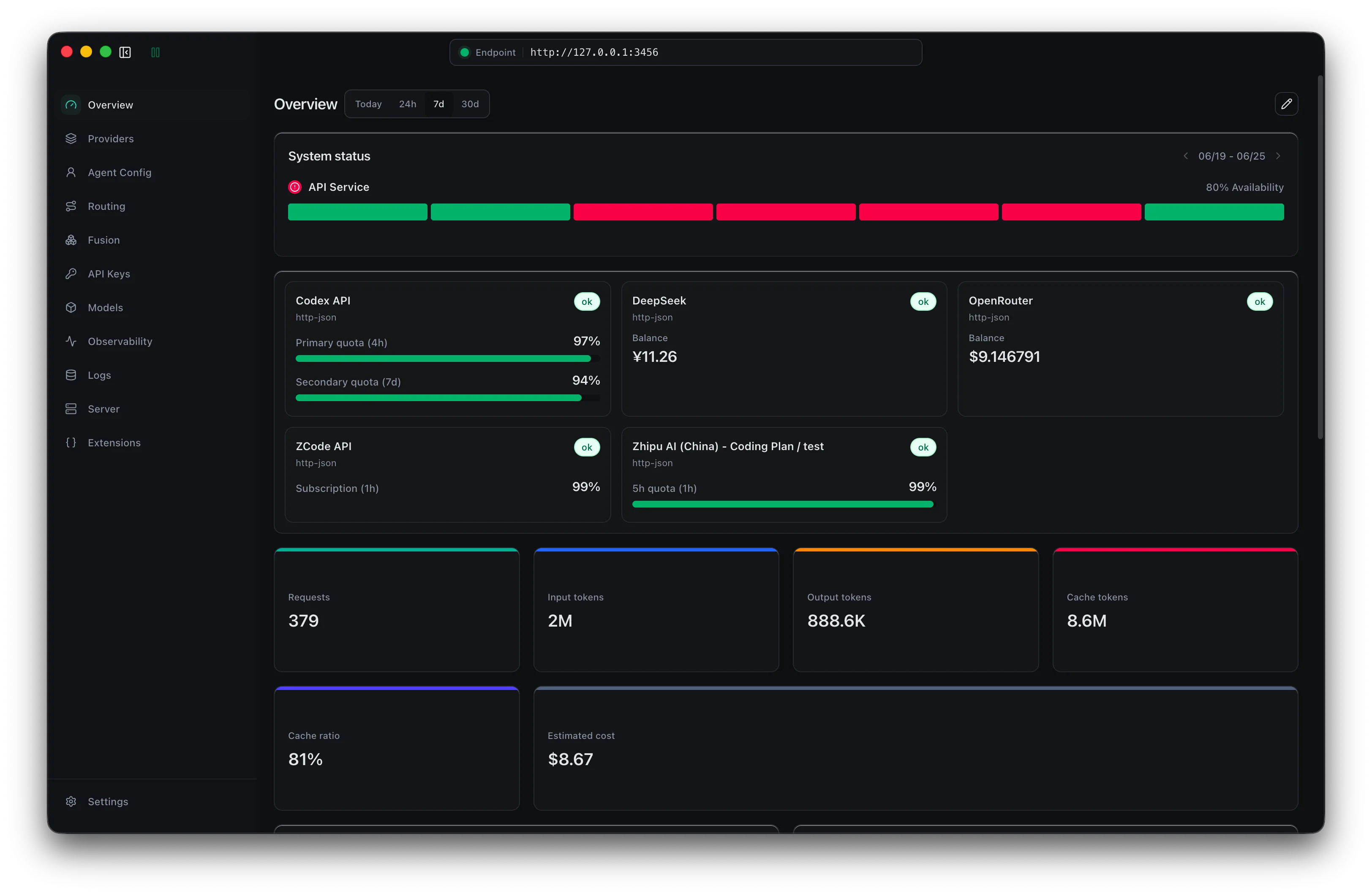
MIT-licensed local gateway and desktop control plane for routing Claude Code, Codex, Grok CLI, and compatible agents across model providers.
Anthropic’s agentic coding platform for terminal, IDE, desktop, web, CI, and code-review workflows.

Source-available VS Code and Cursor interface for Claude Code with checkpoints, inline diffs, history, permissions, and extension marketplaces.

Open-source terminal dashboard for tracking Claude Code token usage, burn rate, and predicted session cutoffs.

AI code editor with local, cloud, CLI, and mobile coding agents

Google's open-source terminal coding agent with Gemini 3 models, MCP extensibility, and strong headless automation workflows.
Do one more comparison before you commit to Bullet
Strong picks usually survive one more internal check. Read deeper, compare a neighbor, then leave for the vendor page if the fit still holds.