
Gemini CLI
Google's open-source terminal coding agent with Gemini 3 models, MCP extensibility, and strong headless automation workflows.
Do not bounce yet
Read the fit check, compare one alternative, then decide whether the vendor page is still your best next click.
Quick Verdict
Fast fit check before you leave the page
Make the fit call first. Vendor pages are good at selling, but they rarely tell you where the product is a bad match.
- Terminal-native developers comparing Gemini CLI vs Claude Code or Codex CLI
- Teams that want an open-source repo to inspect before adopting a coding agent
- Google Cloud and Vertex AI users who want a path from local workflows to enterprise deployment
- You are still buying into the Gemini ecosystem rather than a multi-model terminal agent by default
- Fast-moving releases can change auth, trust, or automation behavior quickly, which matters if you depend on CI stability
- Enterprise setups can be more complex than simpler local-only CLIs because Google Cloud and quota policies enter the picture
Compare Next
Take one more internal step before the vendor pitch
This is where visitors usually jump out too early. Read one deeper take or open one alternative so the next click is informed instead of impulsive.
Alternative profile
Claude Code Router
MIT-licensed local gateway and desktop control plane for routing Claude Code, Codex, Grok CLI, and compatible agents across model providers.
Alternative profile
Aider
Open-source terminal coding agent with git-native edits, repo mapping, and broad model support
Alternative profile
Claude Code
Anthropic’s agentic coding platform for terminal, IDE, desktop, web, CI, and code-review workflows.
Gemini CLI has outgrown the "free Google experiment" label. With a six-figure GitHub star count, rapid releases, official docs, and visible discussion across Hacker News and X, it is now one of the category-reference terminal agents. What makes it matter is not only model access: Gemini CLI combines open-source inspectability, a generous entry tier, multimodal input, MCP extensibility, and serious automation surfaces such as headless JSON output and GitHub Actions.
Gemini CLI is Google's open-source terminal agent for developers who want real repo work, not just chat pasted into a shell. It combines Gemini 3 models, a 1M-token context window, built-in file and shell tools, web fetch and search, multimodal input, MCP integrations, and headless scripting modes. Because it also ships GitHub Actions support, checkpointing, trusted-folder controls, and multiple auth paths from personal Google accounts to Vertex AI, Gemini CLI is now a serious contender for both individual and team agentic coding workflows.
Why Choose Gemini CLI?
Choose Gemini CLI if you want a terminal-first coding agent that is both open source and backed by Google's model stack, rather than another opaque wrapper.
Its free tier and Google-account sign-in make it unusually easy to evaluate seriously before committing to usage-based spend.
Headless modes, GitHub Actions, checkpointing, and MCP support make it viable for automation and team workflows, not just interactive solo sessions.
Public discussion around trust boundaries and security changes is a sign that the tool is being used in real environments where operational details actually matter.
Key Features
Gemini 3 model access with a 1M-token context window for large-repo exploration and editing
Built-in file operations, shell commands, web fetch, and Google Search grounding inside one terminal agent
Multimodal workflows that can turn PDFs, images, and sketches into code or implementation guidance
MCP integration plus custom extensions for adding external tools and organization-specific capabilities
Headless execution with JSON and stream-json output modes for scripting, automation, and CI usage
Checkpointing and GEMINI.md context files for resuming long-running work without rebuilding context from scratch
Trusted folders, sandboxing, and evolving security controls for safer non-trivial repository workflows
GitHub Action support for PR reviews, issue triage, and on-demand repository assistance
Pros & Cons
- Massive open-source adoption means Gemini CLI is easy to inspect, benchmark, and trust-verify compared with closed black-box tools
- The free tier is generous enough for serious evaluation instead of only toy experimentation
- It works well in both interactive terminal sessions and headless automation flows, which many coding agents still handle poorly
- Google account, API key, and Vertex AI auth paths give individuals and teams multiple rollout options
- Rapid release cadence, active docs, and a public roadmap make the product feel alive rather than abandoned after launch
- You are still buying into the Gemini ecosystem rather than a multi-model terminal agent by default
- Fast-moving releases can change auth, trust, or automation behavior quickly, which matters if you depend on CI stability
- Enterprise setups can be more complex than simpler local-only CLIs because Google Cloud and quota policies enter the picture
- A generous free tier is not the same thing as local-model ownership or offline operation
Detailed Use Cases for Gemini CLI
Use Gemini CLI when you want a real terminal agent that can inspect, edit, debug, and reason over a large codebase without manually selecting tiny context slices every turn.
Its JSON and stream-json output modes, plus the official GitHub Action, make Gemini CLI more suitable for scripts and CI workflows than tools that only shine in interactive chats.
Gemini CLI is a strong fit when the input is not just source code but also PDFs, mockups, screenshots, or sketches that need to become implementation work.
Teams already using Gemini API, Gemini Code Assist, or Vertex AI get a more coherent operational path with Gemini CLI than they would from bolting a non-Google agent onto the stack.
Who Should Use Gemini CLI?
Terminal-native developers comparing Gemini CLI vs Claude Code or Codex CLI
Teams that want an open-source repo to inspect before adopting a coding agent
Google Cloud and Vertex AI users who want a path from local workflows to enterprise deployment
Builders who need multimodal and large-context repo work inside one CLI
Engineers who want scriptable JSON outputs instead of only interactive chat UX
Perfect For
Explore and modify large repositories from the terminal without manually curating context every turn
Run headless coding-agent workflows in scripts, CI pipelines, and GitHub Actions
Generate or refactor code from documents, screenshots, sketches, and other multimodal inputs
Adopt a Google-aligned terminal agent for teams already using Gemini API, Gemini Code Assist, or Vertex AI
Evaluate an open-source alternative to closed terminal agents like Claude Code or other proprietary assistants
Technical Details
Direct Competitors
Claude Code
Codex CLI
OpenCode
Aider
Similar Tools You Might Like

MIT-licensed local memory server and CLI for carrying coding context, summaries, and handoffs across Claude Code, Codex, Cursor, OpenCode, and other agent clients.
MIT-licensed codebase knowledge graph and MCP server for structural search, natural-language exploration, data-flow tracing, and agent-assisted edits across mixed-language repositories.
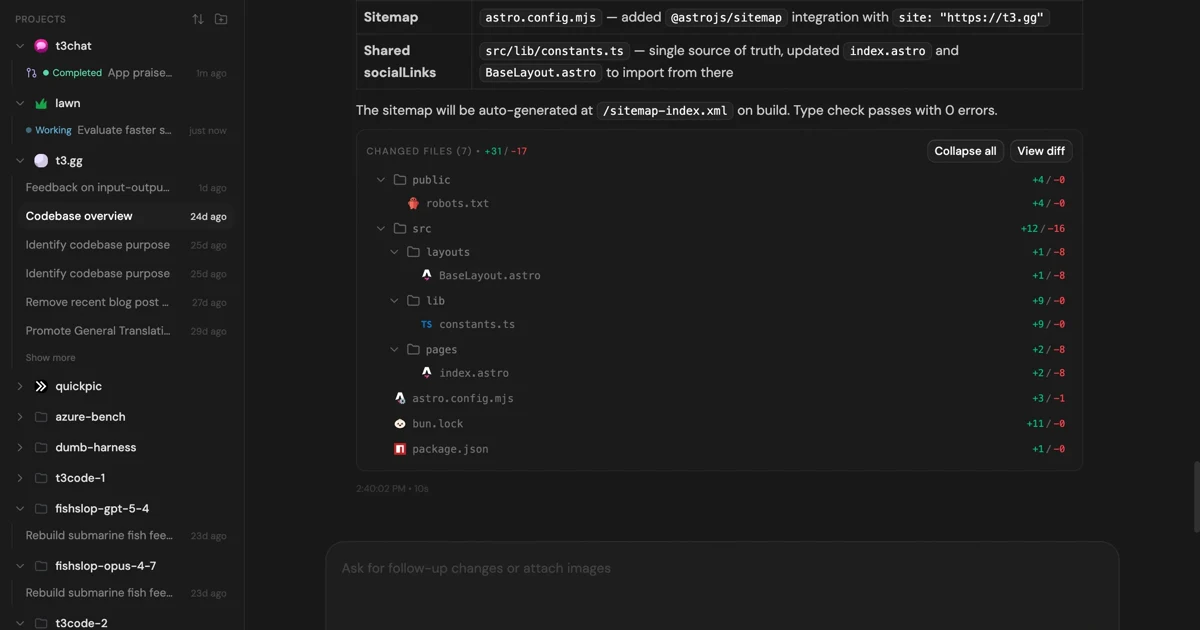
MIT-licensed control plane for running Claude Code, Codex, Cursor, Grok, and OpenCode threads from desktop, web, iOS, and Android clients.
Alternative Tools to Consider

MIT-licensed local gateway and desktop control plane for routing Claude Code, Codex, Grok CLI, and compatible agents across model providers.

Open-source terminal coding agent with git-native edits, repo mapping, and broad model support

Anthropic’s agentic coding platform for terminal, IDE, desktop, web, CI, and code-review workflows.

Source-available VS Code and Cursor interface for Claude Code with checkpoints, inline diffs, history, permissions, and extension marketplaces.

Open-source terminal dashboard for tracking Claude Code token usage, burn rate, and predicted session cutoffs.

MIT-licensed coding agent with terminal, desktop, web, and IDE clients, plus reusable Agent Skills and provider-agnostic model support.
Do one more comparison before you commit to Gemini CLI
Strong picks usually survive one more internal check. Read deeper, compare a neighbor, then leave for the vendor page if the fit still holds.