OpenWork
Open-source desktop workspace and MCP control plane for sharing agent skills, plugins, connected services, and repeatable AI workflows across coding tools and teams.
Do not bounce yet
Read the fit check, compare one alternative, then decide whether the vendor page is still your best next click.
Quick Verdict
Fast fit check before you leave the page
Make the fit call first. Vendor pages are good at selling, but they rarely tell you where the product is a bad match.
- Agent-coding teams standardizing skills, plugins, MCP servers, and connected services across multiple clients
- Platform engineers governing model-provider access, capability catalogs, desktop policy, and team assignments
- Developers comparing OpenWork with Claude Cowork, OpenCode, Claude Code, Codex, and other agent workspaces
- The license is mixed rather than uniformly open source: enterprise code under /ee uses FSL-1.1-MIT, and hosted services have separate terms.
- Connecting organization services and remote capabilities expands the trust boundary beyond a purely local coding agent; administrators must review scopes, credentials, logs, and provider policies.
- The project is moving quickly and has a large issue and pull-request queue, while historical reports include session loss, refresh loops, and Windows setup failures.
Compare Next
Take one more internal step before the vendor pitch
This is where visitors usually jump out too early. Read one deeper take or open one alternative so the next click is informed instead of impulsive.
Alternative profile
Claude Code Router
MIT-licensed local gateway and desktop control plane for routing Claude Code, Codex, Grok CLI, and compatible agents across model providers.
Alternative profile
Claude Code
Anthropic’s agentic coding platform for terminal, IDE, desktop, web, CI, and code-review workflows.
Alternative profile
Claude Code Chat
Source-available VS Code and Cursor interface for Claude Code with checkpoints, inline diffs, history, permissions, and extension marketplaces.
OpenWork is a cross-platform desktop workspace and shared capability layer for agent-heavy teams. Its strongest idea is not another chat window: one OpenWork MCP can make assigned skills, plugins, connected services, and organization-approved workflows available from Codex, Claude Code, Cursor, OpenCode, and other compatible agents. The desktop app is optional for agent-first use, while OpenWork Den adds governance for teams that need centralized providers, policies, marketplaces, and access control.
OpenWork is a cross-platform desktop agent workspace and shared capability layer for developers who use Codex, Claude Code, Cursor, OpenCode, or another MCP-compatible client. Its remote MCP exposes assigned skills, plugins, Google Workspace, Microsoft 365, and other connected capabilities through a consistent search-and-execute interface, while the desktop app provides a dedicated workspace and OpenWork Den adds organization-level access, model-provider, policy, and marketplace controls. That makes it relevant to agent-coding teams that need to reuse and govern workflows across tools rather than rebuilding the same setup in every client.
Why Choose OpenWork?
Choose OpenWork when several developers or agent clients need to reuse the same approved skills, plugins, MCP connections, and connected services.
Its desktop-plus-MCP architecture is more durable than copying local configuration between Codex, Claude Code, Cursor, and OpenCode one machine at a time.
OpenWork Den adds organization controls for model providers, members, teams, desktop policies, app versions, marketplaces, and capability assignment.
Do not confuse the MIT-licensed core with a uniformly open-source stack: the enterprise directory uses FSL-1.1-MIT, hosted services have separate terms, and connected capabilities require careful credential and permission review.
Key Features
Runs as a dedicated desktop workspace on macOS, Windows, and Linux for executing and sharing AI workflows.
Exposes assigned skills, plugins, MCP connections, Google Workspace, and Microsoft 365 capabilities to compatible agents through one remote MCP endpoint.
Provides search_capabilities and execute_capability tools so clients can discover and run organization-approved capabilities without duplicating configuration.
Works from Codex, Claude Code, Cursor, OpenCode, and other MCP clients, while keeping the desktop app optional for agent-first use.
Adds OpenWork Den controls for teams, model providers, member access, desktop policies, app-version policy, marketplaces, and per-user or shared connections.
Supports reusable capability publishing across tools, teammates, and machines instead of binding a workflow to one coding-agent client.
Pros & Cons
- Solves a concrete agent-coding operations problem: distributing and governing reusable capabilities across several agent clients.
- Cross-platform desktop releases and an MCP-first integration path cover both visual workspace and terminal-agent workflows.
- The core is inspectable under MIT, with active development, packaged releases, substantial repository traction, and meaningful Hacker News discussion.
- Organization controls make it more relevant to teams than a local prompt or skill collection.
- The license is mixed rather than uniformly open source: enterprise code under /ee uses FSL-1.1-MIT, and hosted services have separate terms.
- Connecting organization services and remote capabilities expands the trust boundary beyond a purely local coding agent; administrators must review scopes, credentials, logs, and provider policies.
- The project is moving quickly and has a large issue and pull-request queue, while historical reports include session loss, refresh loops, and Windows setup failures.
- Its broad cowork and organization scope can be excessive for solo developers who only need a local coding-agent configuration.
Detailed Use Cases for OpenWork
Publish one catalog of skills, plugins, MCP connections, and services that developers can discover and execute from several compatible agent clients.
Run file and knowledge-work tasks from a macOS, Windows, or Linux desktop app when a visual workspace is more useful than a terminal session.
Use OpenWork Den to manage providers, access, policies, marketplaces, app versions, and organization or per-user connections.
Keep reusable capabilities behind an MCP layer instead of rebuilding the same setup separately in Codex, Claude Code, Cursor, and OpenCode.
Who Should Use OpenWork?
Agent-coding teams standardizing skills, plugins, MCP servers, and connected services across multiple clients
Platform engineers governing model-provider access, capability catalogs, desktop policy, and team assignments
Developers comparing OpenWork with Claude Cowork, OpenCode, Claude Code, Codex, and other agent workspaces
Organizations willing to evaluate remote capability scopes, persistence, upgrade behavior, and mixed licensing before broad rollout
Perfect For
Share approved agent skills, plugins, MCP servers, and connected services across a development team.
Reuse the same capability catalog from Codex, Claude Code, Cursor, OpenCode, and other MCP-compatible agents.
Give developers a desktop workspace for long-running file and knowledge-work tasks alongside terminal coding agents.
Centralize model-provider access, policy, app versions, marketplaces, and team assignments through OpenWork Den.
Technical Details
Direct Competitors
Claude Cowork
OpenCode
Claude Code
OpenAI Codex
LibreChat
Similar Tools You Might Like
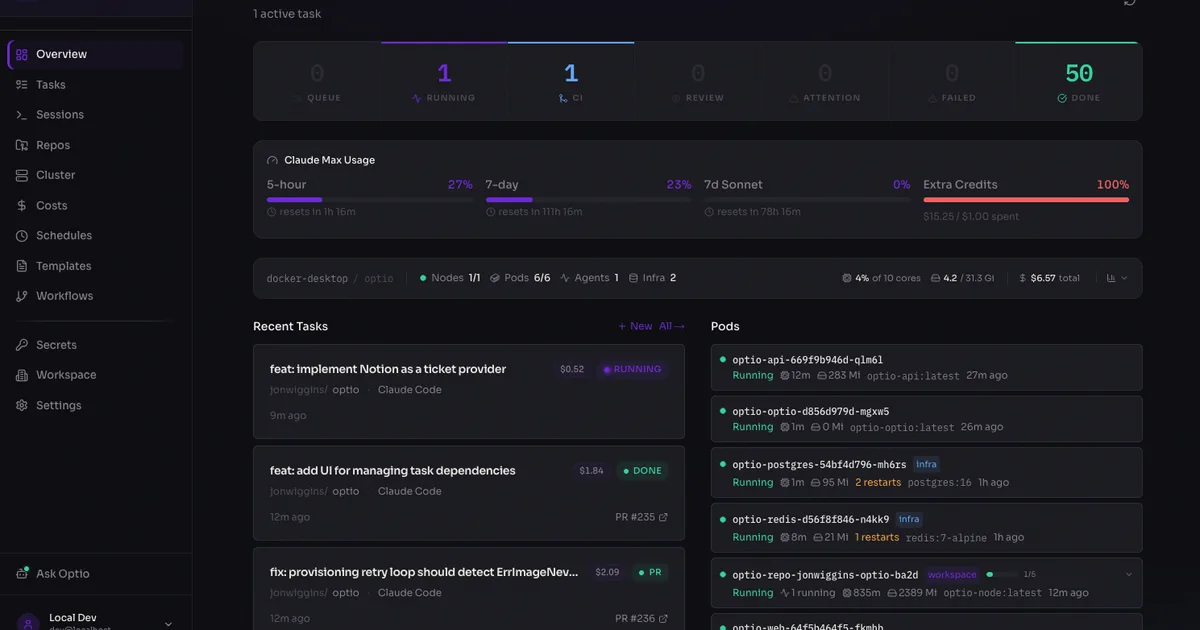
MIT-licensed self-hosted AI engineering platform that runs Claude Code, Codex, Copilot, Gemini, and OpenCode agents in Kubernetes from tickets to PRs.
MIT-licensed team memory hub that turns agent conversations, documents, and code into governed Chat Memory, Skills, Wiki, and CodeGraph assets.
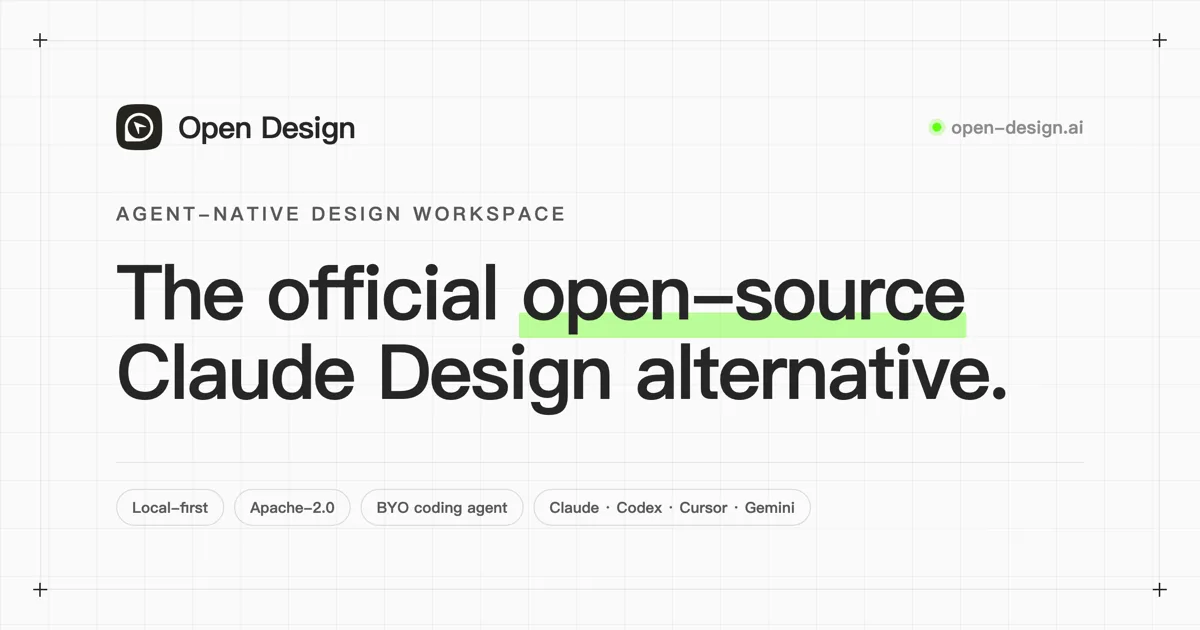
Open-source, local-first design workspace that lets coding agents generate brand-aware prototypes, decks, dashboards, images, and design systems.
Alternative Tools to Consider
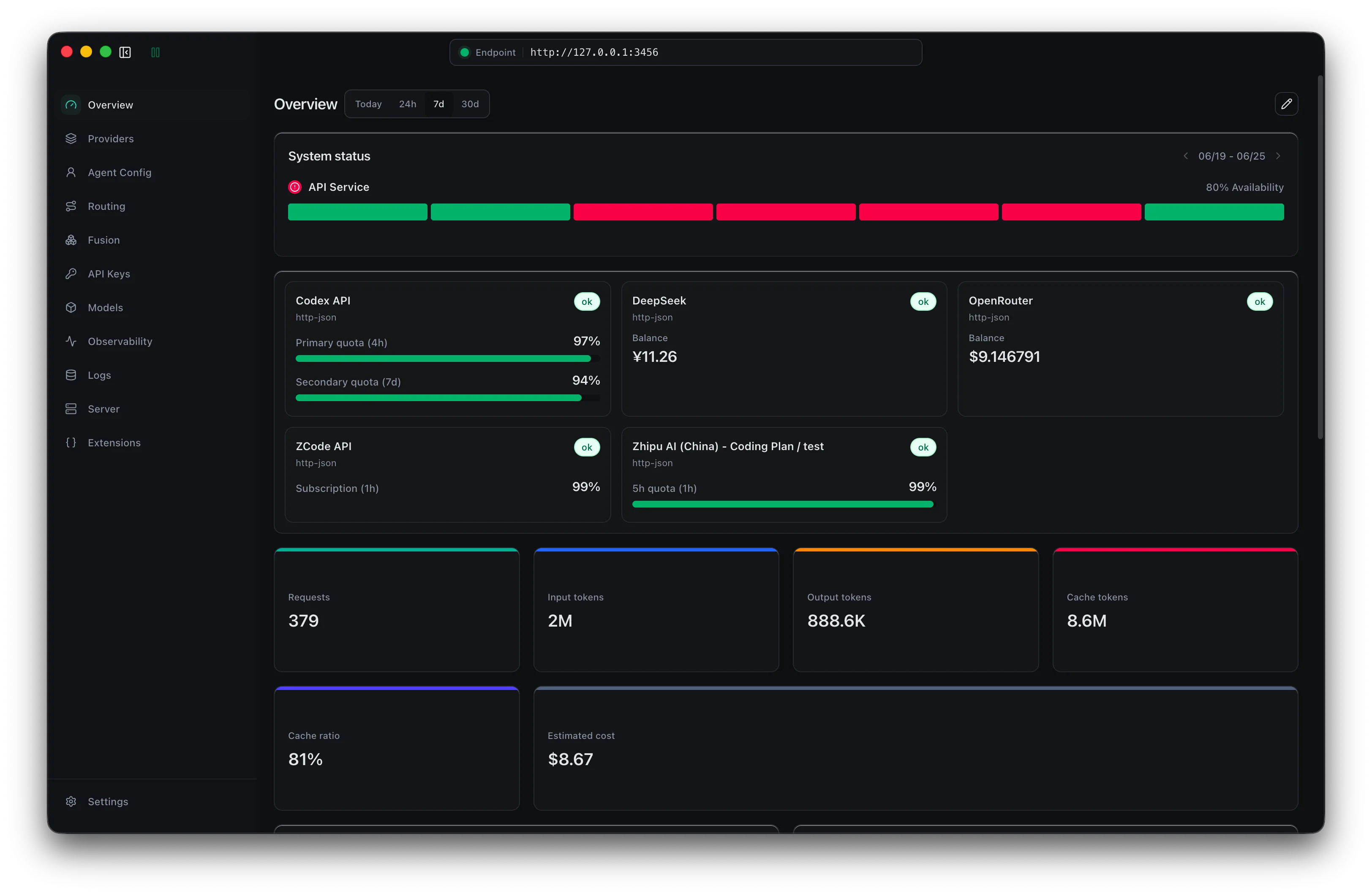
MIT-licensed local gateway and desktop control plane for routing Claude Code, Codex, Grok CLI, and compatible agents across model providers.
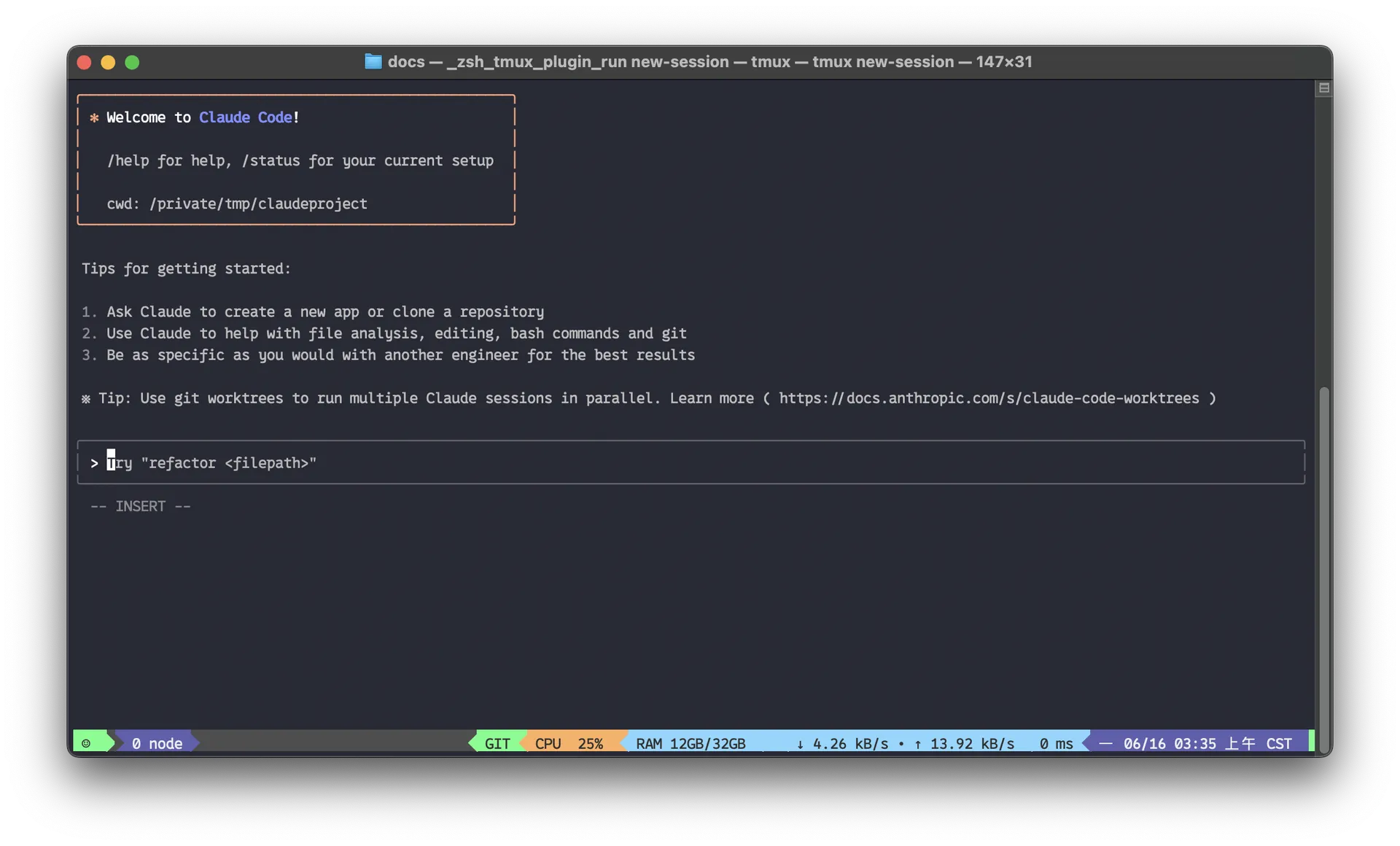
Anthropic’s agentic coding platform for terminal, IDE, desktop, web, CI, and code-review workflows.

Source-available VS Code and Cursor interface for Claude Code with checkpoints, inline diffs, history, permissions, and extension marketplaces.

Open-source terminal dashboard for tracking Claude Code token usage, burn rate, and predicted session cutoffs.

OpenAI's open-source agent harness for terminal coding, SDK automation, app-server integrations, IDE work, and cloud-assisted workflows.

MIT-licensed coding agent with terminal, desktop, web, and IDE clients, plus reusable Agent Skills and provider-agnostic model support.
Do one more comparison before you commit to OpenWork
Strong picks usually survive one more internal check. Read deeper, compare a neighbor, then leave for the vendor page if the fit still holds.