
Playwright CLI
Official open-source Playwright CLI with agent skills for token-efficient browser automation inside coding-agent workflows.
Do not bounce yet
Read the fit check, compare one alternative, then decide whether the vendor page is still your best next click.
Quick Verdict
Fast fit check before you leave the page
Make the fit call first. Vendor pages are good at selling, but they rarely tell you where the product is a bad match.
- Developers using Claude Code, GitHub Copilot, Codex, or similar coding agents on web products
- Frontend and full-stack teams that want browser verification without leaving terminal-driven workflows
- Builders comparing Playwright CLI vs Playwright MCP vs Chrome DevTools MCP for agent browser access
- It is still a browser-automation tool, so hostile auth flows, anti-bot defenses, and flaky enterprise UIs can still make life annoying
- Terminal-first workflows are powerful but less approachable for non-technical builders who expect a polished hosted product
- The strongest fit is web-product work; backend-only teams will not get much value from it
Compare Next
Take one more internal step before the vendor pitch
This is where visitors usually jump out too early. Read one deeper take or open one alternative so the next click is informed instead of impulsive.
Alternative profile
Chrome DevTools MCP
Official open-source MCP server and CLI that lets coding agents control, inspect, and debug a live Chrome browser with real DevTools context.
Alternative profile
Domscribe
Open-source DOM-to-source mapping and runtime context tool that gives coding agents live frontend awareness.
Alternative profile
Libretto
Open-source CLI and agent skill for turning browser exploration into deterministic Playwright automations you can inspect and maintain.
Playwright CLI matters because coding agents increasingly need real browser access, but MCP is not automatically the best interface for every job. Microsoft now positions Playwright CLI plus SKILLS as the better fit for coding agents when token efficiency matters, which makes it more relevant than a generic browser wrapper for teams running repo-aware agent workflows from the terminal.
Playwright CLI is one of the more defensible browser-tool additions for an agent-coding directory because it is explicitly built for coding agents, not retrofitted after the fact. Microsoft positions the CLI plus SKILLS flow as the better fit for coding agents than Playwright MCP because concise commands are more token-efficient than continuously hauling large tool schemas and page trees through model context. In practice that gives vibe-coding teams a practical way to open pages, inspect snapshots, click, type, capture screenshots, manage persistent sessions, and even watch a live browser dashboard while keeping the workflow inspectable and shell-native.
Why Choose Playwright CLI?
If your coding agent needs to drive a browser without bloating its context window, Playwright CLI is one of the clearest official answers on the market.
The tool is more credible than most browser-agent wrappers because it comes directly from the Playwright team and has already reached meaningful open-source traction.
Persistent sessions, snapshots, screenshots, and the live dashboard make it useful for real maintenance and verification work, not just toy demos.
This is one of the rare additions where the official product positioning itself explains why it belongs in an agent-coding directory.
Key Features
Official Playwright CLI with SKILLS designed specifically for coding-agent workflows rather than generic browser scripting
Token-efficient command surface for open, goto, snapshot, click, type, drag, upload, screenshot, pdf, and JavaScript evaluation actions
Session management with in-memory or persistent browser profiles so agents can keep authenticated state across multi-step work
Live monitoring dashboard via playwright-cli show for observing and taking over active browser sessions when agents get stuck
Built-in support for screenshots, PDFs, cookies, localStorage, sessionStorage, tabs, and other browser-state operations
Works with Claude Code, GitHub Copilot, and other coding agents that can call local CLI tools or install skills
Pros & Cons
- The official README says the quiet part out loud: CLI plus SKILLS is a better fit for coding agents than MCP when token budget and context pressure matter
- It keeps browser automation in a shell-native, inspectable workflow instead of trapping everything inside a proprietary web app
- Persistent sessions and the live dashboard make it more practical for real maintenance work than one-shot demo automations
- The repo already has meaningful open-source traction, so this is not another wrapper with zero operating story
- It is still a browser-automation tool, so hostile auth flows, anti-bot defenses, and flaky enterprise UIs can still make life annoying
- Terminal-first workflows are powerful but less approachable for non-technical builders who expect a polished hosted product
- The strongest fit is web-product work; backend-only teams will not get much value from it
- Browser control does not remove the need for human review when an agent is generating tests or modifying production-critical flows
Detailed Use Cases for Playwright CLI
Use Playwright CLI when a coding agent needs to open the real app, take snapshots, click through flows, and capture screenshots without dragging a bulky browser state representation into every turn.
Persistent sessions make it easier to preserve cookies and storage for authenticated workflows, which is exactly where naive browser-agent loops tend to waste time.
The built-in dashboard gives humans a practical way to watch what the agent is doing, inspect current sessions, and take over when browser automation starts going sideways.
Teams deciding between Playwright CLI and Playwright MCP should care about the official tradeoff: CLI plus SKILLS is optimized for coding-agent efficiency, while MCP is better for specialized long-running reasoning loops.
Who Should Use Playwright CLI?
Developers using Claude Code, GitHub Copilot, Codex, or similar coding agents on web products
Frontend and full-stack teams that want browser verification without leaving terminal-driven workflows
Builders comparing Playwright CLI vs Playwright MCP vs Chrome DevTools MCP for agent browser access
Engineers maintaining authenticated browser flows, test generation, or UI debugging with human oversight
Perfect For
Let a coding agent verify a web fix against a real running app with snapshots, clicks, form fills, and screenshots from the terminal
Keep authenticated browser sessions alive across multi-step agent tasks instead of repeatedly redoing login flows
Generate or debug Playwright-style automation while preserving an inspectable CLI trail rather than opaque browser-agent magic
Supervise browser-heavy coding-agent workflows through the live session dashboard and step in when the agent needs help
Technical Details
Direct Competitors
Chrome DevTools MCP
Playwright MCP
Libretto
Domscribe
Similar Tools You Might Like
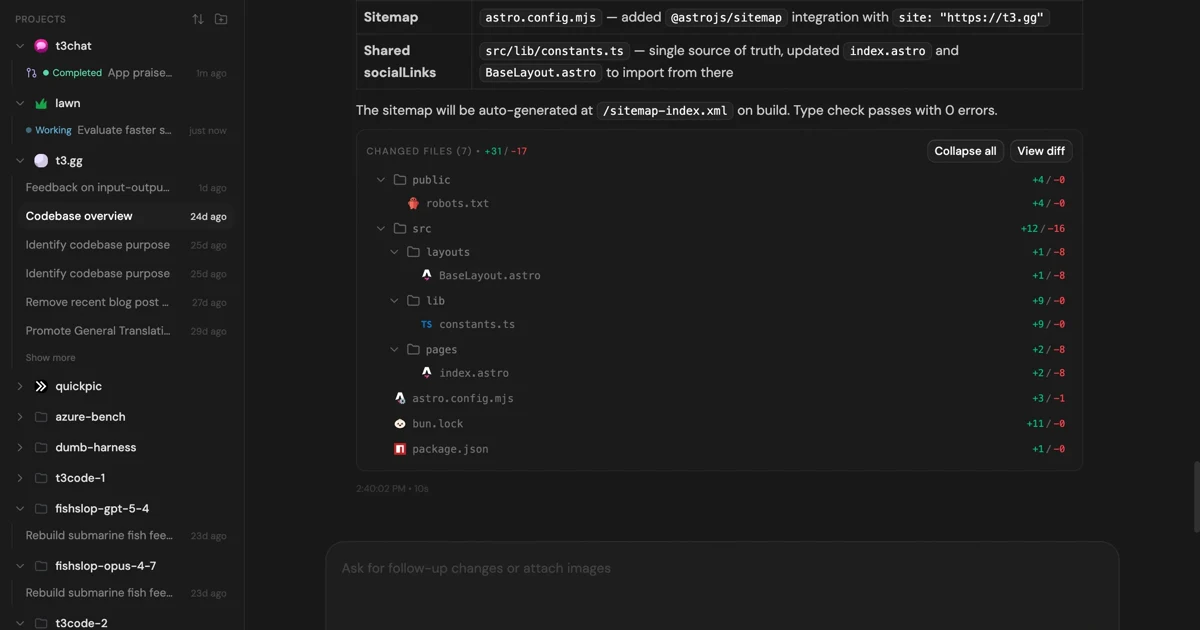
MIT-licensed control plane for running Claude Code, Codex, Cursor, Grok, and OpenCode threads from desktop, web, iOS, and Android clients.
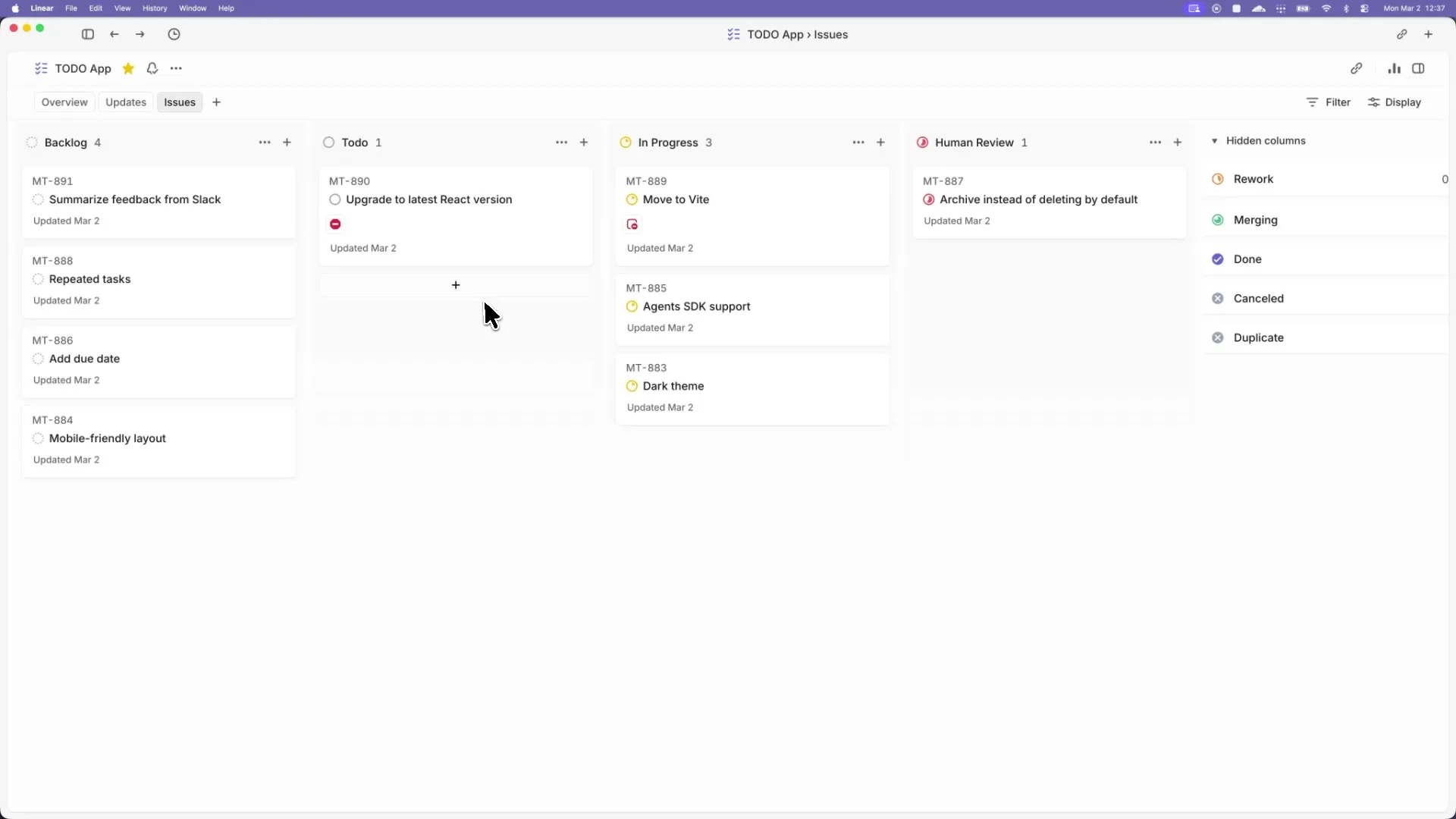
Apache-2.0 Codex orchestration spec and Elixir preview that turns tracker issues into isolated, long-running agent implementation runs.
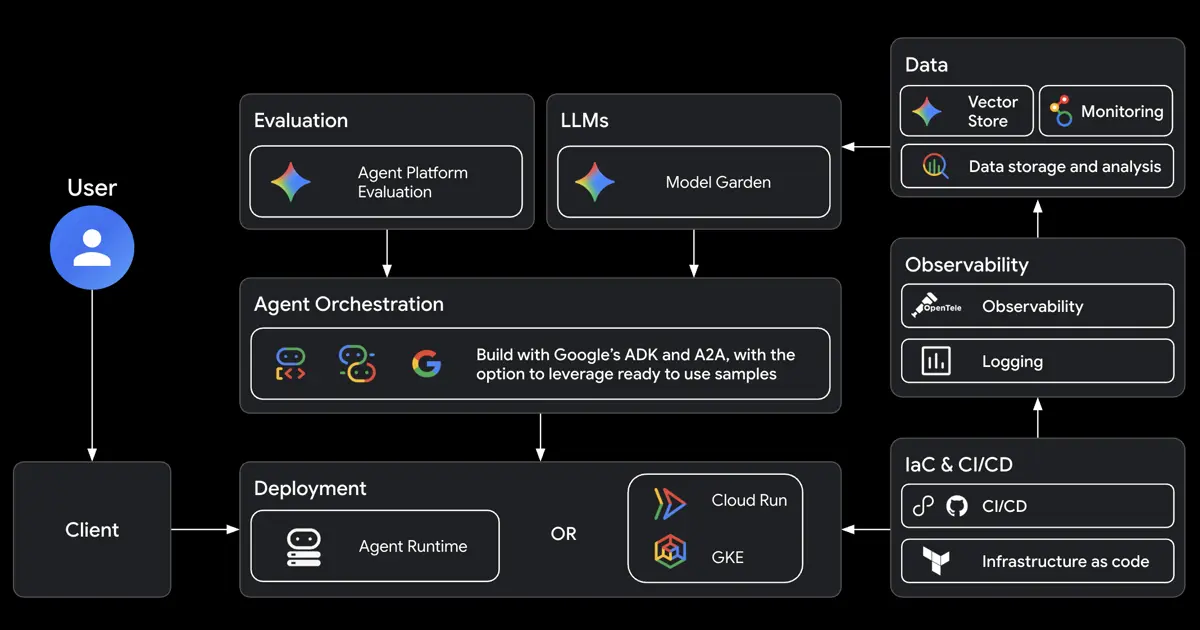
Google open-source CLI and skill bundle that teaches Claude Code, Codex, Antigravity, and other coding agents to build, evaluate, deploy, and publish ADK agents on Google Cloud.
Alternative Tools to Consider

Official open-source MCP server and CLI that lets coding agents control, inspect, and debug a live Chrome browser with real DevTools context.

Open-source DOM-to-source mapping and runtime context tool that gives coding agents live frontend awareness.

Open-source CLI and agent skill for turning browser exploration into deterministic Playwright automations you can inspect and maintain.
Do one more comparison before you commit to Playwright CLI
Strong picks usually survive one more internal check. Read deeper, compare a neighbor, then leave for the vendor page if the fit still holds.