
Letta Code
Open-source memory-first coding agent that turns disposable coding sessions into long-lived agents with persistent memory, skills, search, and multi-channel access.
Do not bounce yet
Read the fit check, compare one alternative, then decide whether the vendor page is still your best next click.
Quick Verdict
Fast fit check before you leave the page
Make the fit call first. Vendor pages are good at selling, but they rarely tell you where the product is a bad match.
- Developers using coding agents for multi-session repository work
- Teams experimenting with long-lived agents or AI employees that need persistent memory and scoped responsibilities
- Builders comparing memory-first agent harnesses against session-based tools like Claude Code, Codex CLI, and Gemini CLI
- This is a heavier mental model than session-based coding agents, because you are managing long-lived agents that learn and accumulate state over time.
- The memory-first architecture is only valuable if you actually want continuity; for one-off quick edits, the extra surface area may feel like overhead.
- You still inherit model and API cost complexity from the providers you connect, so 'free open source' does not mean zero operational cost.
Compare Next
Take one more internal step before the vendor pitch
This is where visitors usually jump out too early. Read one deeper take or open one alternative so the next click is informed instead of impulsive.
Alternative profile
Claude Code Router
MIT-licensed local gateway and desktop control plane for routing Claude Code, Codex, Grok CLI, and compatible agents across model providers.
Alternative profile
Claude Code
Anthropic’s agentic coding platform for terminal, IDE, desktop, web, CI, and code-review workflows.
Alternative profile
Claude Code Chat
Source-available VS Code and Cursor interface for Claude Code with checkpoints, inline diffs, history, permissions, and extension marketplaces.
Letta Code is for developers who think the standard session-based coding-agent model is fundamentally wasteful. Instead of opening a fresh chat and re-teaching context every time, it keeps work attached to persistent agents that can remember, learn, search old conversations, and improve over repeated use.
Letta Code is one of the more defensible entries in the current coding-agent wave because it is attacking a structural weakness in session-based tooling: every new task starts with partial amnesia. Instead of treating coding help as isolated chats, it ties work to persistent agents that can accumulate memories, learn skills, search prior conversations, and keep operating across CLI, desktop, browser, and messaging channels. That makes it materially different from yet another autocomplete shell: the value is long-horizon agent continuity, not just faster one-shot edits.
Why Choose Letta Code?
Choose Letta Code when the failure mode is not model quality but session amnesia across long-running coding work.
Its persistent-agent model is materially different from terminal tools that start every new task like they have never met your codebase before.
Skill learning and memory search give it a stronger long-horizon workflow story than tools that only preserve context through giant transcripts or static markdown files.
The combination of open-source licensing, current releases, official docs, HN discussion, and X traction makes it more credible than most memory-flavored agent launches.
Key Features
Persistent agents that keep memory across sessions instead of resetting context every time you start a new coding thread.
Memory-first workflow with memory blocks, conversation search, and agent-managed recall so prior project decisions can survive beyond one terminal session.
Skill learning that lets agents turn repeated successful workflows into reusable markdown skills rather than re-learning the same patterns from scratch.
Multiple access surfaces: local CLI, desktop app for macOS/Windows/Linux, browser access via chat.letta.com, and messaging channels including Slack, Telegram, and Discord.
Built-in subagents, hooks, permissions, crons, and remote environments, which makes it more like an agent harness than a simple prompt shell.
Model-agnostic setup across Claude, GPT, Gemini, GLM, Kimi, and local/provider backends instead of being trapped inside one model vendor's client.
Pros & Cons
- Letta Code has a clear point of view: long-lived agents with memory are strategically more interesting than disposable chat sessions for real repository work.
- Its product surface is broader than most coding-agent launches, spanning CLI, desktop, browser, messaging channels, remote environments, and multi-agent workflows.
- Open-source licensing plus current docs, releases, blog coverage, HN discussion, and X activity make it far more credible than a thin wrapper with no operating history.
- The combination of persistent memory, explicit search, and skill learning is materially different from tools that rely on a giant rolling transcript and hope for the best.
- This is a heavier mental model than session-based coding agents, because you are managing long-lived agents that learn and accumulate state over time.
- The memory-first architecture is only valuable if you actually want continuity; for one-off quick edits, the extra surface area may feel like overhead.
- You still inherit model and API cost complexity from the providers you connect, so 'free open source' does not mean zero operational cost.
- Some teams will prefer a thinner terminal workflow and may see the browser, desktop, and multi-channel footprint as more platform than they need.
Detailed Use Cases for Letta Code
Use Letta Code when you want the same agent to remember your repository, working style, and prior fixes instead of restarting from a blank session every day.
Its skill-learning model is useful for teams that repeatedly coach agents through migrations, API patterns, dashboards, or internal runbooks and want that effort to compound.
Letta Code is relevant when terminal, desktop, browser, and chat-channel access should all point at the same long-lived agent identity rather than separate disconnected threads.
If you are comparing Claude Code, Codex CLI, Gemini CLI, or memory layers like Claude-Mem, Letta Code is worth examining because it makes persistence the core product model instead of an add-on.
Who Should Use Letta Code?
Developers using coding agents for multi-session repository work
Teams experimenting with long-lived agents or AI employees that need persistent memory and scoped responsibilities
Builders comparing memory-first agent harnesses against session-based tools like Claude Code, Codex CLI, and Gemini CLI
Infra-minded users who want open-source agent memory and workflow control instead of a pure black-box coding assistant
Perfect For
Long-horizon coding work where the same agent should remember repo conventions, prior decisions, and repeated workflows across many sessions.
Teams experimenting with agent employees or role-scoped coding agents that need different responsibilities but shared long-term context.
Developers who want coding agents reachable from terminal, desktop, browser, and chat channels without losing identity between surfaces.
Builders comparing memory-first coding agents against disposable-session tools like Claude Code, Codex CLI, or Gemini CLI.
Technical Details
Direct Competitors
Claude Code
Codex CLI
Gemini CLI
Claude-Mem
Similar Tools You Might Like
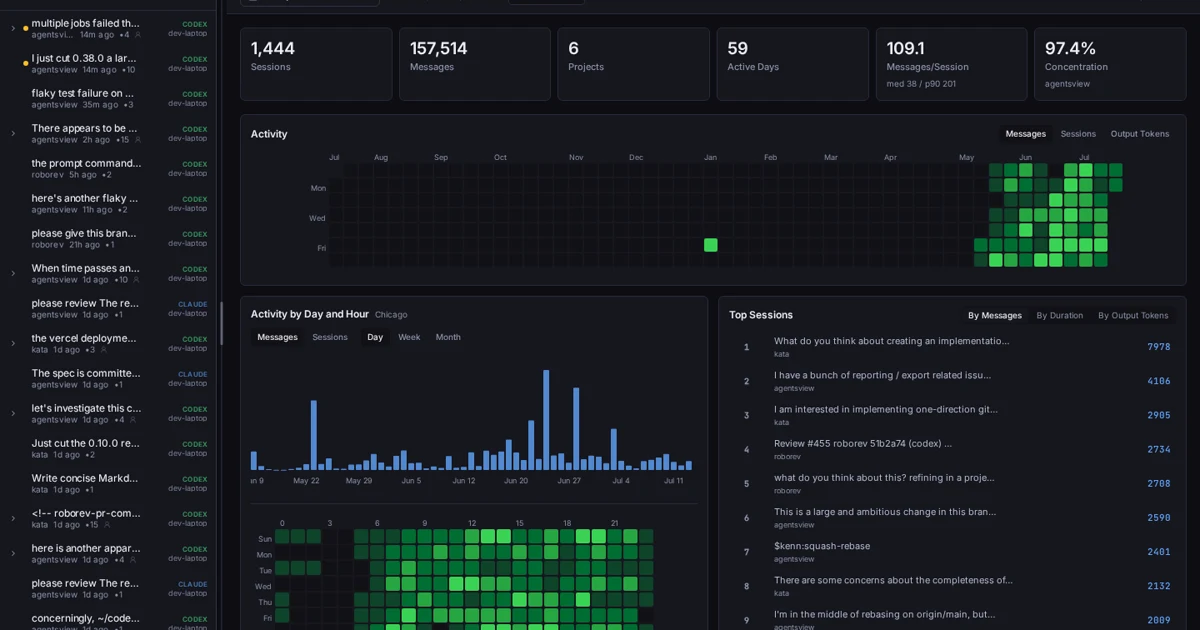
MIT-licensed local-first desktop, web, and CLI workspace for searching coding-agent sessions and analyzing activity, tokens, and costs across tools.
MIT-licensed state kernel and local control plane that keeps Codex, Claude Code, Cursor, OpenCode, and peer agent teams aligned on long-running goals.
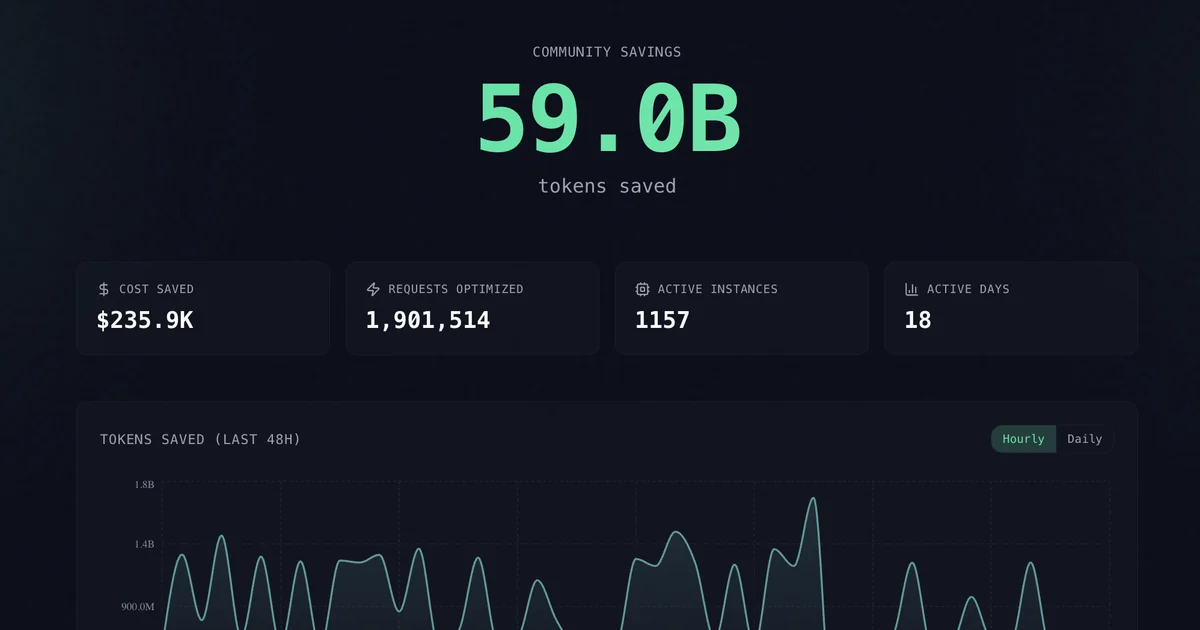
Apache-2.0 context-compression layer that wraps Claude Code, Codex, Cursor, OpenCode, and MCP clients so agents send fewer tool-output and history tokens.
Alternative Tools to Consider

MIT-licensed local gateway and desktop control plane for routing Claude Code, Codex, Grok CLI, and compatible agents across model providers.

Anthropic’s agentic coding platform for terminal, IDE, desktop, web, CI, and code-review workflows.

Source-available VS Code and Cursor interface for Claude Code with checkpoints, inline diffs, history, permissions, and extension marketplaces.

Open-source terminal dashboard for tracking Claude Code token usage, burn rate, and predicted session cutoffs.

Open-source, local-first memory engine for coding agents, with optional CMEM Cloud sync and a private MCP endpoint for cross-device recall.

Google's open-source terminal coding agent with Gemini 3 models, MCP extensibility, and strong headless automation workflows.
Do one more comparison before you commit to Letta Code
Strong picks usually survive one more internal check. Read deeper, compare a neighbor, then leave for the vendor page if the fit still holds.