
Mistral Vibe
Mistral's coding agent across an open-source CLI, VS Code, and remote web sessions, with subagents, skills, MCP, and provider flexibility.
Do not bounce yet
Read the fit check, compare one alternative, then decide whether the vendor page is still your best next click.
Quick Verdict
Fast fit check before you leave the page
Make the fit call first. Vendor pages are good at selling, but they rarely tell you where the product is a bad match.
- Terminal-first developers who want an open-source coding agent with real execution tools
- Teams comparing Mistral-native workflows against Claude Code, OpenCode, Aider, or Gemini CLI
- Builders who want reusable slash-command skills and configurable agent modes
- Despite Windows support, the repo explicitly says UNIX environments are the primary support target, so Windows-first teams should test before betting on it.
- Best experience still leans toward the Mistral ecosystem, which weakens the vendor-neutral story compared with tools like Aider or OpenCode.
- Open-source install does not mean free production usage; serious use usually routes through paid plans, API billing, or BYOK setup.
Compare Next
Take one more internal step before the vendor pitch
This is where visitors usually jump out too early. Read one deeper take or open one alternative so the next click is informed instead of impulsive.
Related article
Mistral Vibe Review 2026: CLI, VS Code, Pricing, and Open-Source Tradeoffs
A practical Mistral Vibe review covering its CLI, VS Code and cloud workflows, open-source license, pricing, setup, strengths, limits, and alternatives.
Alternative profile
Claude Code Router
MIT-licensed local gateway and desktop control plane for routing Claude Code, Codex, Grok CLI, and compatible agents across model providers.
Alternative profile
Aider
Open-source terminal coding agent with git-native edits, repo mapping, and broad model support
Alternative profile
Claude Code
Anthropic’s agentic coding platform for terminal, IDE, desktop, web, CI, and code-review workflows.
Mistral Vibe matters because it is more than a model demo with a shell prompt bolted on. It is Mistral's open-source terminal coding agent for real repository work: exploring code, editing files, running commands, asking clarifying questions, and delegating tasks to subagents. For teams comparing serious CLI agents in 2026, the interesting question is not whether Vibe can generate code at all, but whether its workflow, pricing, platform support, and ecosystem dependence make it a better fit than Claude Code, OpenCode, Aider, or Gemini CLI.
Mistral Vibe now spans more than its original terminal-native coding workflow. Vibe Code runs through an Apache-2.0 CLI, a VS Code extension, and remote web sessions that share an engine and customization layer. The CLI can inspect repositories, edit files, run commands, ask clarifying questions, delegate work to subagents, and load reusable skills, while supporting Mistral-hosted, local, and OpenAI-compatible providers. It is most relevant to developers who want an inspectable local agent with a supported path into editor and cloud workflows.
Why Choose Mistral Vibe?
Vibe is one of the clearer examples of a major model company shipping an actual open-source coding agent instead of keeping everything behind a hosted UI.
Its subagents, skills, and repo-aware tooling make it more operationally relevant than products that stop at prompt-in, snippet-out behavior.
If you already care about the Mistral ecosystem, Vibe is the most direct path to evaluate Mistral-native agentic coding in the terminal.
The combination of public releases, official product backing, HN traction, and live X discussion is enough to treat it as a real category participant.
Key Features
Terminal-native coding agent that can inspect repos, edit files, run shell commands, and manage multi-step tasks instead of stopping at autocomplete or chat suggestions.
Built-in subagents and task delegation so work can be split across parallel specialist flows rather than forcing one overloaded agent loop.
Slash-command skills, custom agent configurations, and configurable modes that make it possible to standardize recurring engineering workflows.
Project-aware context that scans file structure and git state so the agent stays closer to real repository conditions.
Supports conversational coding plus clarifying questions, which is materially safer than blindly pretending every prompt is already precise enough to execute.
Open-source Apache-2.0 CLI with active releases and product backing from Mistral rather than an abandoned side project.
Pros & Cons
- A real open-source CLI agent from a major model vendor is more defensible than the usual wave of thin wrappers.
- Subagents, skills, and tool execution make it useful for actual software tasks, not just one-shot code generation.
- The product has both individual CLI usage and enterprise-facing paths, so it can fit more than solo-hacker evaluation.
- Mistral is clearly still shipping on this product instead of leaving it frozen after launch.
- Despite Windows support, the repo explicitly says UNIX environments are the primary support target, so Windows-first teams should test before betting on it.
- Best experience still leans toward the Mistral ecosystem, which weakens the vendor-neutral story compared with tools like Aider or OpenCode.
- Open-source install does not mean free production usage; serious use usually routes through paid plans, API billing, or BYOK setup.
- Fast-moving agent features and release cadence can create churn in workflows, docs, and expectations during adoption.
Detailed Use Cases for Mistral Vibe
Use Mistral Vibe when you want a coding agent that can stay close to your local repository, shell commands, and git-aware workflow instead of forcing everything into a browser product.
Its built-in task delegation is relevant when one implementation request naturally splits into research, editing, verification, or parallel specialist work.
Teams that keep reinventing prompt rituals can use slash-command skills and custom agent modes to turn repeated engineering workflows into something more stable.
Vibe is worth testing if you want a Mistral-native answer to the terminal coding-agent category without defaulting to Anthropic-, OpenAI-, or Google-led tooling.
Who Should Use Mistral Vibe?
Terminal-first developers who want an open-source coding agent with real execution tools
Teams comparing Mistral-native workflows against Claude Code, OpenCode, Aider, or Gemini CLI
Builders who want reusable slash-command skills and configurable agent modes
Organizations evaluating whether a major-vendor open-source CLI can balance transparency with product support
Perfect For
Terminal-first coding assistance for repo exploration, implementation, debugging, and command-driven task execution.
Delegating specialist work to subagents when a task is too broad for one linear agent loop.
Teams evaluating an open-source Mistral-backed alternative to Claude Code, Gemini CLI, or OpenCode.
Organizations that want reusable slash-command skills and configurable agent modes instead of prompt folklore.
Technical Details
Direct Competitors
Claude Code
OpenCode
Aider
Gemini CLI
Similar Tools You Might Like

MIT-licensed local memory server and CLI for carrying coding context, summaries, and handoffs across Claude Code, Codex, Cursor, OpenCode, and other agent clients.
MIT-licensed codebase knowledge graph and MCP server for structural search, natural-language exploration, data-flow tracing, and agent-assisted edits across mixed-language repositories.
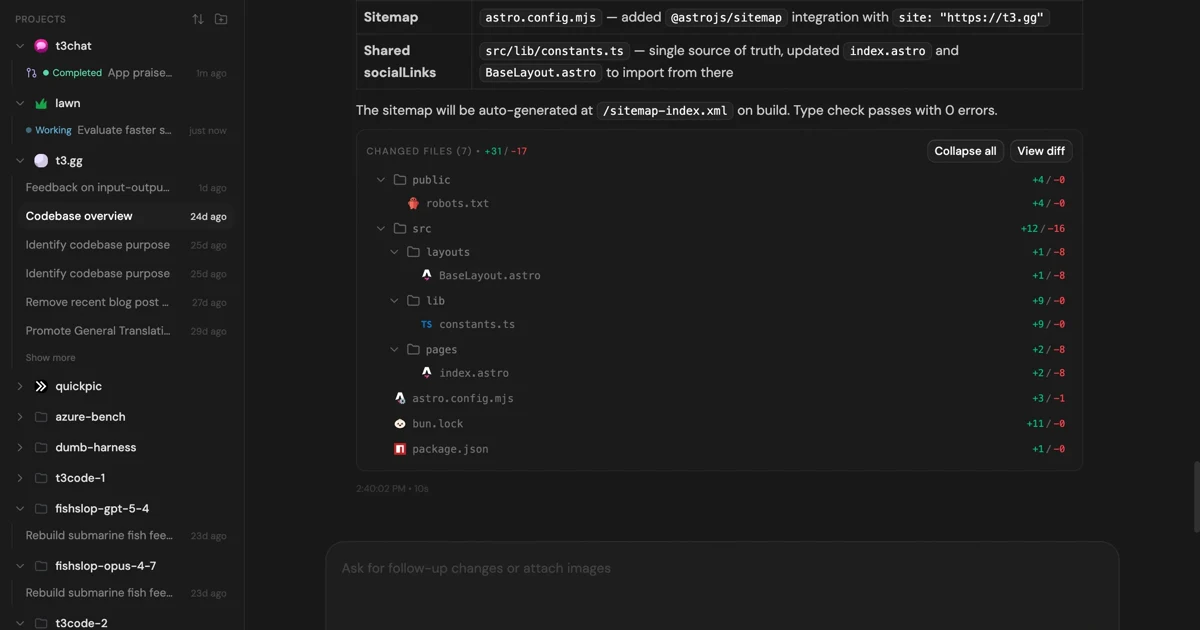
MIT-licensed control plane for running Claude Code, Codex, Cursor, Grok, and OpenCode threads from desktop, web, iOS, and Android clients.
Alternative Tools to Consider
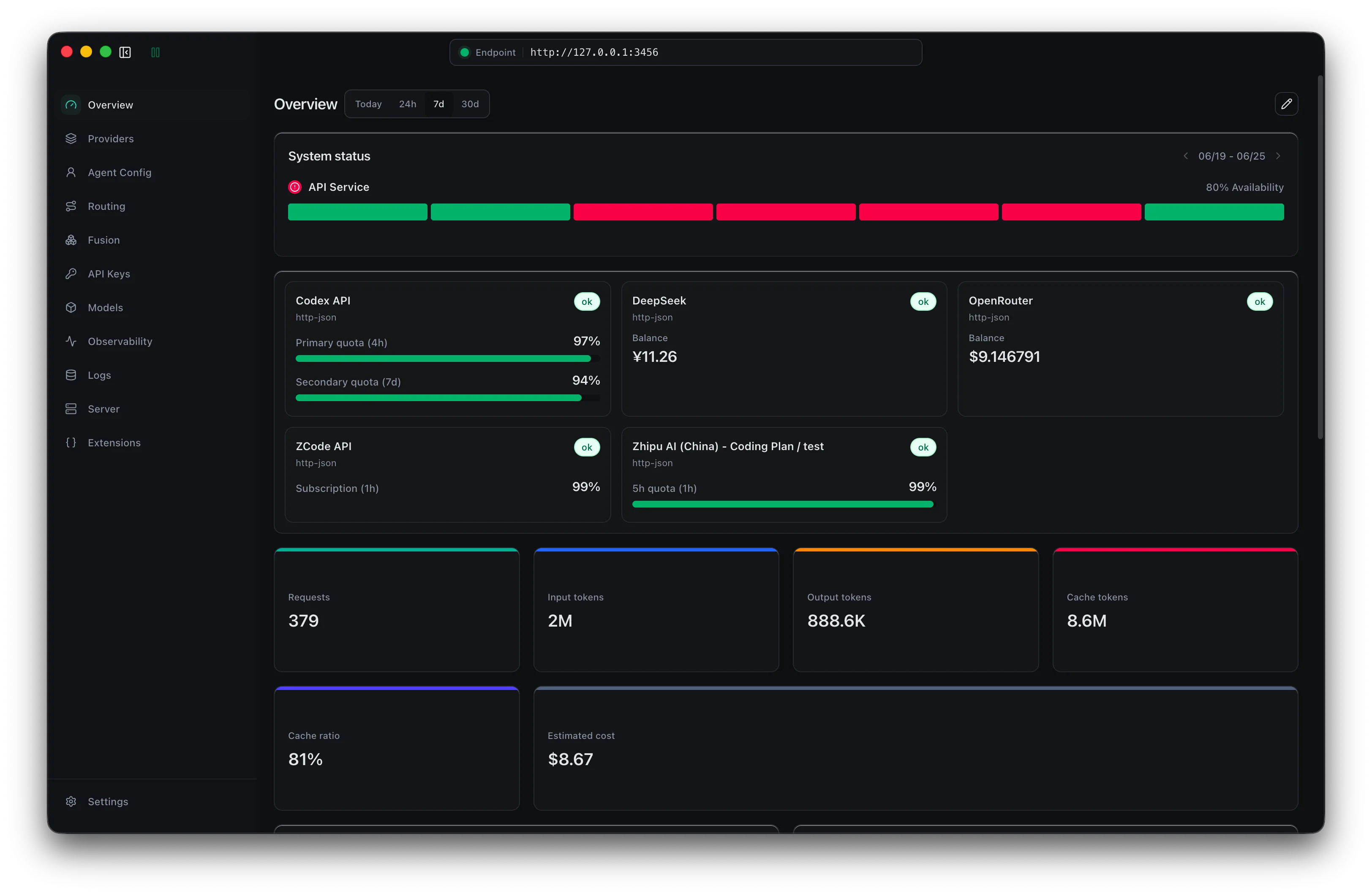
MIT-licensed local gateway and desktop control plane for routing Claude Code, Codex, Grok CLI, and compatible agents across model providers.

Open-source terminal coding agent with git-native edits, repo mapping, and broad model support
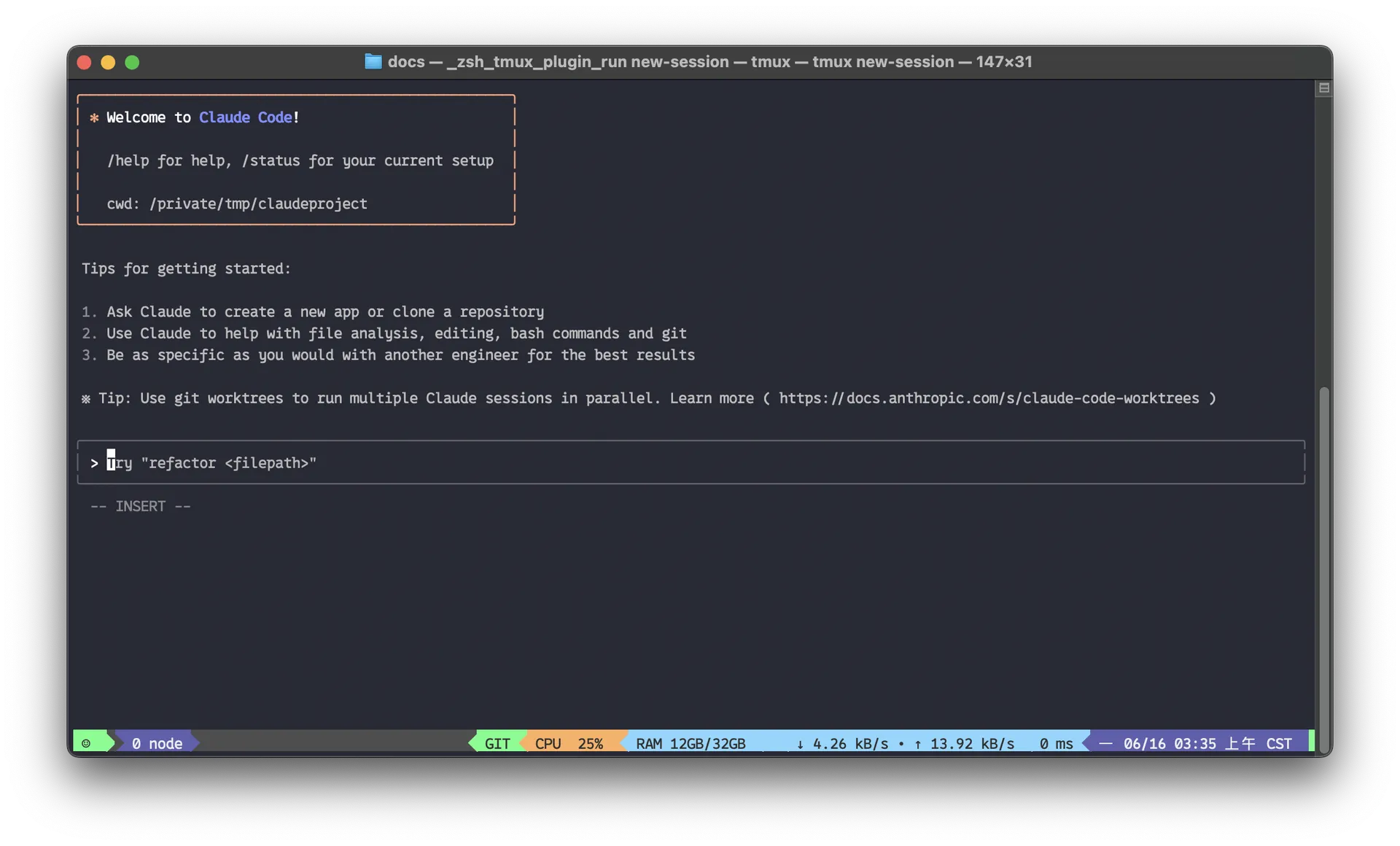
Anthropic’s agentic coding platform for terminal, IDE, desktop, web, CI, and code-review workflows.

Source-available VS Code and Cursor interface for Claude Code with checkpoints, inline diffs, history, permissions, and extension marketplaces.

Open-source terminal dashboard for tracking Claude Code token usage, burn rate, and predicted session cutoffs.

Google's open-source terminal coding agent with Gemini 3 models, MCP extensibility, and strong headless automation workflows.
Do one more comparison before you commit to Mistral Vibe
Strong picks usually survive one more internal check. Read deeper, compare a neighbor, then leave for the vendor page if the fit still holds.